ineo 223/283/363/423 3-9
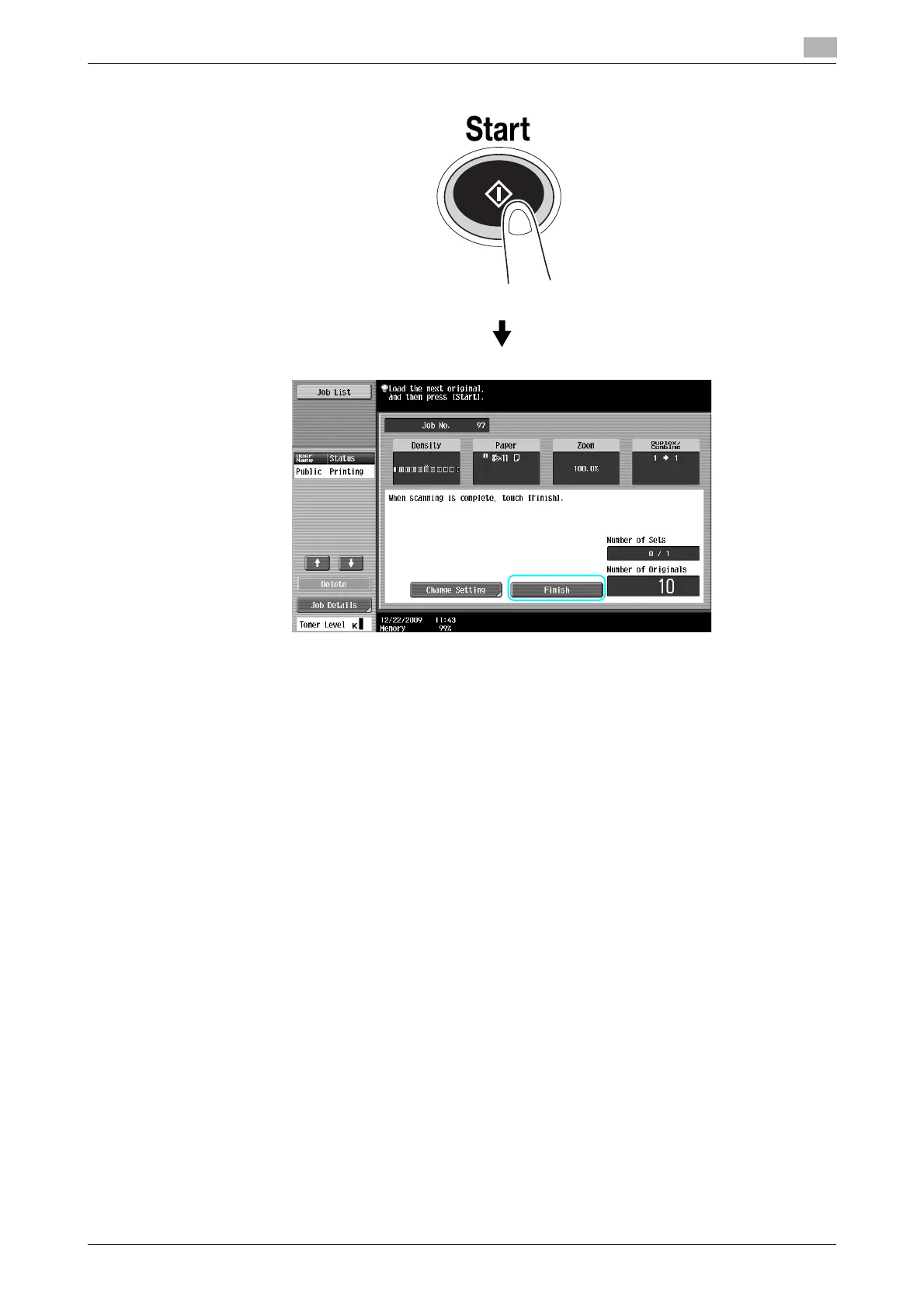
3.3 Copying a large number of document pages at one time
3
Reference
- To copy documents that cannot be loaded into the ADF, position them on the original glass. Documents
can also be scanned in separate batches from the original glass.
- To change the settings, press [Change Setting].
d Reference
For details, refer to chapter 5 of the [User’s Guide Copy Operations].



 To Next Page