ineo 223/283/363/423 2-7
2.2 Basic print operation
2
Before printing
In order to print, a printer driver must first be installed on the computer to be used.
d Reference
In order to print, the network settings must first be specified. Network settings should be specified by the
administrator. Network settings can also be specified by using Web Connection. For details, refer to chapter
5, "Printing", of the [User's Guide Network Administrator].
Printing
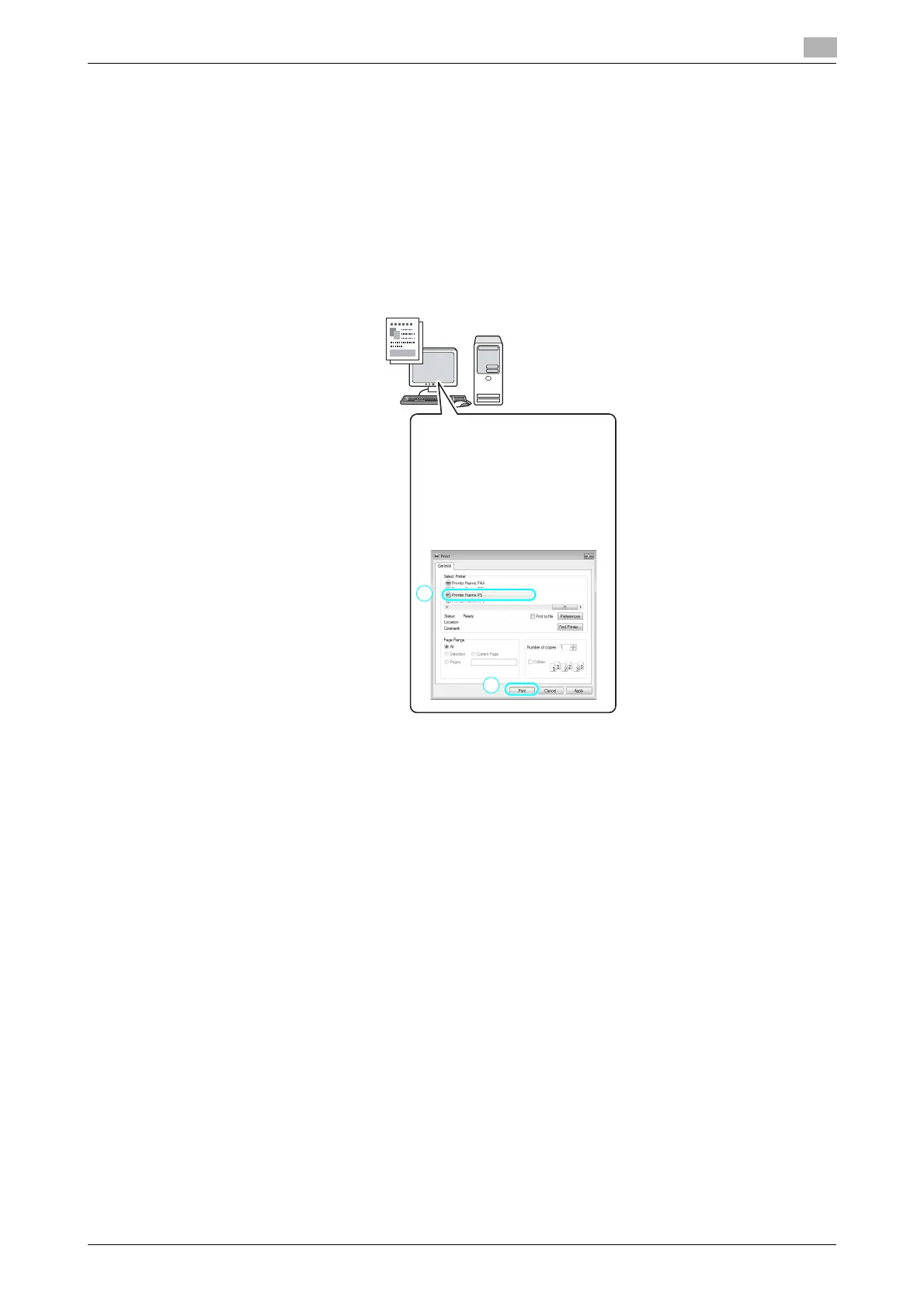
1 Create a document in the application, and then select the print command.
In the Print dialog box, select the
printer.
1
2



 To Next Page