ineo 223/283/363/423 1-37
1.15 Guidance function
1
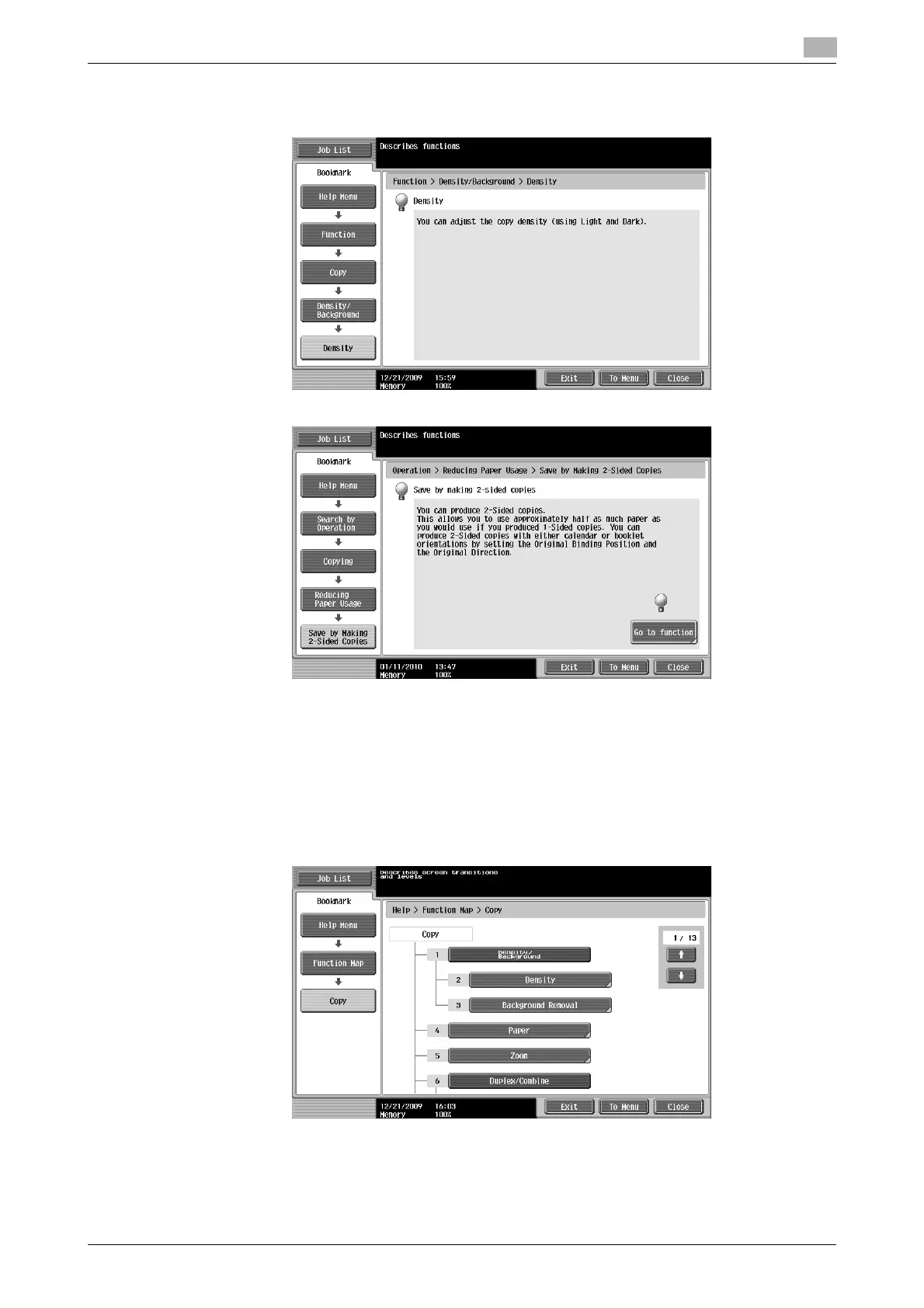
Example of the Guidance screen
Example: [Function] ö [Copy] ö [Density/Background] ö [Density]
Example: [Search by Operation] ö [Copying] ö [Reducing paper usage] ö [Save by making 2-sided copies]
Reference
- If you are viewing the Guidance screen of a different function from the one that is currently selected,
[Go to function] cannot be selected.
For example, if you are in the Fax/Scan mode, [Go to function] on the Guidance screen for the Copy
mode, which is a different function from the Fax/Scan mode, cannot be selected.
- If [Search by Operation] ö [Copying] ö [Copying Special Documents] is selected, instructions and
animation are displayed to enable the user to view the procedure for placing an original. However, [Start
Guidance] is not displayed in the animation for placing an original.
Example: [Function Map] ö [Copy]



 To Next Page