ineo 223/283/363/423 3-37
3.13 Checking the number of prints
3
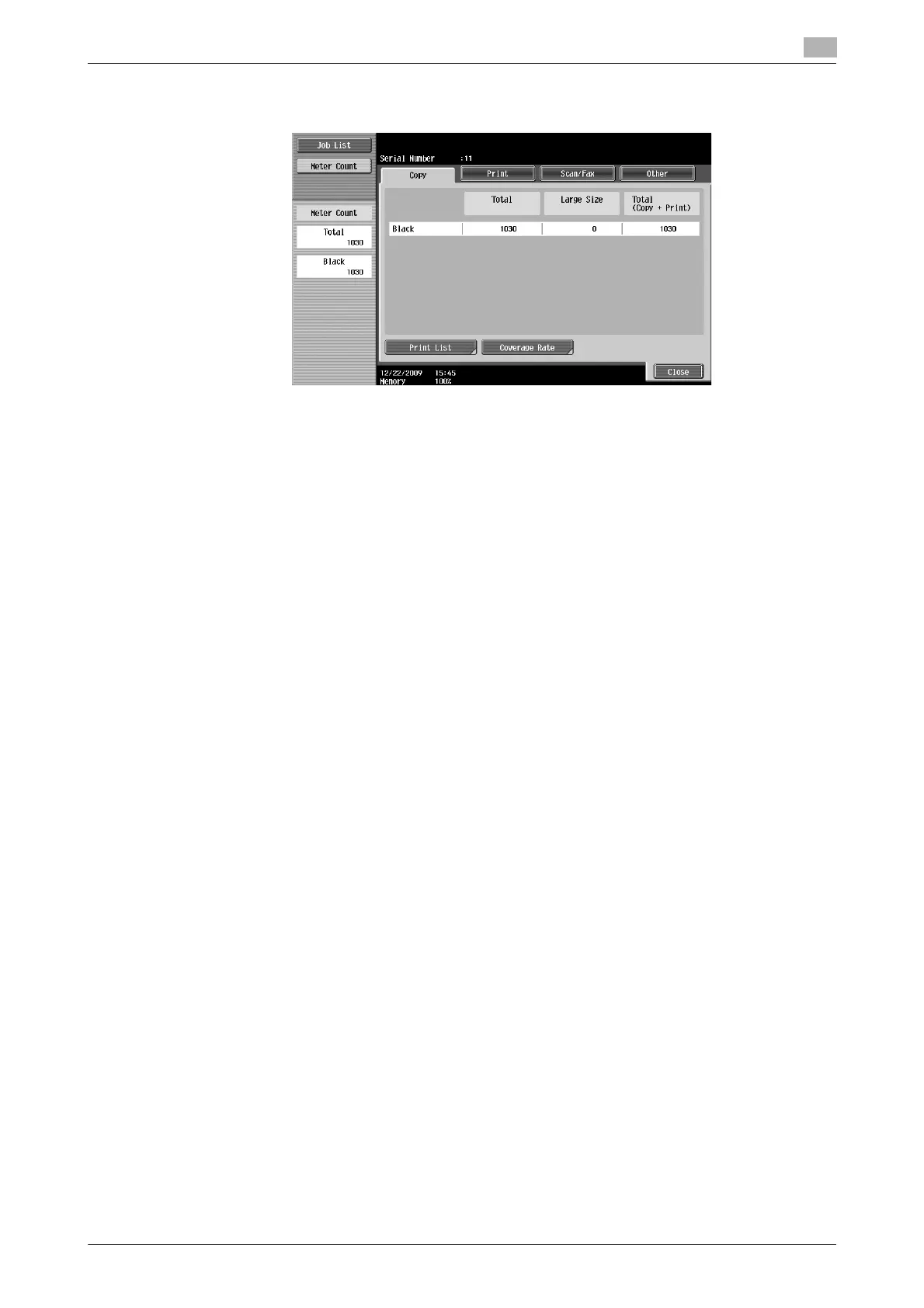
Total: Displays the total number of pages copied.
Large Size: Displays the total number of pages copied on large-sized paper.
Total (Copy + Print): Displays the total number of pages copied and printed.
Reference
- To print the list, press [Print List].
- To view the amount of toner that was used, press [Coverage Rate].
d Reference
For details, refer to chapter 8 of the [User’s Guide Copy Operations].
The following information can be viewed on the Copy tab.



 To Next Page