CAUTION–The height of the IntelliPAP must be lower than the mask when using a humidier to prevent water from getting
into mask.
1. If your system includes a humidier, please follow steps in Figures 1-7.
a. Remove the air supply tubing from the back of the device.
b. Locate the air supply port at the bottom of the device. Remove the port plug and insert it into the air supply
port in the back of the device.
c. Locate the heater power connector on the bottom of the device. Remove the connector cover and insert it into
the storage opening in the bottom of the humidier cradle.
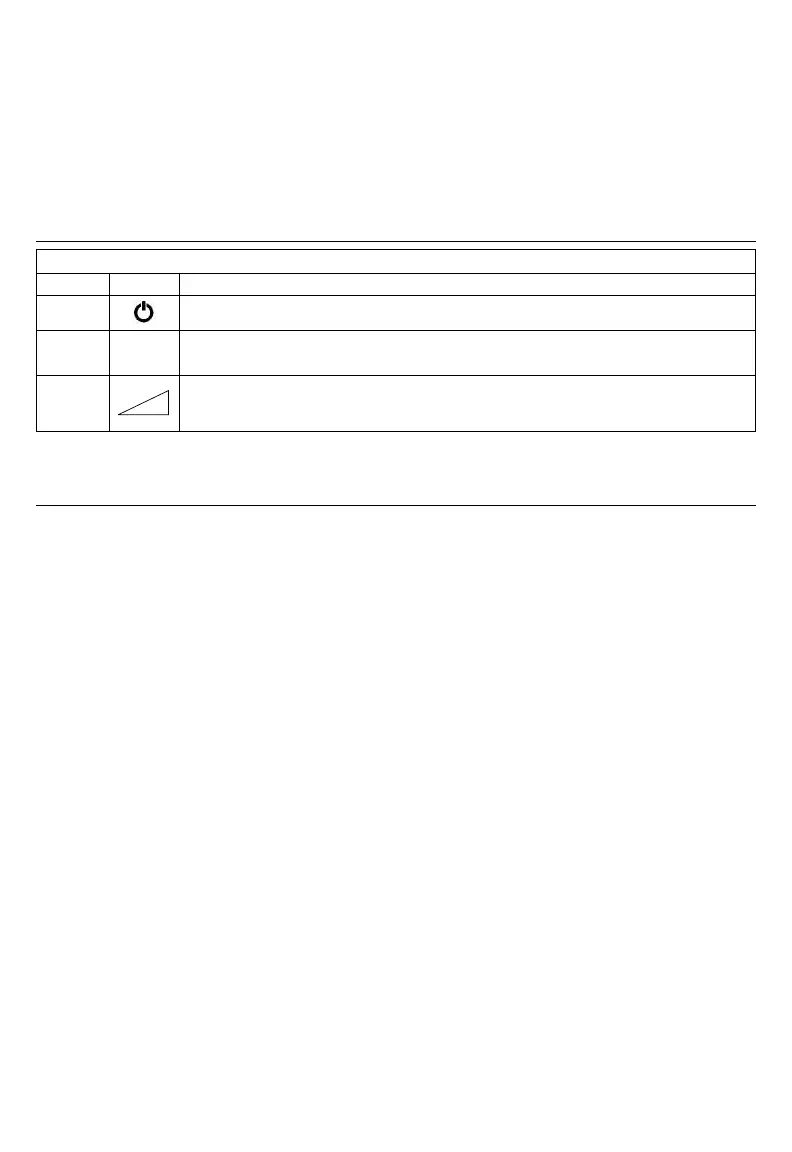
Name Symbol Function
ON/OFF
The ON/OFF button starts and stops the ow of air from the device.
HEATER
If your IntelliPAP has a heater/ humidier attached, these buttons adjust the heater setting.
Increase the setting for more humidity and decrease the setting for less humidity.
DELAY
The Delay button activates the comfort delay feature and only functions if this feature has been
enabled. To understand how to set the parameters of this feature, please refer to the Using the
Comfort Delay Feature found on page EN - 6.
NOTE– The left and right arrow keys on the control panel provide access to menus for specic settings. Ask your
homecare provider for more information.
1. Fully insert the power cord into the back of the device. Plug the other end of the power cord into the AC wall outlet.
2. Attach air supply tubing to air supply port in the back of the device.
3. Prepare the mask (supplied by your equipment provider) by referring to the mask’s instruction guide.
4. Connect the air supply tubing to the mask.
NOTE–The air supply tubing supplied with the device is specially designed to prevent kinking and allow you to receive
optimal airow. Use only the 22 mm diameter, smooth-bore, kink-resistant tubing supplied with this device or an air supply
tubing recommended by your equipment provider.
Put on your mask and press the ON/OFF button on the keypad OR put on your CPAP mask and take a few breaths to turn
on airow automatically. The pressure in your mask will rise to the set pressure in about 10 seconds.
NOTE–If the device does not automatically start after taking 2-3 breaths, this feature may have been disabled. If Auto ON/
OFF is disabled, you must manually press the ON/OFF button to start and stop the device.
The keypad display shows the actual mask pressure while the device is in use. Because this is the actual pressure, the
device pressure reading may vary slightly as you breathe.
If your DeVilbiss IntelliPAP system includes a humidier, its heater controls and status are displayed.
NOTE– If the display on your device is not similar to those listed above, refer to the section titled “Patient Messages” on
page EN-8.
Your IntelliPAP has a comfort delay feature to help make it easier for you to fall asleep. The airow will start at a low
pressure and then gradually ramp-up to the prescribed setting over the last few minutes of the specied delay time.
NOTE–When the delay comfort feature is activated, a message will ash on the display periodically, indicating the amount
of time remaining in the delay.
You can adjust the amount of time spent in comfort delay by using the advanced device controls. The Delay Time can be
adjusted from 0 to 45 minutes in 5-minute increments.
NOTE–If you are unable to change the delay time, your provider has locked this setting.
Press the delay button to activate the comfort delay feature. The airow pressure will drop to the prescribed comfort delay
pressure.



 To Next Page