22 Initial use
devolo dLAN 500 WiFi
4.1 Package contents
Please ensure that the delivery is complete before be-
ginning with the installation of your dLAN 500 WiFi.
쎲 Single Kit:
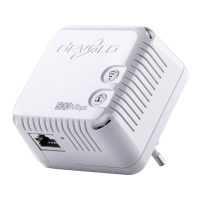
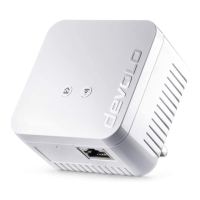
쑗 dLAN 500 WiFi
쑗 Hard copy of installation guide
쑗 CD containing software and online documen-
tation
or
쎲 Starter Kit:
쑗 dLAN 500 WiFi
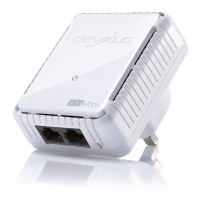
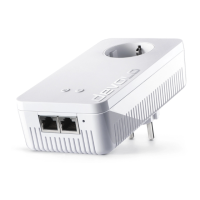
쑗 dLAN 500 duo
쑗 Network cable
쑗 Hard copy of installation guide
쑗 CD containing software and online documen-
tation
or
쎲 Network Kit:
쑗 Two dLAN 500 WiFi
쑗 dLAN 500 duo
쑗 Network cable
쑗 Hard copy of installation guide
쑗 CD containing software and online documen-
tation
devolo AG reserves the right to change the package
contents without prior notice.
4.2 System requirements
쎲 Operating systems: Windows XP (32-bit), Win-
dows Vista Home Premium (32-bit/64-bit), Win-
dows 7 Home Premium (32-bit/64-bit),
Windows 8, Linux (Ubuntu), Mac OS X, Mac iOS
and Android
쎲 Network connection
Please note that your computer or other de-
vice must feature a network adapter with a
network port.
To set up a dLAN (AV) network, you
need at least two dLAN (AV) devices
(200 Mbps or 500 Mbps).



 To Next Page