72 Network configuration
devolo dLAN 500 WiFi
6.6.1 Resetting the configuration
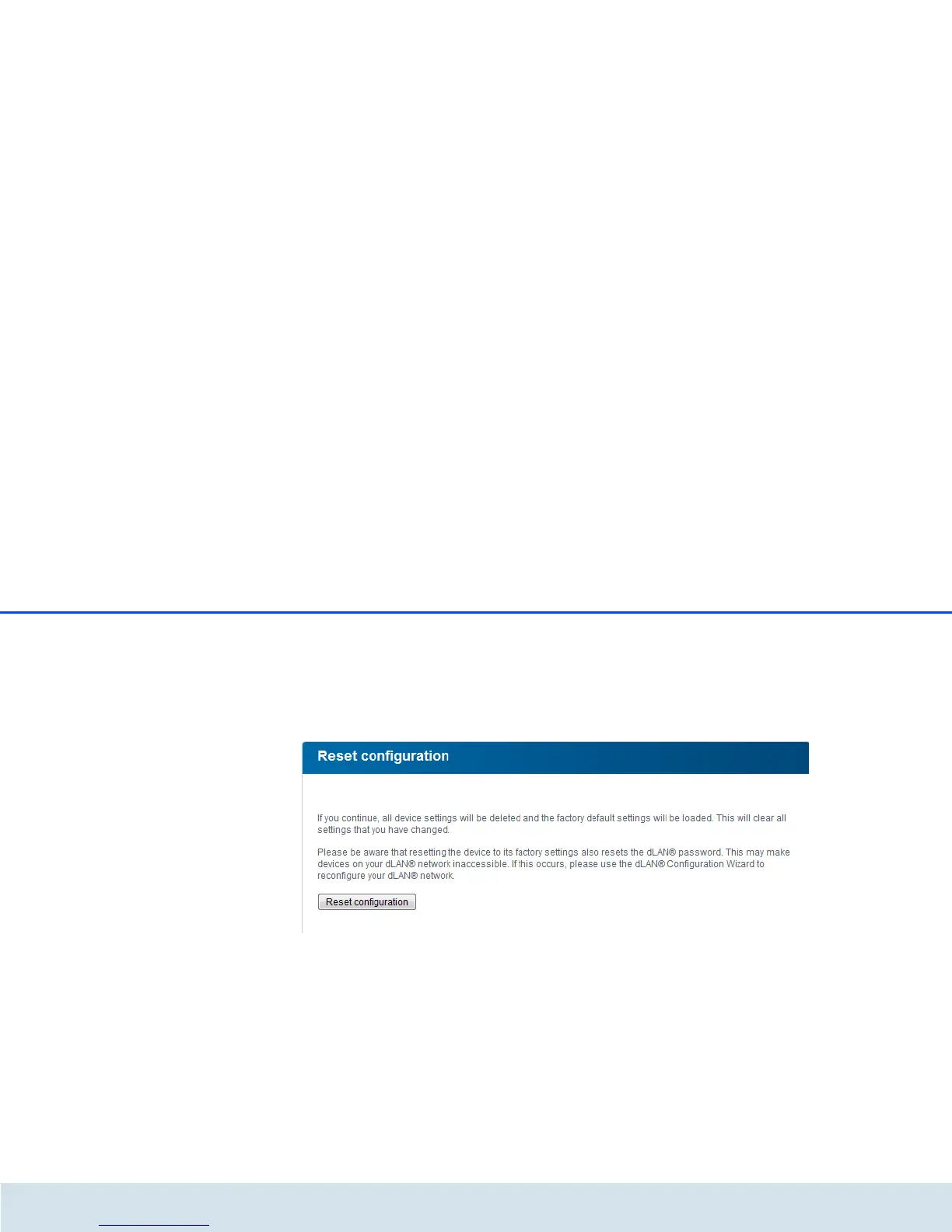
With the Management Reset configuration com-
mand, the dLAN 500 WiFi is reset to the original facto-
ry defaults. In doing so, you lose your personal
settings.
The last-assigned dLAN password for the
dLAN 500 WiFi is also reset. To re-secure your dLAN
network individually, read further at 6.4.3 dLAN set-
tings.
For backup purposes, all active configuration settings
can be transmitted to your computer, stored there as a
file and reloaded into the dLAN 500 WiFi. In this way,
you can for example generate configurations for differ-
ent network environments, with which you can set up
the device quickly and easily.















 To Next Page