dLAN network 35
devolo dLAN 500 WiFi
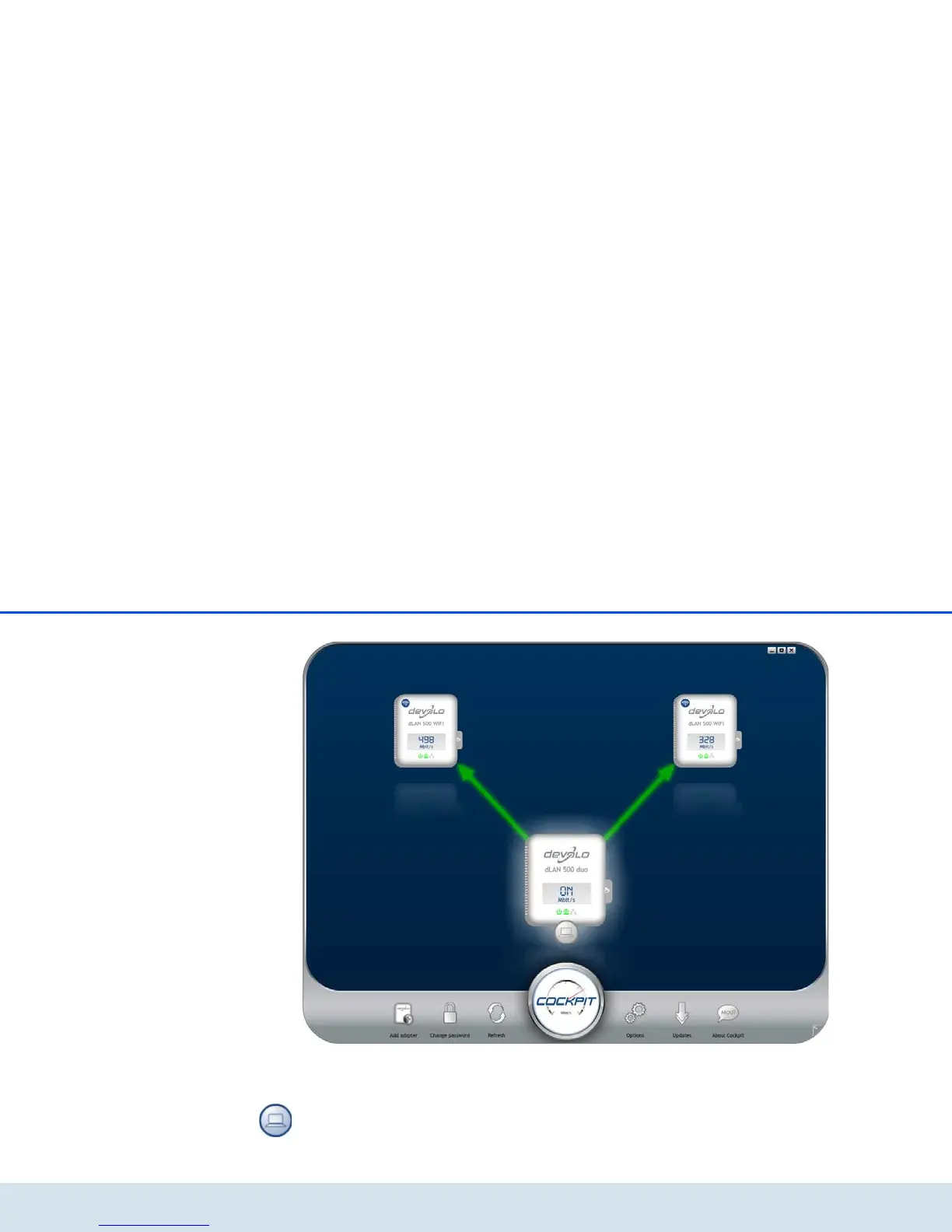
After starting the dLAN Cockpit, all reachable dLAN
devices in your home network will appear. This may
take a moment.
All adapters found in the network appear with as
adapter icon with a corresponding product name. The
adapter in the middle of the dLAN network identified
with the symbol shown here symbolises your locally
connected device. If you have multiple dLAN devices
connected locally, you can jump back and forth be-
tween them. Clicking an adapter icon with the mouse
enables the corresponding dLAN device and highlights
it.















 To Next Page