44 Network configuration
devolo dLAN 500 WiFi
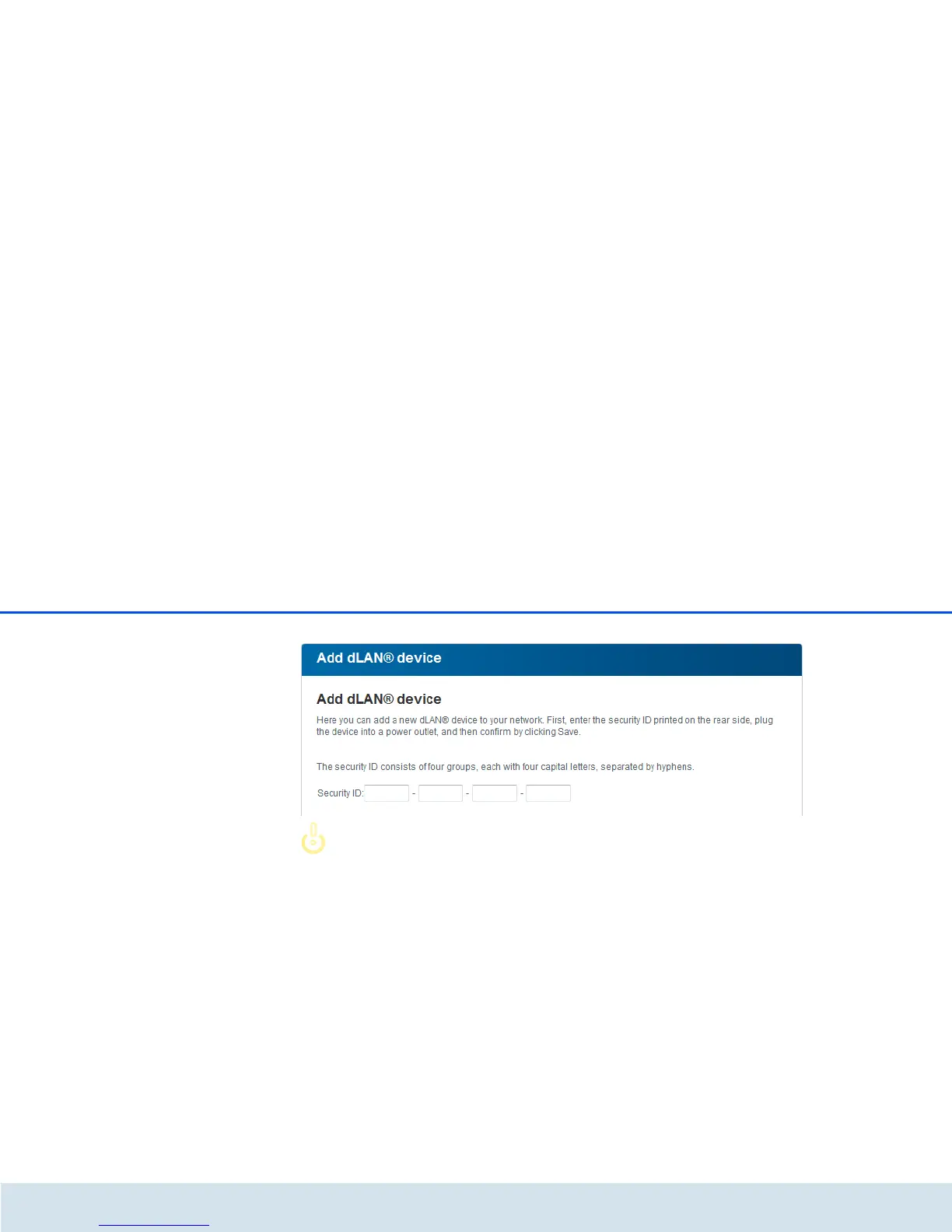
Before the networking procedure, note
the security IDs of all dLAN adapters.
This unique identifier of each dLAN de-
vice is located on the label on the hous-
ing. It consists of 4 x 4 letters separated
by dashes (e.g. ANJR-KMOR-KSHT-
QRUV). Ensure that all dLAN adapters
are connected to the power grid and
computers or other network compo-
nents as appropriate.















 To Next Page