Initial use 21
devolo dLAN pro 500 Wireless+
Ethernet
쎲 Off: The LED does not light up.
Check all of the cable connections and check
if the connected network components are
disabled.
쎲 Green: The LED lights up when a connection to
the Ethernet network exists; flashes when data is
being transmitted.
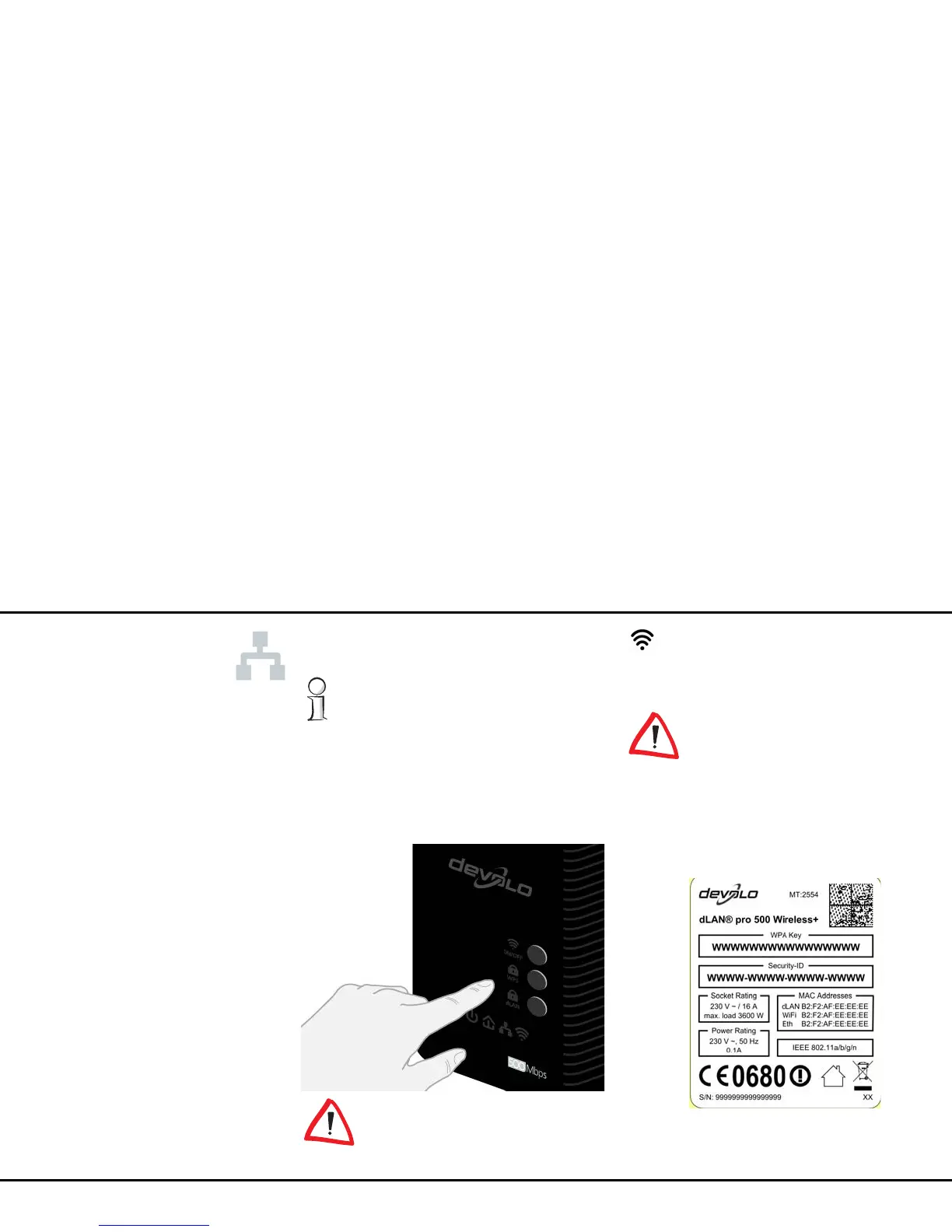
3.3.2 Buttons
All buttons can be enabled or disa-
bled on the configuration interface.
ON/OFF
Use the ON/OFF button to switch the Wi-Fi function on
or off.
Make sure that the Wi-Fi function in
the factory defaults is enabled and
the Wi-Fi encryption is set to WPA/
WPA2 Private Mode. The default
Wi-Fi key is the security ID of the
dLAN pro 500 Wireless+. You will
find the 16-character security ID on
the label on the back of the hous-
ing.



 To Next Page