Network configuration 29
devolo dLAN pro 500 Wireless+
If WLAN client mode is enabled, the
display of the Wi-Fi access points is
removed from the status overview.
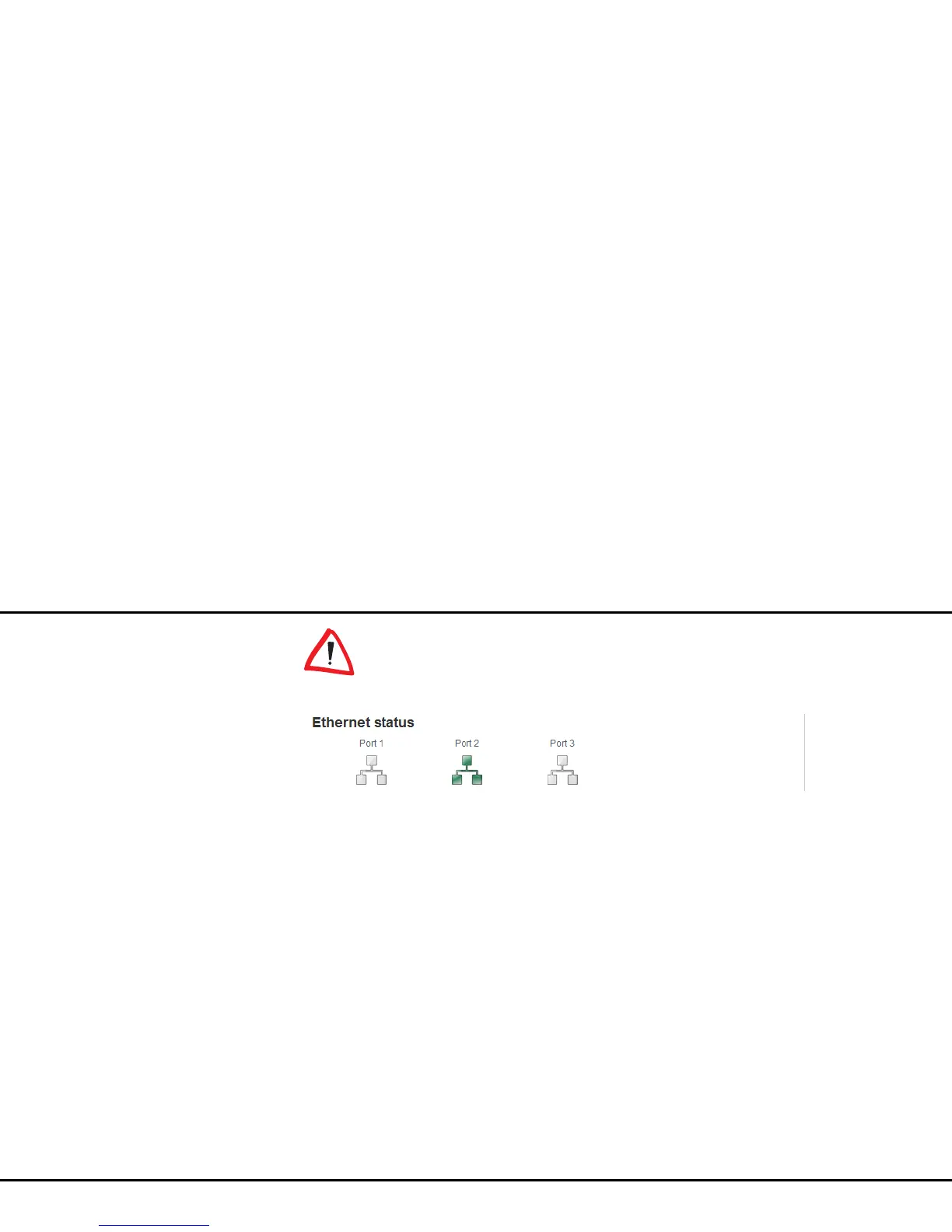
4.3.3 Ethernet status
The status and connection speed for the three network
jacks are shown in this area.



 To Next Page