Network configuration 31
devolo dLAN pro 500 Wireless+
4.4.1 Device security
In this area you can control the access to the configu-
ration interface as well as enable and disable the func-
tions of the interfaces and buttons on the
dLAN pro 500 Wireless+.
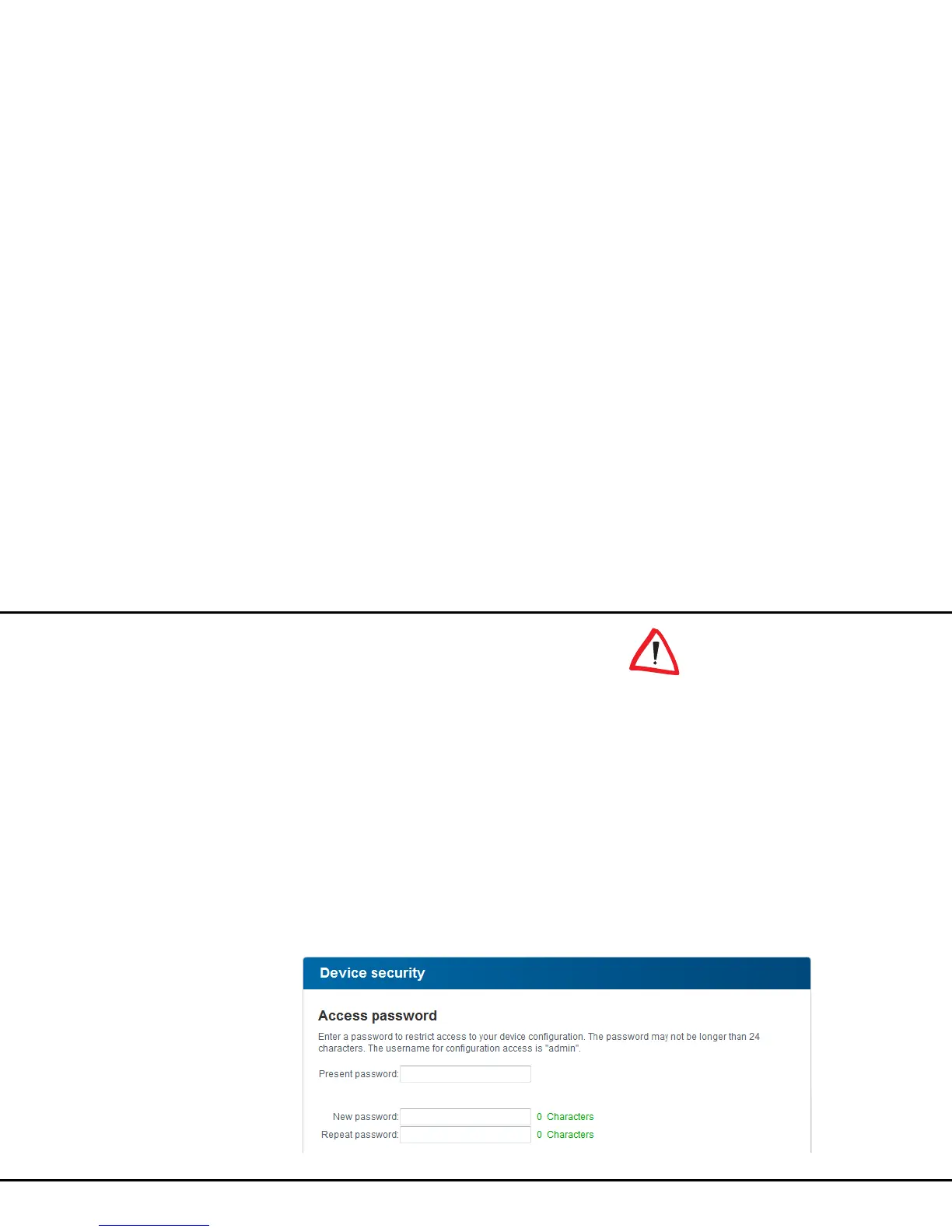
Password
You can set a login password for access to the config-
uration interface.
By default, the built-in configura-
tion interface of the
dLAN pro 500 Wireless+ is not pro-
tected with a password. However,
we recommend assigning a pass-
word when the installation of the
dLAN pro 500 Wireless+ is com-
plete to protect it against tamper-
ing by third parties.
햲 To do so, first enter (if present) the current pass-
word and then enter the desired new password
twice. Now the configuration interface is pro-
tected against unauthorised access with your indi-
vidual password!



 To Next Page