38 Network configuration
devolo dLAN pro 500 Wireless+
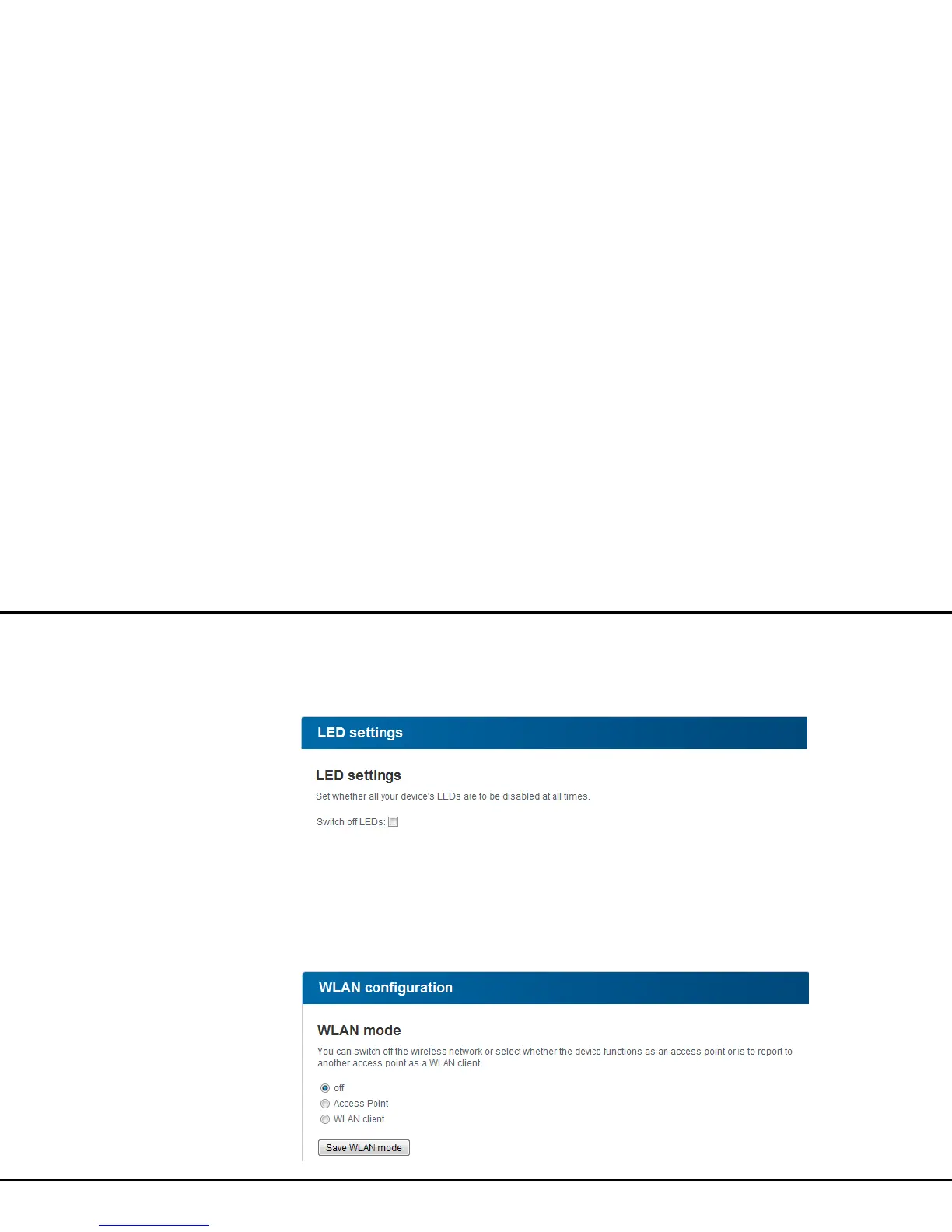
4.4.5 LED settings
Activate the Switch off LEDs option if they are in-
tended to be switched off.
4.5 WLAN configuration
You can make all necessary Wi-Fi settings in the Wi-Fi
configuration area. The device features three differ-
ent modes: Off, Access point and WLAN client. De-
pending on the selection, the corresponding Wi-Fi
functions and options are displayed.



 To Next Page