Initial use 23
devolo dLAN pro 500 Wireless+
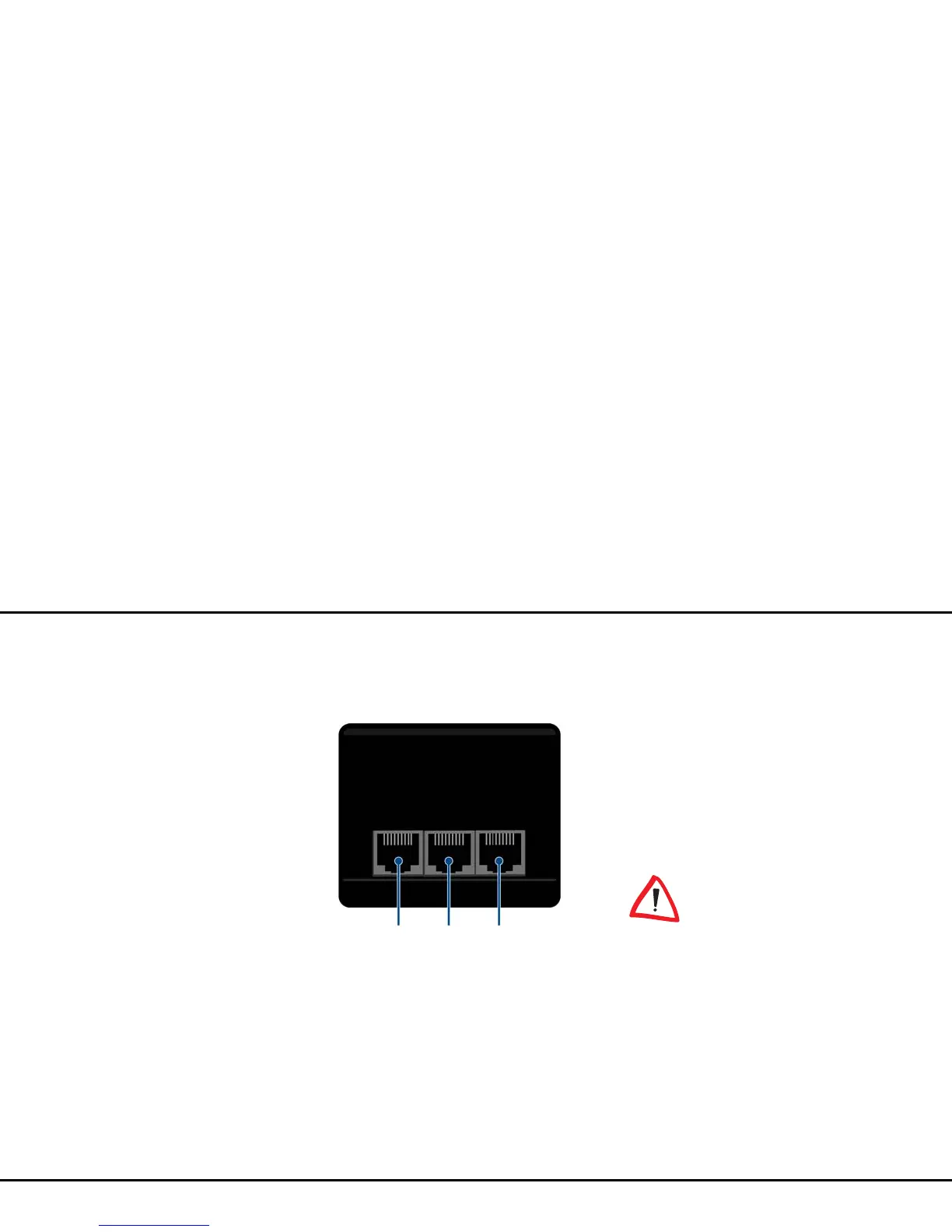
3.3.3 Network jacks
The three LAN ports can be used to connect computers
or other network devices to the
dLAN pro 500 Wireless+ via commercially available
network cables.
3.3.4 Wi-Fi antennas
The internal Wi-Fi antennas are for connecting to other
network devices wirelessly.
3.4 Connecting the
dLAN pro 500 Wireless+
This section describes how to connect your
dLAN pro 500 Wireless+ to a computer or other net-
work device.
햲 Use a network cable to connect the
dLAN pro 500 Wireless+ to the network port of
your running computer or other network device.
햳 Plug the dLAN pro 500 Wireless+ into a wall
socket.
The power outlet should be in
range of the connected network de-
vice.
The dLAN pro 500 Wireless+ and
the network device should be easily
accessible.
To switch off the
dLAN pro 500 Wireless+ or discon-
nect it from the mains supply, pull
the mains plug out of the power
outlet.
햴 A dLAN pro network is set up as soon as at least
one other dLAN pro device has been connected
and plugged into the mains supply. You can use



 To Next Page