Network configuration 41
devolo dLAN pro 500 Wireless+
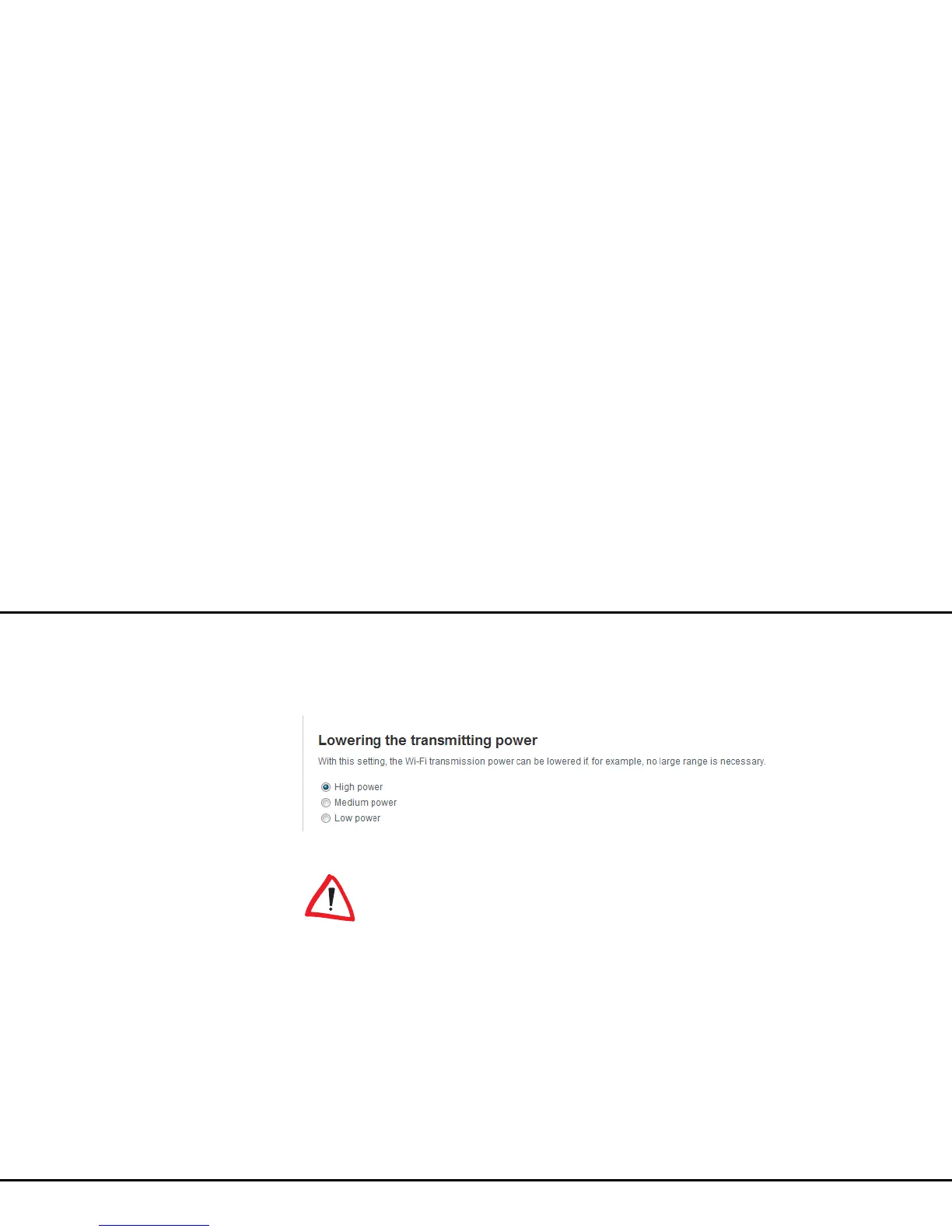
Lowering the transmitting power
In this section, you can adjust the Wi-Fi transmission
level to your needs. I.e. if you do not require a large
range. For example, if you are in the same room as the
dLAN pro 500 Wireless+, select low power.
4.5.2 WLAN time control
To be able to use the Wi-Fi time
control, the option Retrieve date and
time automatically must be enabled
under Device configuration Date and
time. An enabled Internet connec-
tion is also required (see 4.4.4 Time
server).



 To Next Page