42 Network configuration
devolo dLAN pro 500 Wireless+
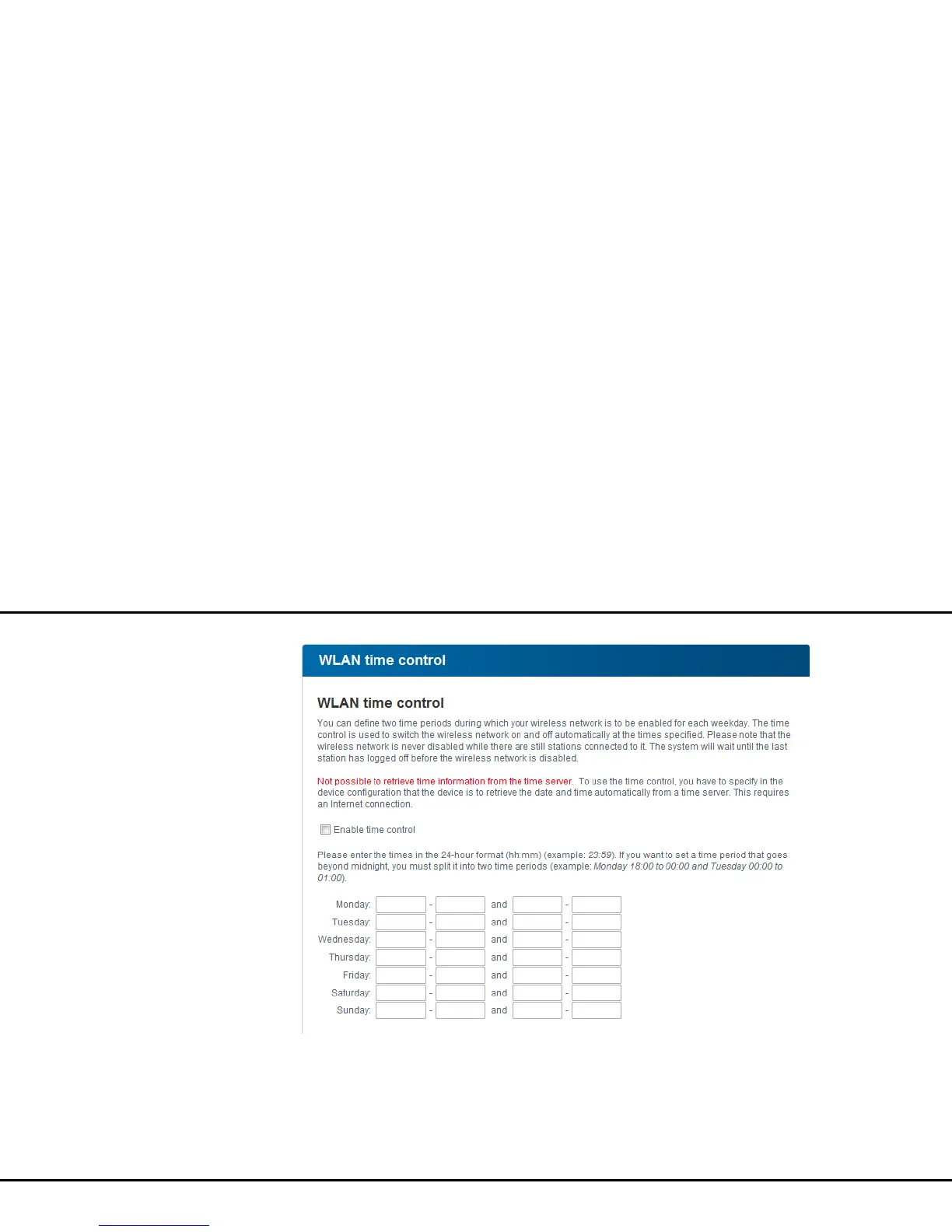
To be able to use the Wi-Fi time control, enable the op-
tion Enable time control. The time control automat-
ically switches your wireless network on and off at
certain times of the day.
You can define two time periods during which your
wireless network is to be enabled for each weekday.
Then the time control automatically switches the wire-
less network on or off.



 To Next Page