34 Network configuration
devolo dLAN pro 500 Wireless+
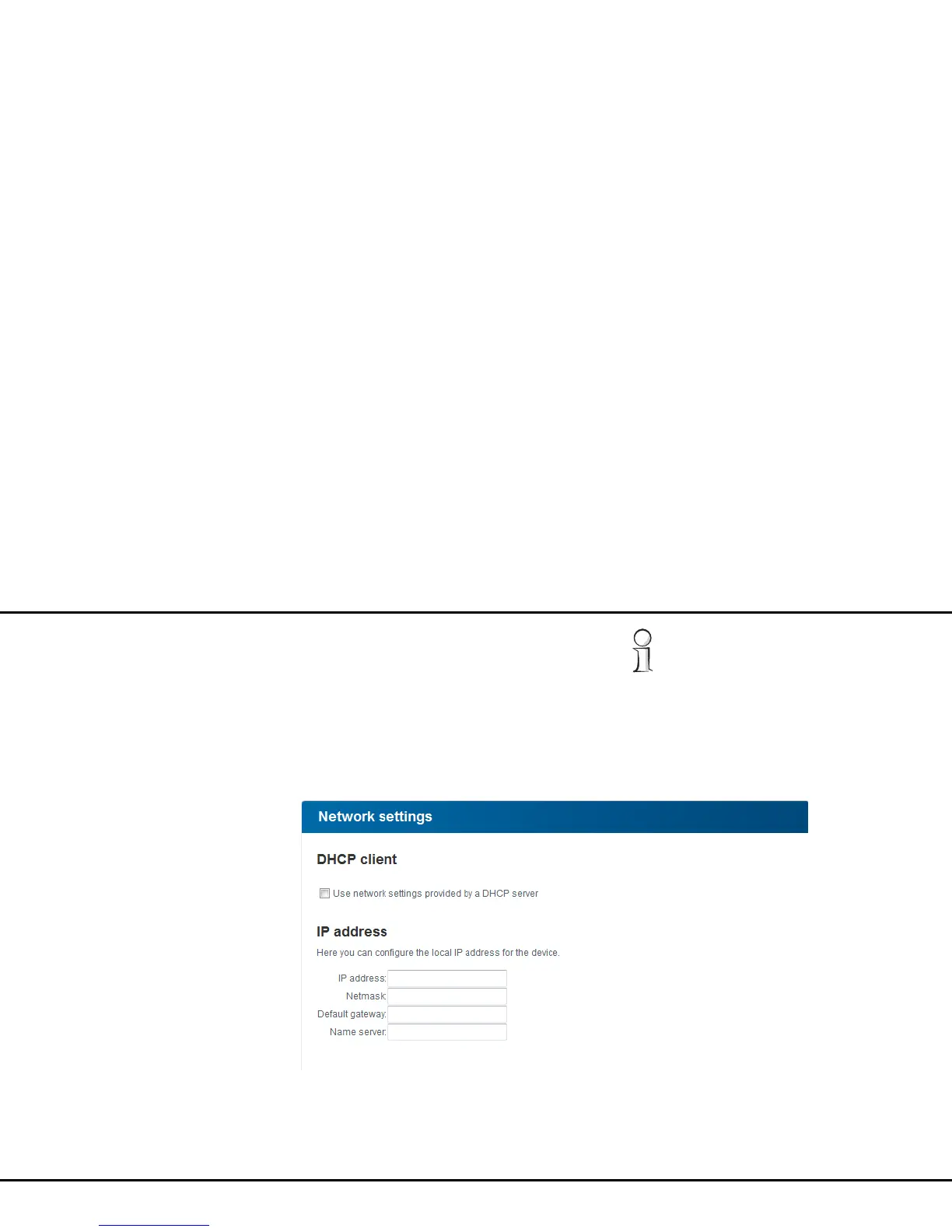
If a DHCP server is already present in the network for
giving out IP addresses, have the option Use network
settings provided by a DHCP server enabled so
that the dLAN pro 500 Wireless+ automatically re-
ceives an address from it.
You can also assign a static IP address by specifying an
IP address, subnet mask, prefix length, name
server and default gateway.
If you ever forget the IP address of your
dLAN pro 500 Wireless+, open the
dLAN AVpro manager to find the device in
the network. Proceed as described under 4.1
Calling up the built-in configuration in-
terface.



 To Next Page