Network configuration 49
devolo dLAN pro 500 Wireless+
The factory defaults have this op-
tion disabled, i.e. all Wi-Fi devices
present in the network can freely
exchange data with each other
("peer-to-peer" mode).
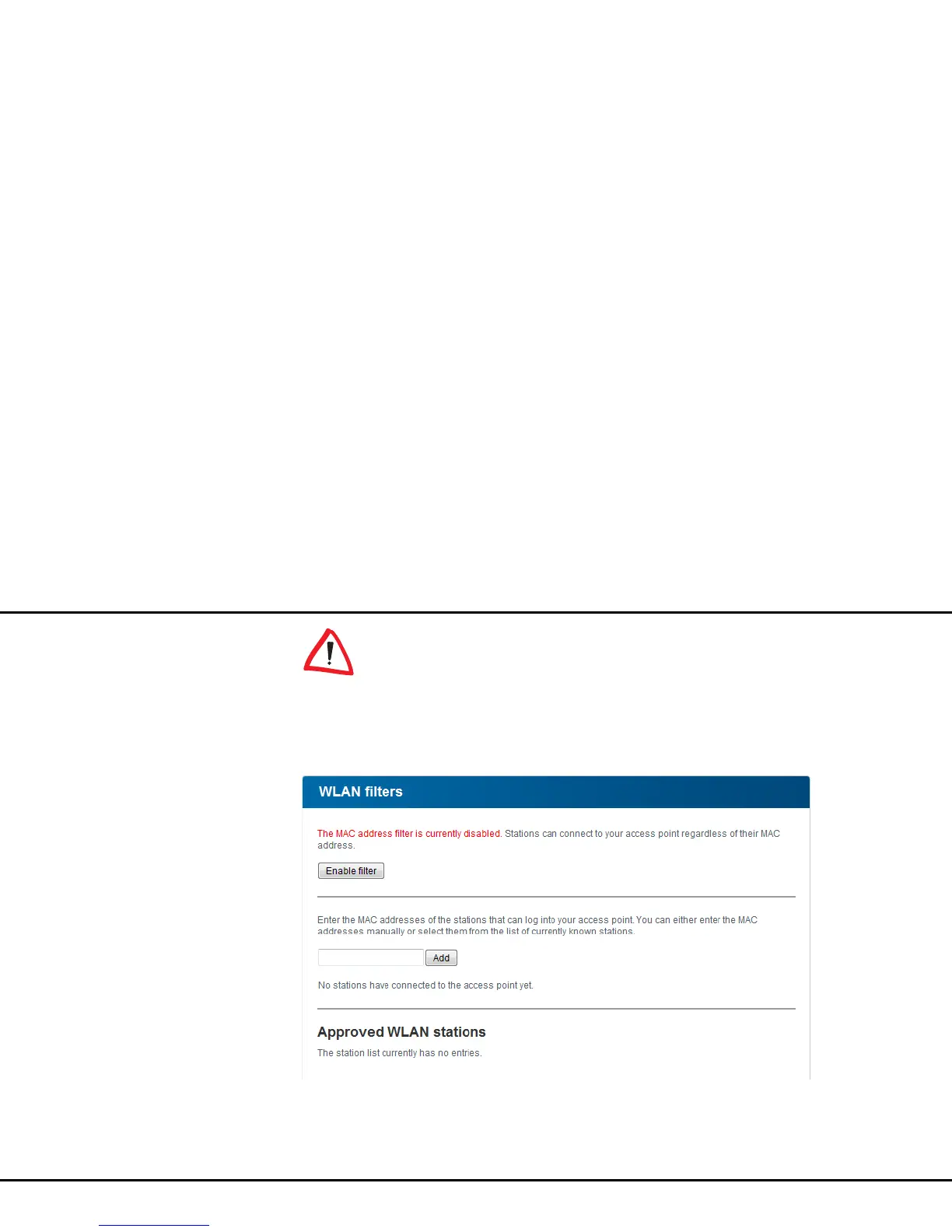
WLAN filters
In addition to encryption, you can secure your wireless
network even more by using a Wi-Fi filter to limit ac-
cess via Wi-Fi to the dLAN pro 500 Wireless+ for se-
lected devices. Even if the encryption is switched off,
the device will not establish a connection.



 To Next Page