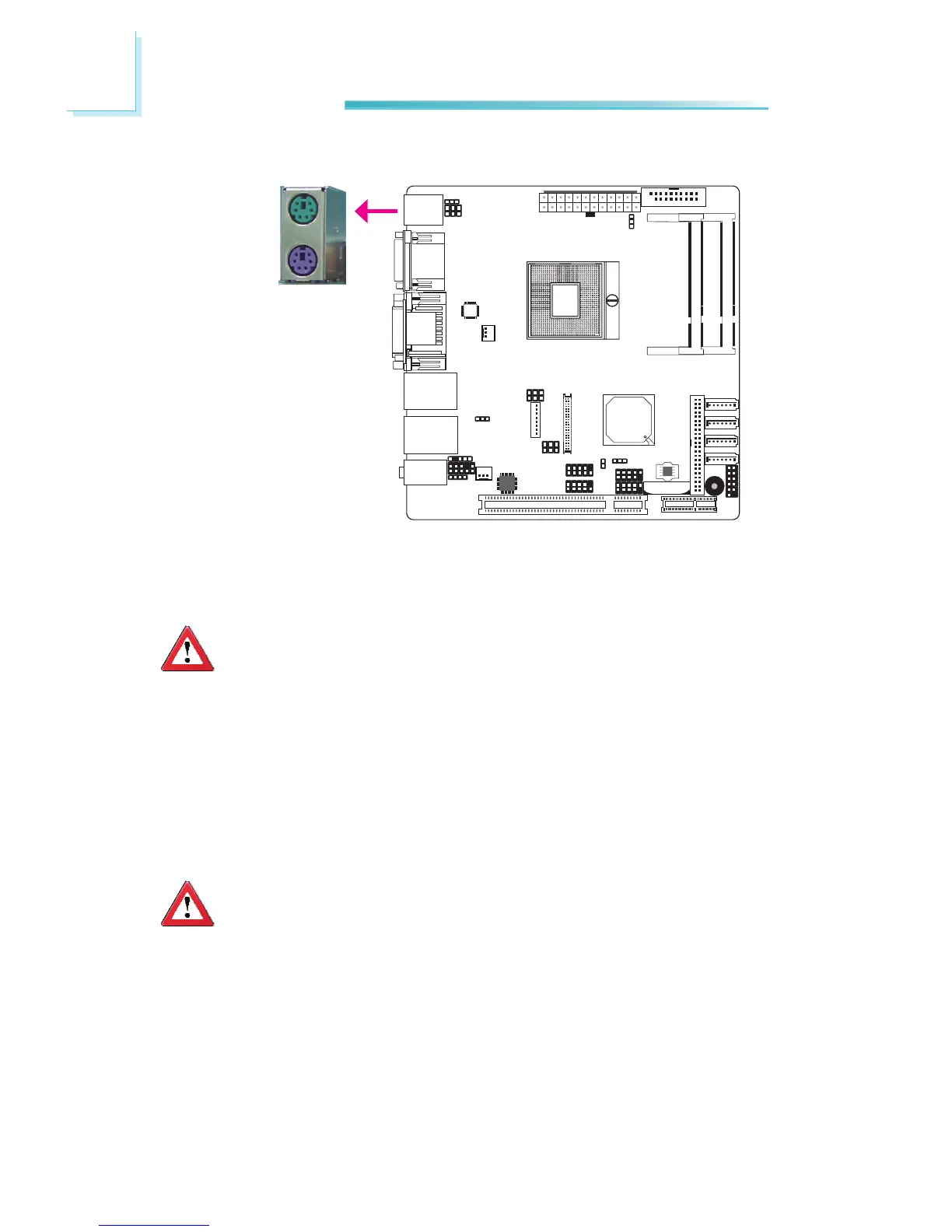
PS/2 Mouse and PS/2 Keyboard Ports
These ports are used to connect a PS/2 mouse and a PS/2 keyboard. The PS/2
mouseportusesIRQ12.Ifamouseisnotconnectedtothisport,thesystemwill
reserveIRQ12forotherexpansioncards.
Important:
Makesuretoturnoffyourcomputerpriortoconnectingordisconnecting
amouseorkeyboard.Failuretodosomaydamagethesystemboard.
Wake-On-PS/2 Keyboard/Mouse
TheWake-On-PS/2Keyboard/MousefunctionallowsyoutousethePS/2keyboard
orPS/2mousetopower-onthesystem.Tousethisfunction:
• JumperSetting
JP1 must be set to “2-3 On: 5V_standby”. Refer to “PS/2 Power Select” in
thischapterformoreinformation.
Important:
The 5V_standby power source of your power supply must support
≥720mA.
PS/2Mouse
PS/2KB



 To Next Page