131
5
Cool‘n’Quiet Technology
4. Press <Esc> to return to the main menu of the BIOS setup
utility. Select “Save & Exit Setup” and press <Enter>.
5. Type <Y> and press <Enter>.
6. Reboot the system.
Install the Cool‘n’Quiet
TM
Driver
1. Insert the provided CD into a CD-ROM drive.
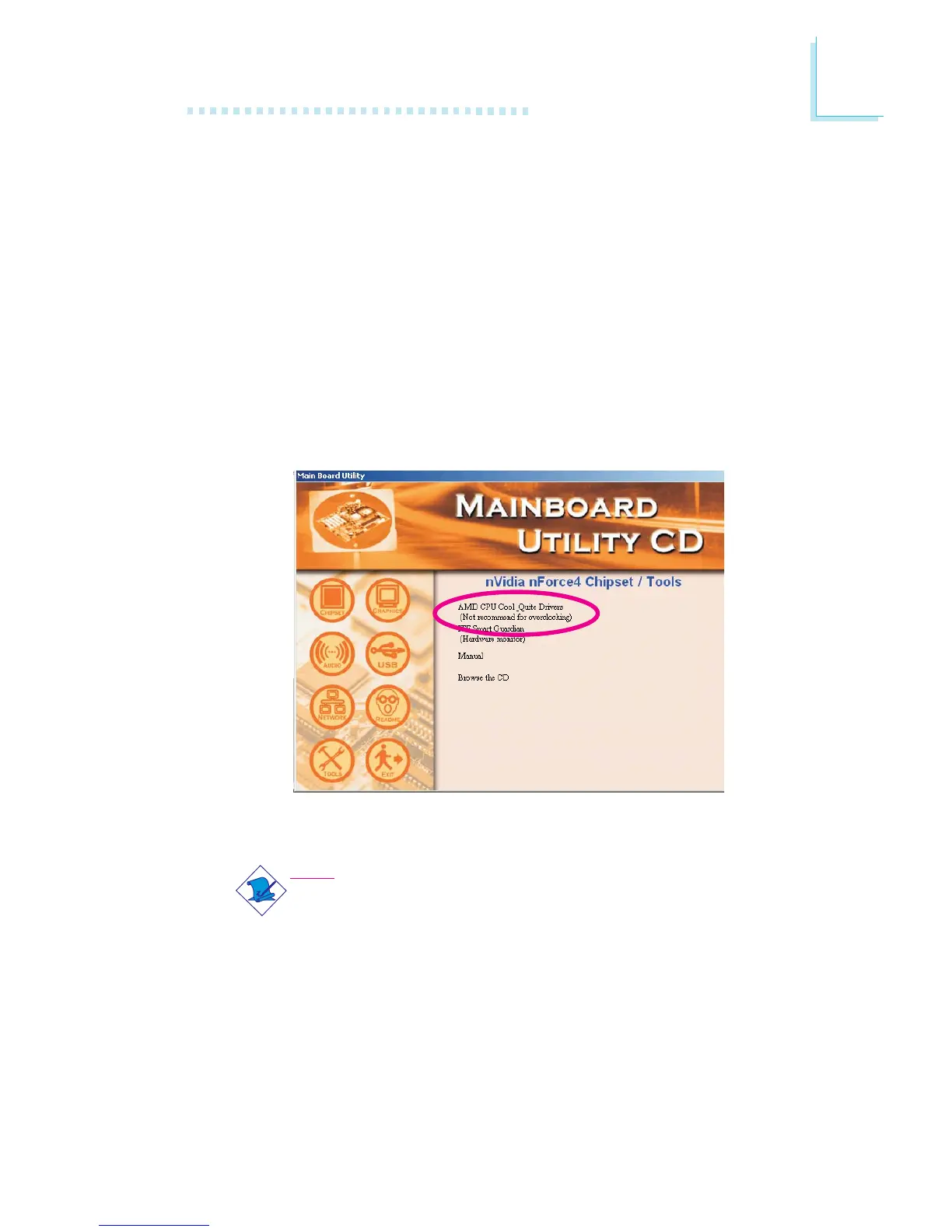
2. On the left side of the autorun screen, click the “TOOLS” icon.
3. Click “AMD CPU Cool‘n’Quiet Drivers” on the main menu.
4. Follow the prompts on the screen to complete the installation.
Note:
Refer to chapter 4 for details on installing the Cool‘n’Quiet
driver.



 To Next Page