140
7
SLI Technology
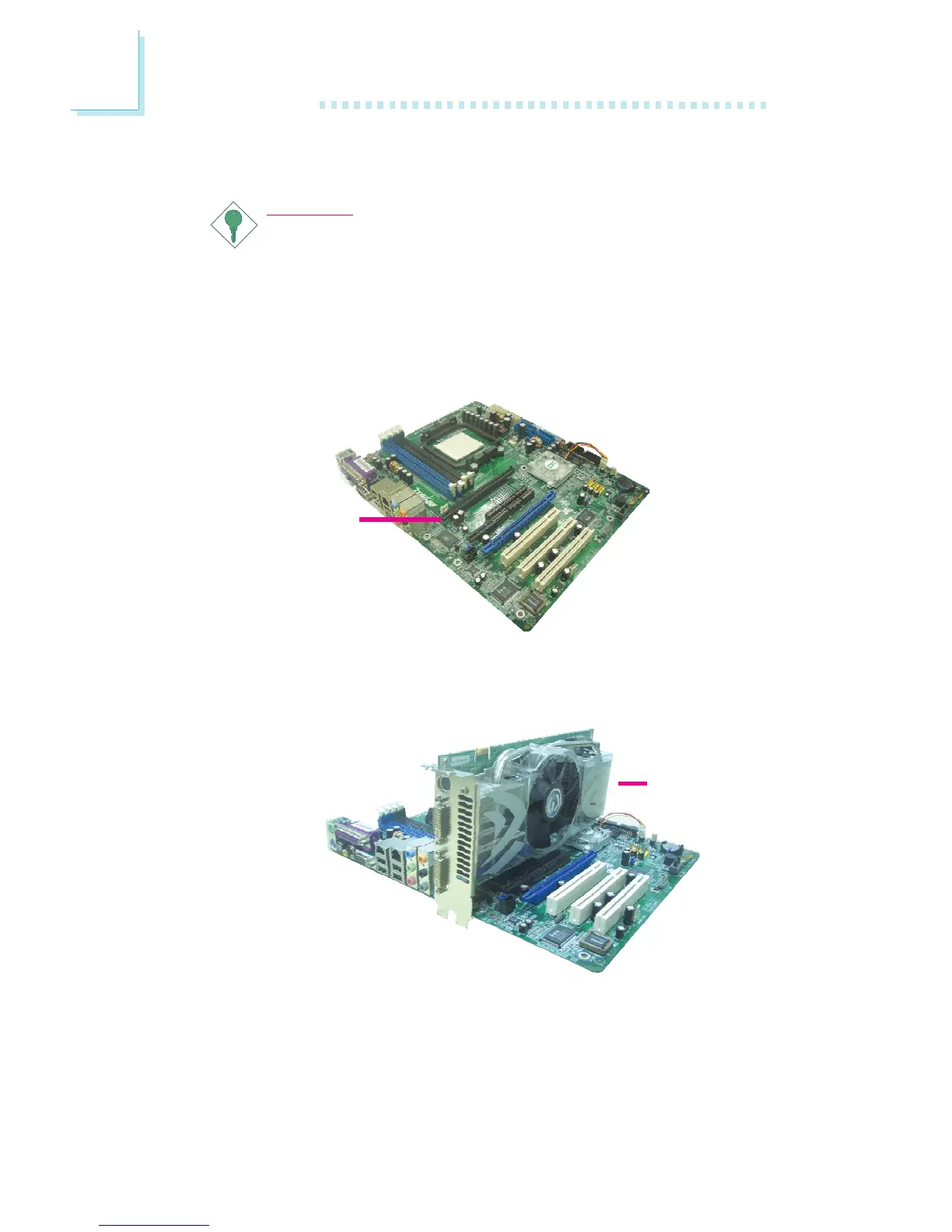
Installing the Graphics Cards
Important:
Use two identical NVIDIA SLI-ready PCI Express x16 graphics
cards.
1. Power-off the system and monitor then unplug the power cord.
2. Remove the screw of the bracket that is opposite the PCIE 1
slot then remove the bracket.
3. Align the graphics card above the PCIE 1 slot then press it
down firmly until it is completely seated in the slot.
PCIE 1
PCI Express x16
graphics card



 To Next Page