37
2
Hardware Installation
Note:
1. You will not be able to secure the fan and heat sink
assembly in place if it did not fit properly onto the
retention module base.
2. Make sure there is sufficient air circulation across the
CPU fan and heat sink.
6. Connect the CPU fan’s cable connector to the CPU fan connec-
tor on the system board.
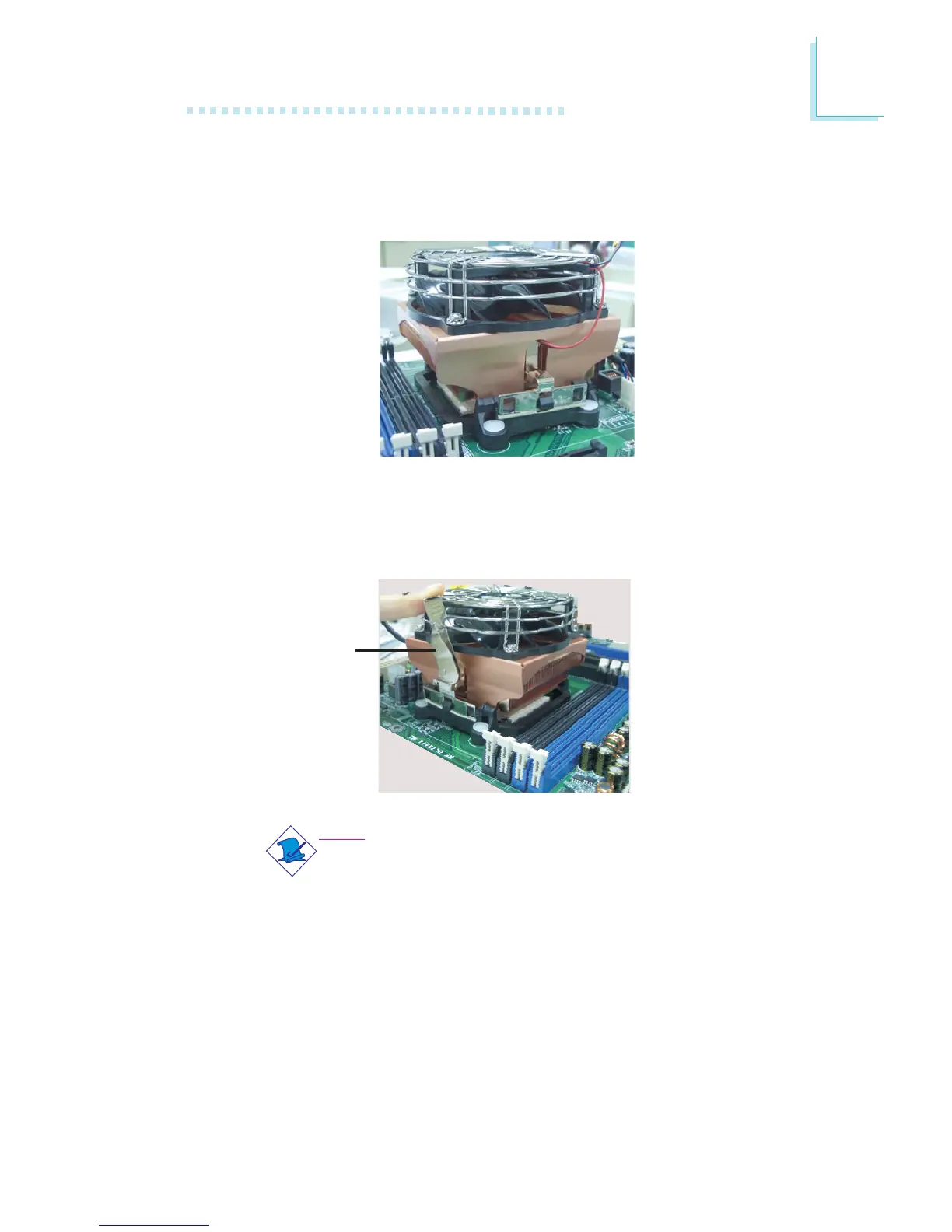
5. Move the retention lever to its opposite side then push it down
to lock the fan and heat sink assembly to the retention module
base.
Retention
lever
4. Hook the other side of the retention clip so that the hole(s) on
the retention clip also fit into the retaining tab(s) of the retention
module base.



 To Next Page