2
42
Hardware Installation
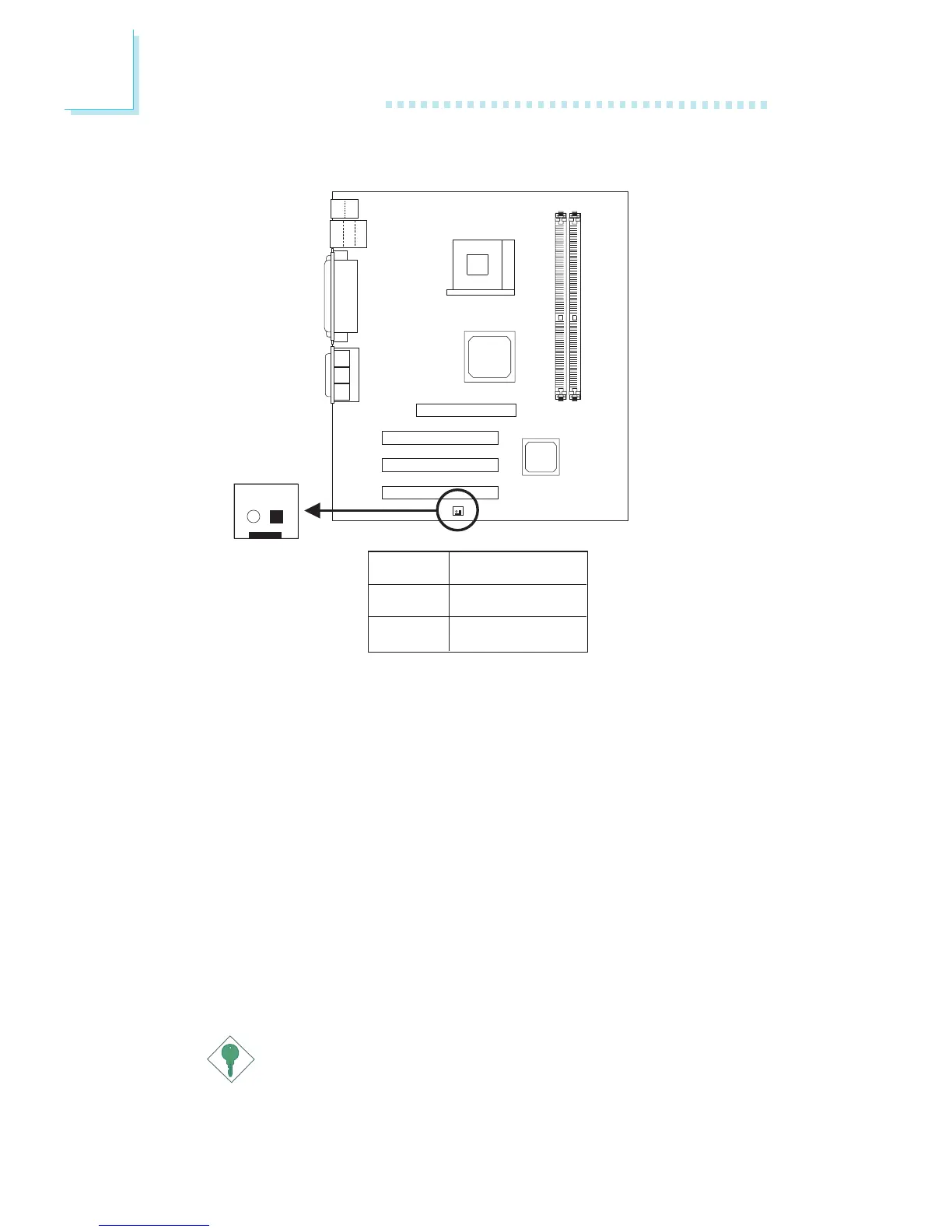
Wake-On-Ring
(J7)
12
2.7.8 Wake-On-Ring Connector
Pin
1
2
Function
Ground
RI#
The Wake-On-Ring connector is used to connect to an internal
modem card that has the same connector. It will allow the system
that is in the Suspend mode or Soft Power Off mode to wake-up/
power-on to respond to calls coming through the internal modem
card.
To use this function, connect one end of the cable (that came with
the card) to the card’s wake-on-ring connector and the other end to
location J7 on the mainboard. You must also enable “Resume on
LAN/Ring” in the Power Management Setup (“IRQ/Event Activity
Detect” field) of the BIOS.
If you are using an external modem, the ring-on function will come
through the serial port where the external modem is connected.
Important:
If you are using a modem add-in card, the 5VSB power source
of your power supply must support
≥
720mA.



 To Next Page