After Sales Support TEL:1800 189 941 22
PVR FUNCTION
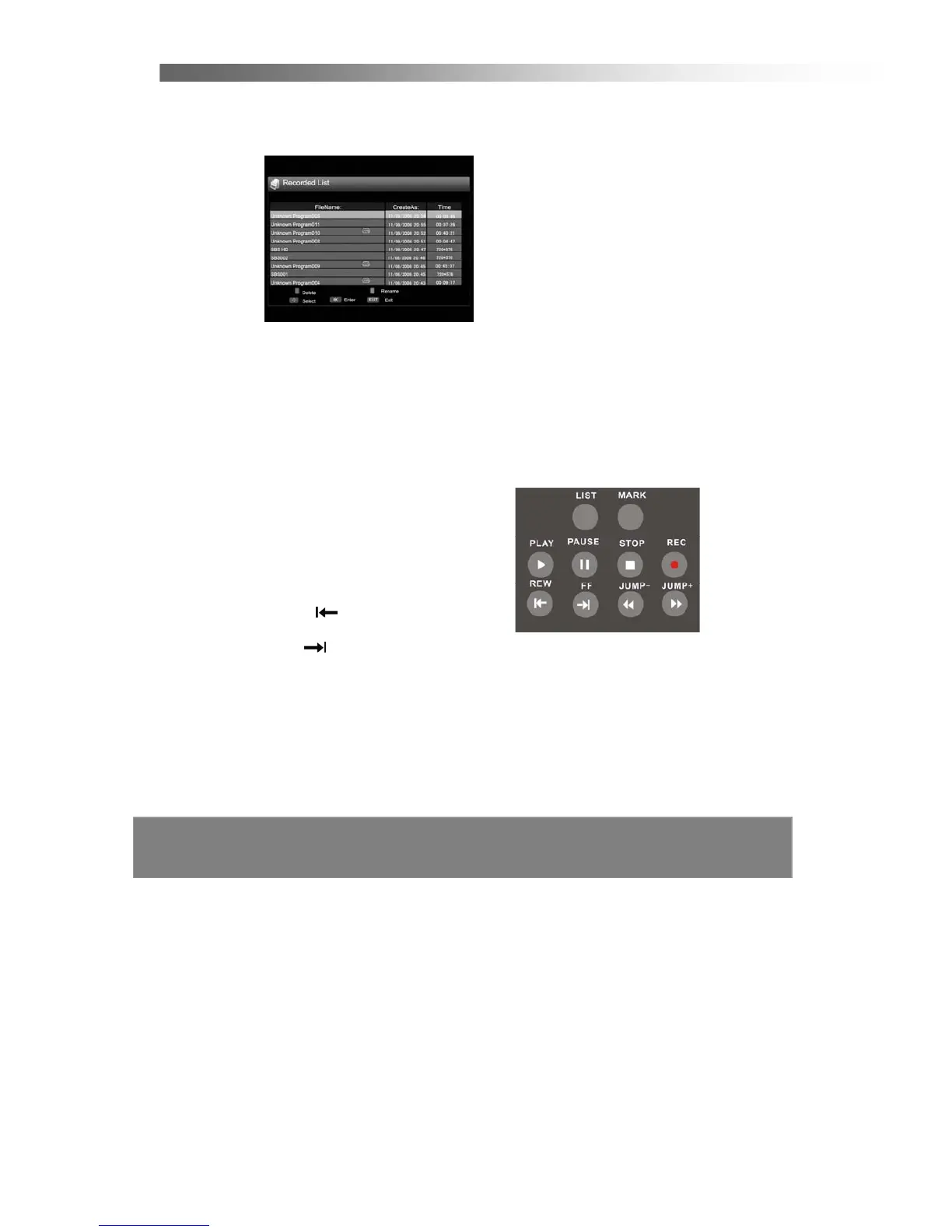
Record List
If you press “List” at normal state, the PVR list is displayed. You can play back
recordings or edit them.
PVR Remote Control Buttons
27. LIST
Press to directly enter the PVR list of all recordings made.
28. MARK
Make marks when you want to watch the part of a recorded program.
29. PLAY
►
Press to play a selected recorded program.
30. PAUSE ▍▍
Press to pause playing or recording program.
31. STOP ■
Press to stop playing or recording program.
32. REC ●
Press to record the current program.
33. REW
X2, X4, X8, X16 Fast Rewind.
34. FF
X2, X4, X8, X16 Fast Forward.
35. JUMP–
◄◄
Skip Fast Rewind
36. JUMP +
►►
Skip Fast Forward



 To Next Page