After Sales Support TEL:1800 189 941 23
PVR FUNCTION
< Recording Function >
Button Description
● Start recording
■ Stop recording
< Playback Function >
Button Description
►
Start playback at the beginning of the current record session or return
normal playback speed from fast forward or pause
◄◄ Rewind the recording at a special interval
►► Fast forward the recording at a special interval
X2, X4, X8, X16 Fast Rewind
X2, X4, X8, X16 Fast Forward
▍▍ Pause the playback
■ Stop the playback
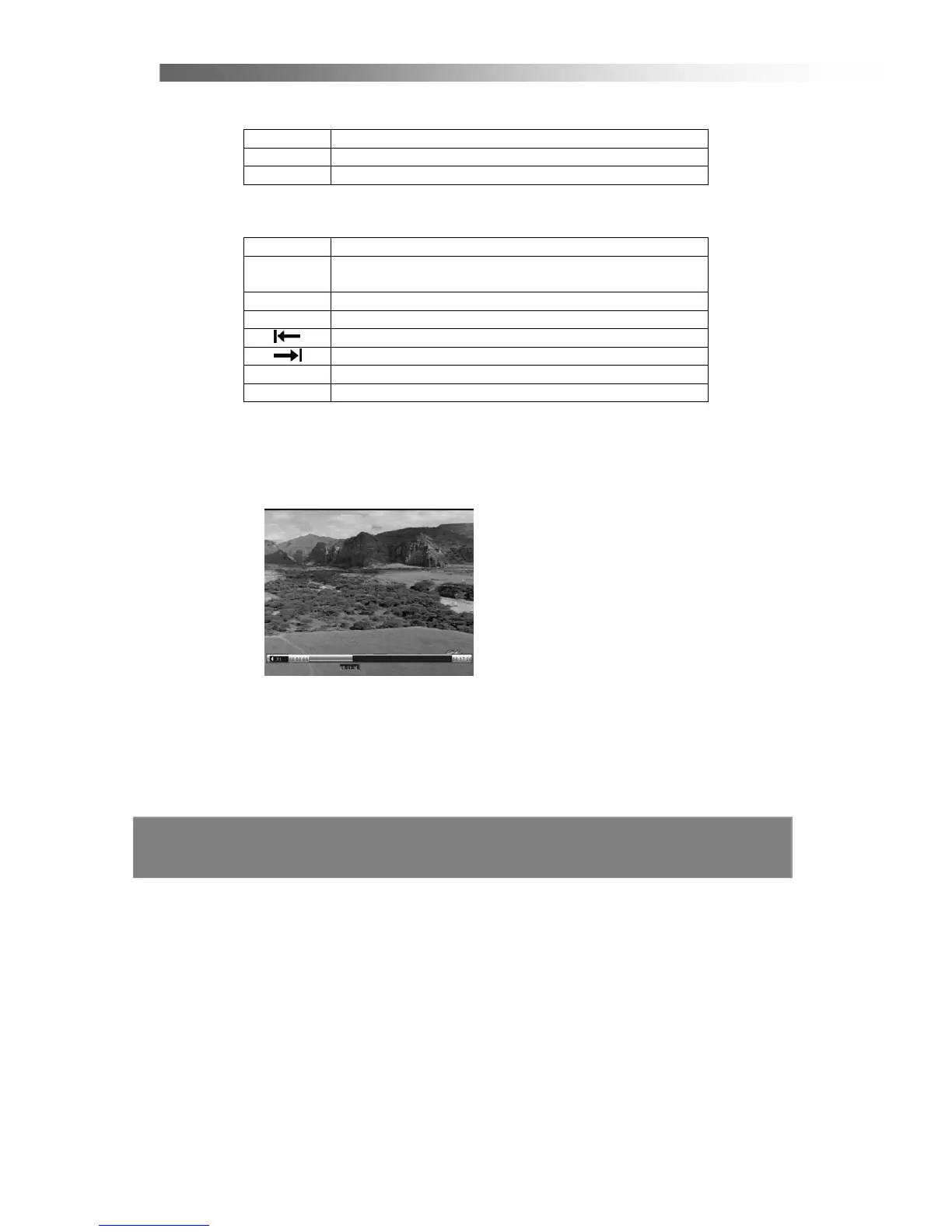
< Play back Recordings Mode >
In this menu, you can use the Left/Right or Up/Down buttons to select a program,
press OK to play the program, and press EXIT to cancel.
Please Note:
The Remote Control Unit and STB may be slightly different to what is described.
So this manual may be different in some ways.



 To Next Page