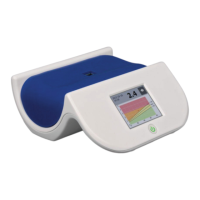
AGE Reader mu Instructions for use
User Manual
11
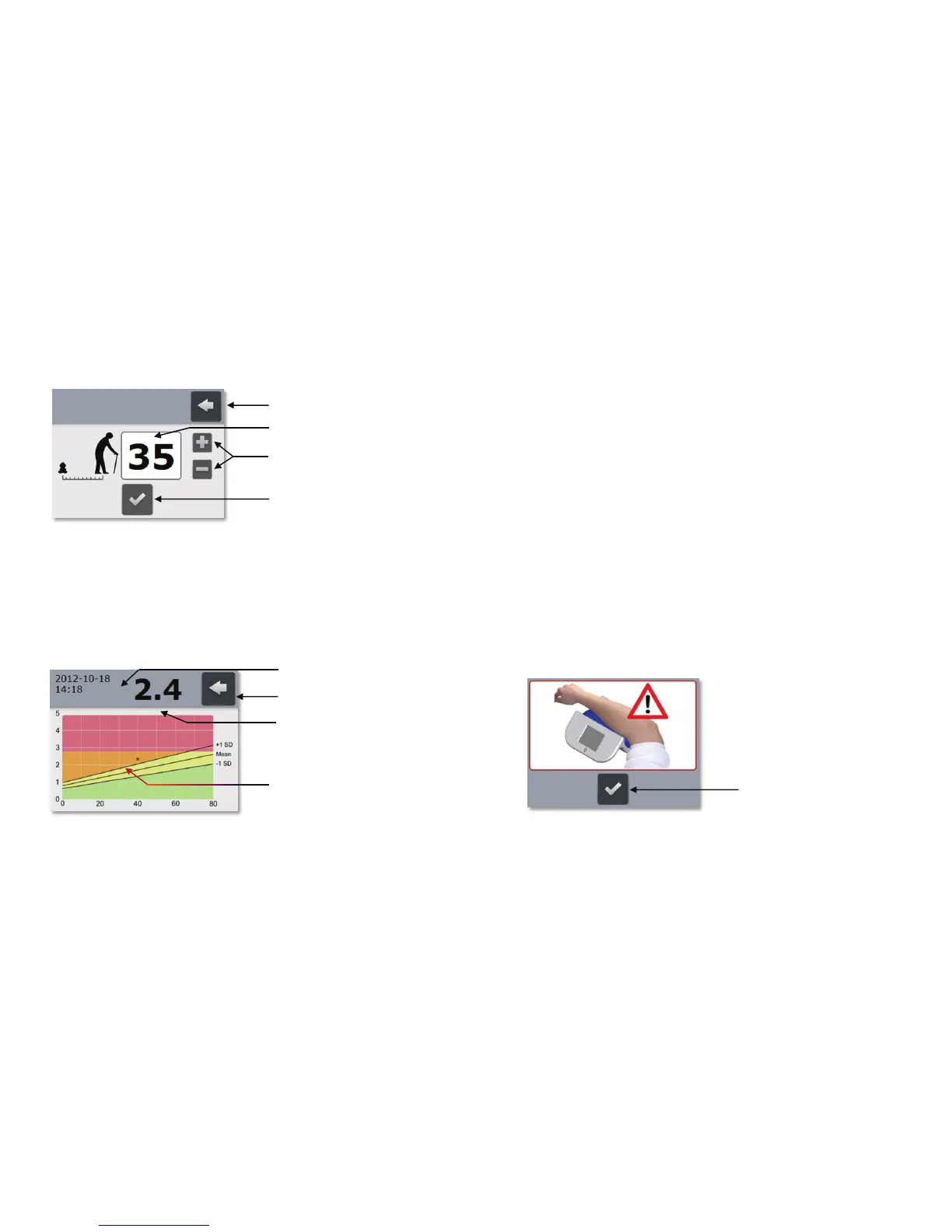
An on-screen measurement report will be generated when pressing the Graph
button which is located at the right of each row. After doing so, it is required to enter
the subject’s age in the Age screen (figure 12).
Figure 12. Age screen
When the Return button is pressed the generation of a measurement report is
aborted and the Measurement results screen is presented again.
By default the Age field this will show the value 35. This value can be altered by
operating the Age input buttons. Pressing the plus-sign will increase the age value
and pressing the minus-sign will reduce the age value.
When the Age field properly reflects the subject’s age press the Confirm button to
generate the actual measurement report.
Figure 13. Measurement report
Press the Return button to leave the Measurement report screen and return to the
Measurement results screen.
Return button
Age field
Age input buttons
Confirm button
Return button
Measurement result in
raph
AGE Reader
measurement result
Date & Time
AGE Reader mu Instructions for use
User Manual
12
The date and time (Date & Time) of the measurement and the numerical
representation of the AGE Reader measurement result are displayed at the top of
the screen.
The on-screen measurement report is a graph in which the Measurement result is
drawn as a small black square representing the measured result at the given age.
See chapter 7 for more information about AGE Reader measurement results and an
explanation of the graph.
6.3.4 Problems during measurement
If the AGE Reader mu is not able to successfully perform the measurement it will
abort the measurement and indicate the problem to the user. Three problem
indications exist and will be explained subsequently:
Measurement setup error indication
Low-signal error indication
Internal error indication
Measurement setup error indication
If during measurement the measurement mat is not placed properly on the AGE
Reader mu or if the subject’s arm doesn’t completely cover the measurement
window ambient light can leak into the measurement window and interfere with the
measurement. Although a proper mat and arm position is the responsibility of the
user, the AGE Reader mu is capable of detecting light leakage to some extent.
When the AGE Reader mu detects any light leakage the measurement will be
aborted and the Measurement setup error screen will be displayed as an indication
to the user (figure 14).
Figure 14. Measurement setup error indication
See section 6.3.1 for instructions and check if both mat and arm are positioned
properly before retrying the measurement. Press the Confirm button to return to the
Main screen from where a new measurement can be started.
Confirm button


 To Next Page