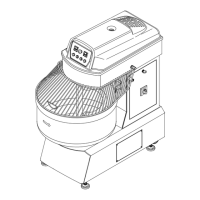
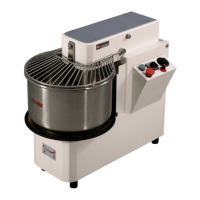
The panel consists of a main switch (A), a green start
button (B), a timer (C), a red emergency stop button
(D) and a speed adjustment knob (E).
The panel is used to turn the mixer on and off, and
regulates functioning and settings.
Legend:
A = Main switch
B = Green start button
C = Timer
D = Red emergency/stop button
E = Speed regulator
6.2 START-UP PHASE
Connect the mixer to the electrical mains and turn the
main switch A to “1”.
Turn the timer knob C to the desired time from 0 to 30
min.
Press the green button B to start both the bowl and the
spiral.
Turn the speed regulator knob E to increase or
decrease the speed of the bowl and spiral.


 To Next Page