36
Heart Rate Programs Launch Mode
NOTE: All heart rate programs rely upon the user’s pulse signal to operate.
If no heart rate is detected, the program will not operate for more than
thirty (30) seconds.
General All Heart Rate programs will operate with the following features:
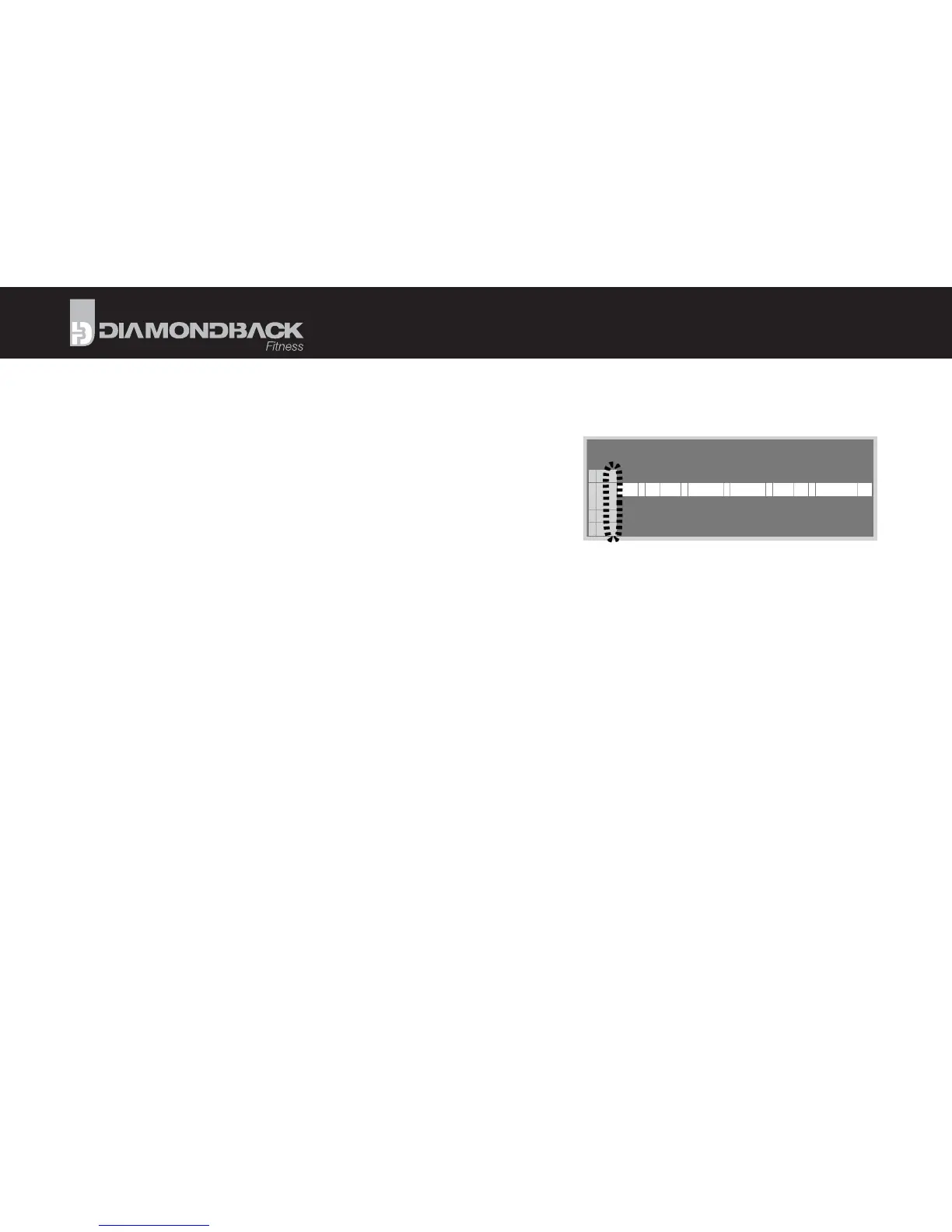
• The Matrix Display will post a horizontal bar to represent the target
heart rate. The user’s progress within the program will be displayed as a
fl ashing ver cal stack.
• The user’s actual heart rate will be represented as a stack of ver cal segments. Each column represents 1/40th of the total
program run me. A fl ashing column that is below the horizontal line indicates that the user’s heart rate is less than the
selected target. Conversely, a fl ashing segment above the horizontal line signifi es a heart rate that exceeds the user’s target.
• The Level display will indicate the current resistance level. The range is from 1 to 32.
• Total Time fi eld will display the progress made in the total workout. Segment Time will display the progress made in the
current segment. The displays will switch between elapsed and remaining me. Elapsed me will count up, while remaining
me will count down. To freeze the switching and display only elapsed or remaining me, press the RIGHT arrow key while
the desired display is visible. Press the RIGHT arrow key again to resume switching mode.
• The Wa s fi eld will display the current output or work being generated by the user.
• Total Distance for the current workout session will be displayed.
• The Heart Rate Display cluster will monitor the user’s current heart rate and the bar graph will provide general informa on
regarding the user’s current percentage of maximum heart rate.
• If no signal is detected, the Pulse fi eld will display ”- - -“ and the No Signal icon will light.
• When a pulse signal is received, the rate will be displayed and the DB/Heart icon will be fl ash.
• When the user’s heart rate is near the target value, the Target Heart Rate Achieved segment will light.
PROGRAMS



 To Next Page