11
Automotive Circuit Probe & Breaker Finder Kit
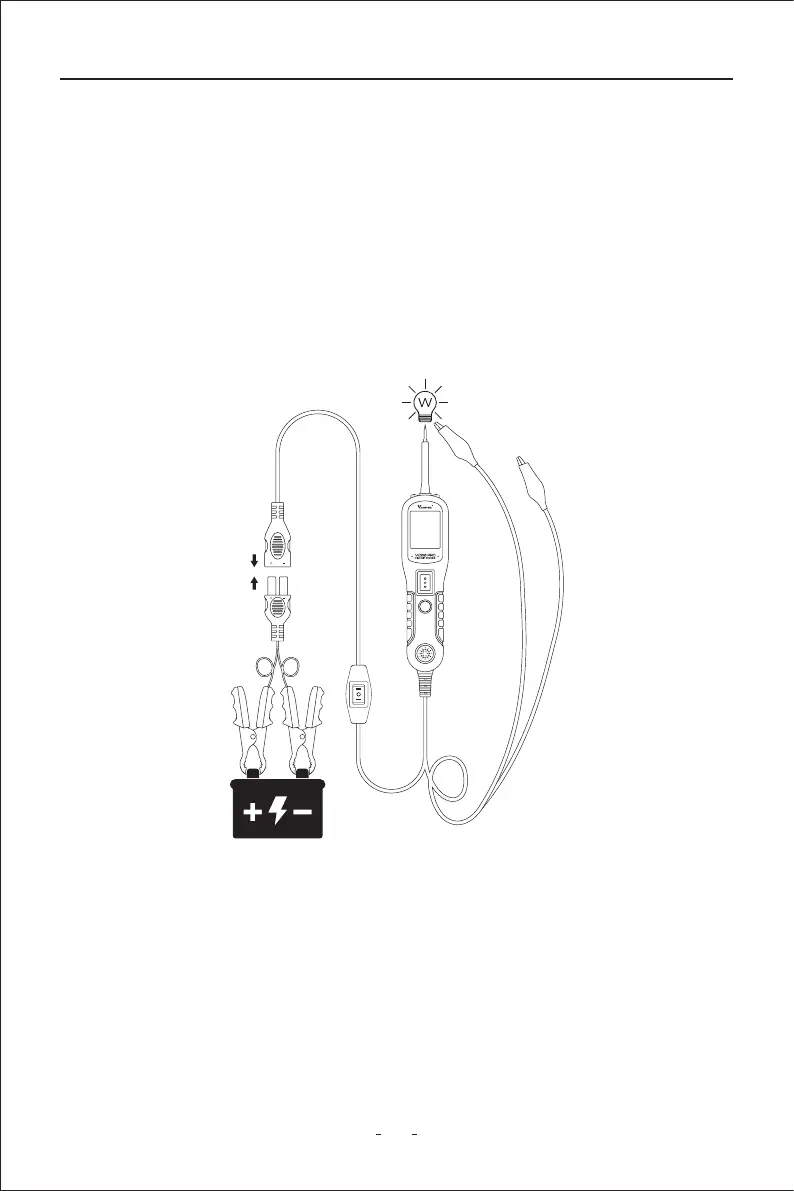
Figure 11
If the green LED went o at that instant or if the circuit breaker tripped, the circuit probe
has been overloaded. This could happen for the following reasons:
◆ The contact you are probing is direct ground or negative voltage.
◆ The component you are testing is sho-circuited.
◆ The component is a ve high current component (i.e., staer motor).
If the circuit breaker is tripped, reset it by waiting for it to cool down (15 sec.)
3.5 Activating Components in The Vehicle
the green LED should light up, indicating continuity through the component. While
keeping an eye on the green LED, quickly press and release the power switch forward. If the
green LED went out and the red LED came on, you may proceed with fuher activation.
Push the power switch forward and hold it down to provide power to your component. With
the power switch pushed forward, power will ow from the positive lead on the batte to
the probe tip, then to the component’s positive terminal, through the component, through
the auxilia ground lead, then back to the tool, and all the way back to the vehicle’s
batte’s ground. (Figure 11)
(1) Press the power switch forward to activate the bulb.
(2) Contact the tip to the positive terminal of the bulb.
(3) Connect the negative auxilia clip.



 To Next Page