14
Automotive Circuit Probe & Breaker Finder Kit
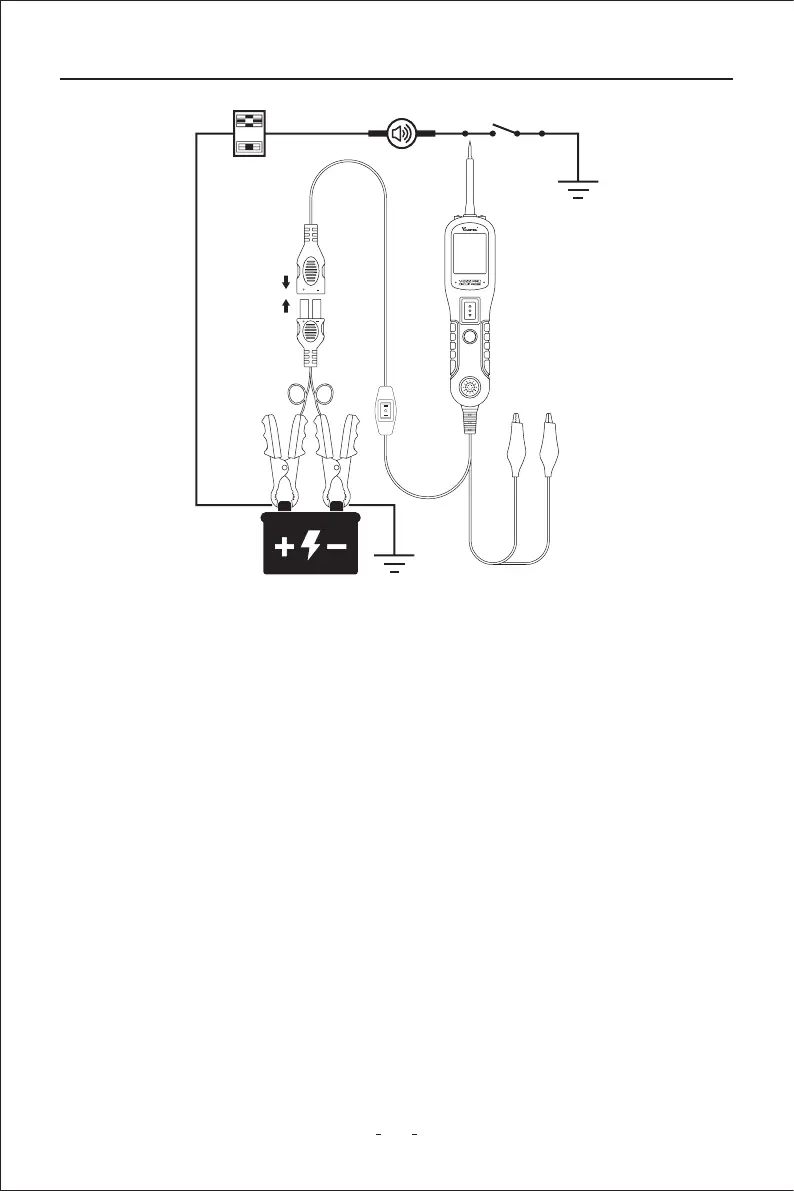
Figure 14
3.8 Red/Green Polarity LED
The Red/Green Polarity LED lights up when the probe tip voltage matches the batte
within ±0.4 volts. It is added information that could be valuable to the technician.
If the circuit you are testing is not within a 0.4 volt (plus or minus) of supply voltage, you will
see the voltage reading on the LCD but you will not hear a tone or see a red or green LED.
This tells you either you have a voltage drop in excess of 0.8 volt from batte voltage or you
are probing a circuit that has an increase of a 0.8 volt or more over batte voltage. To
determine batte voltage, simply remove the tip from the circuit and press the power
switch forward. Batte voltage will then be displayed on the LCD. The dierence between
the batte voltage and what is read on the circuit is either voltage drop or voltage
increase.This allows you to determine a voltage drop without running back to check the
batte. It’s just another one of time saving feature the circuit probe has.
WARNING: With this function, if you are contacting a protected circuit, a vehicle’s fuse can
be blown or tripped if you apply ground to it.



 To Next Page