Basic Manual D900 PAPER CHANGE
9
5.2.2. Flat model
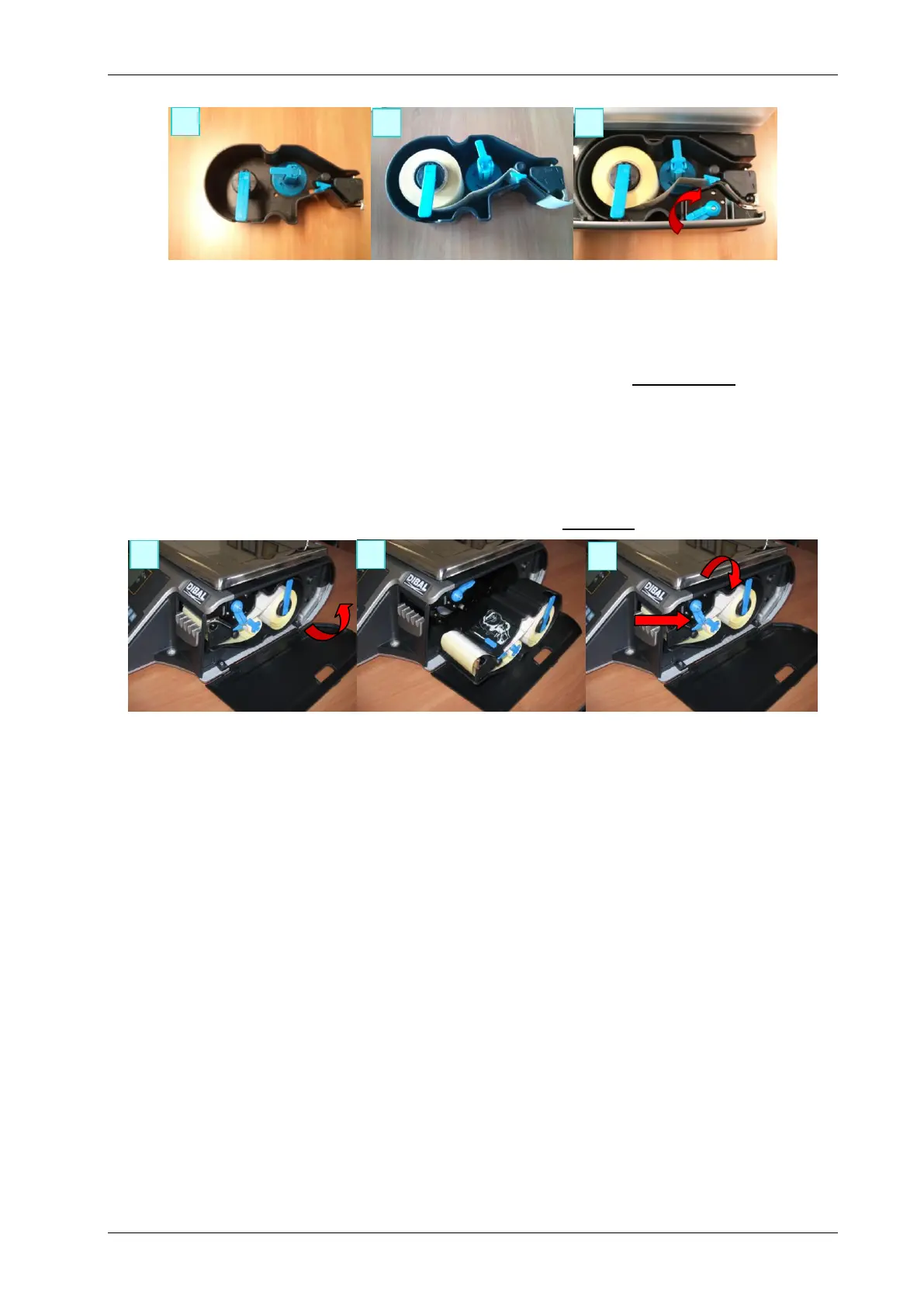
The scale is fitted with a cartridge system to facilitate paper change in the labelling machine.
1. Open the side cover in the machine.
2. Once opened, you will see three blue levers. Turn the lever highest up anti-clockwise to release the
cartridge.
3. Remove the cartridge to make the paper change.
Once you have removed the cartridge, turn the remaining two levers in order to remove the paper holder of
the old roll and remove the excess cardboard.
4. Proceed to change the roll as shown in the previous section (Images 4 and 5).
5. Last of all, place the cartridge in the scale and turn the top lever clockwise.



 To Next Page