ICONS Basic Manual D900
10
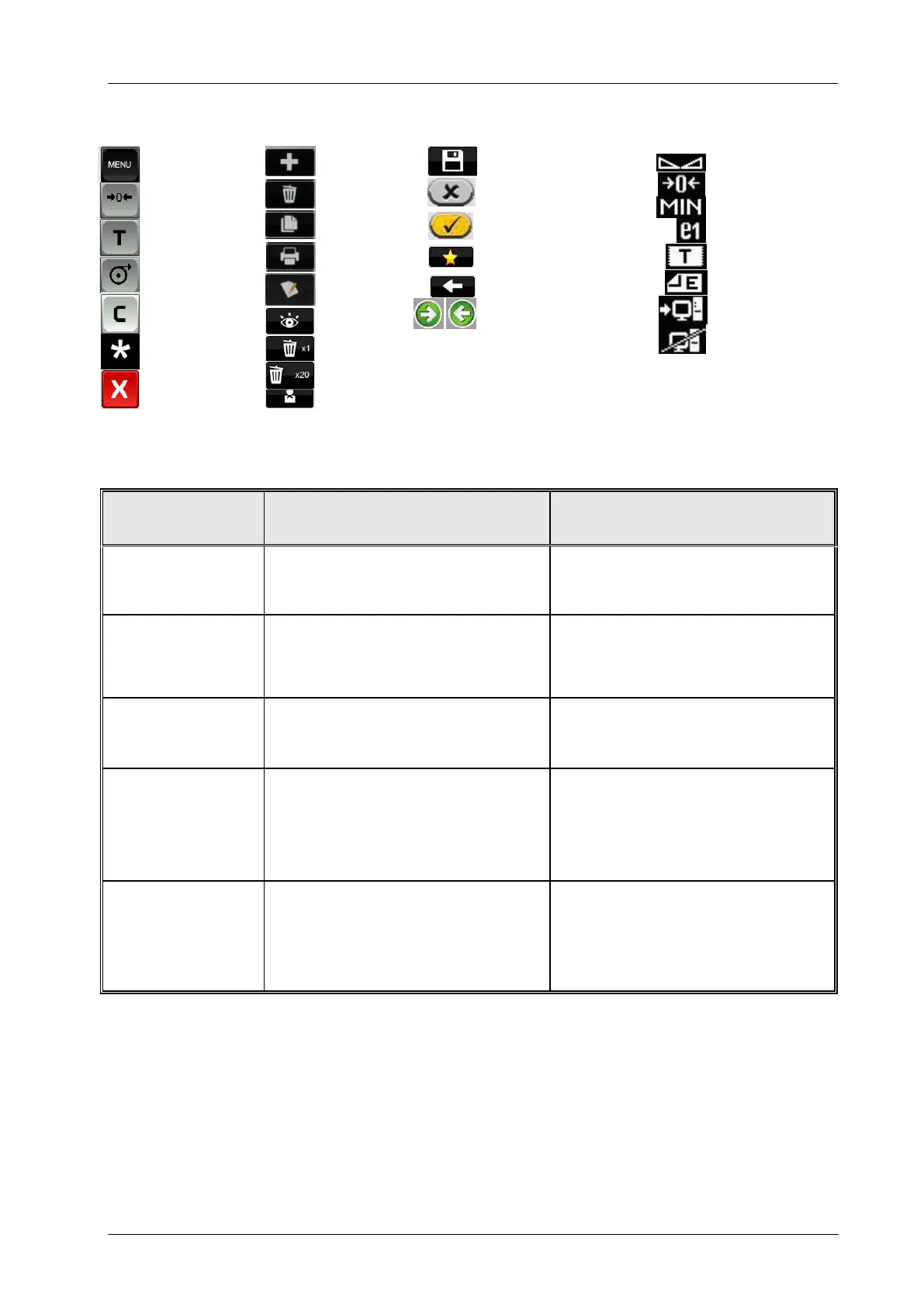
6. ICONS
7. BASIC FAULT FINDING
Scale not plugged into the mains or
badly connected
Review the cable connections to the
mains
Started up with a weight on the scale’s
tray
Switch off, remove all weights from the
tray and switch on again
The required
weighing mode does
not work
Working mode wrongly configured
Communications do
not work
Bad cable connection or wrongly
configured communications
Check the communication cable and/or
the communications configuration.
The receipt is not
printed
Wrongly configured working mode
Printer cartridge in wrong position
Configure the working mode properly
Check the printer cartridge
User menu
Manual zero
Tare
Paper feed
Delete
Confirm Sale
Quit
New/Addition
Delete
Copy
Print
Edit
Visible
Delete 1 by 1
Delete 20
Training
Save
Disabled/No
Enabled/Yes
Favourites
Back
Next /Previous Page
Stable
Zero
Minimum
Interval
Receipt
Label
PC connection
WITHOUT PC
Connection



 To Next Page