mini GAC®
11001-1437-200701
ERROR CODES / 28
OPERATOR’S MANUAL
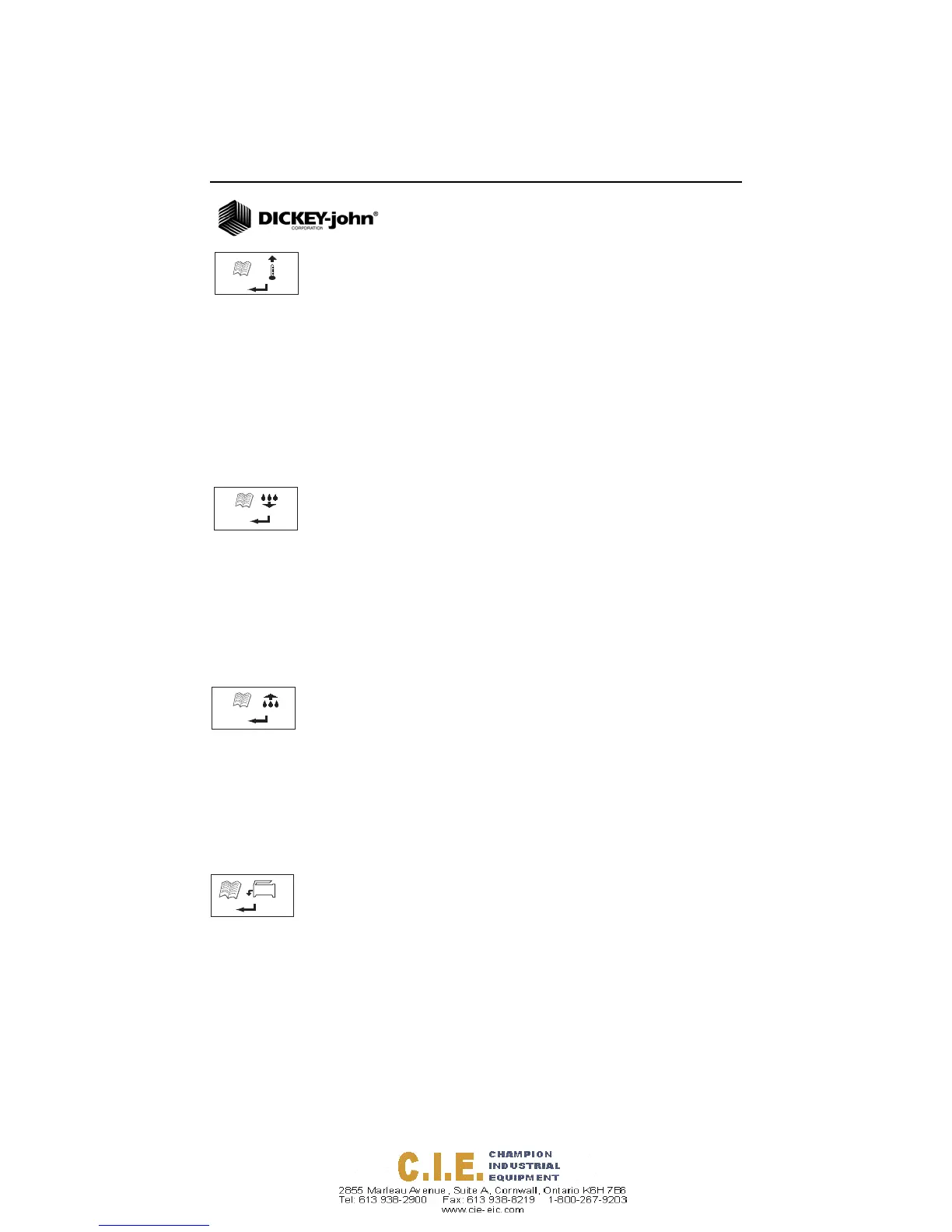
ERROR 12
Probable Cause
The measured temperature is above maximum. The cell
temperature is measured on startup and Error 12 displays if the
temperature is above +158 degrees F (70 degrees C).
Corrective Action
1. Pressing the Enter button causes the cell temperature
measurement to repeat and operation will proceed if the cell
temperature is below the maximum, otherwise Error 12
displays again.
2. If cell temperature is still above maximum, wait to test until
unit temperature is less than 158 degrees F (70 degrees C).
ERROR 20
Probable Cause
Error 20 displays if the measured product moisture is below the
lower limit of the production calibration.
Corrective Action
1. Press Enter to show measured results.
Pressing the On/Off/Home button returns operation to the Home
menu.
ERROR 22
Probable Cause
Error 22 displays if the measured product moisture is above the
upper limit of the product calibration.
Corrective Action
1. Press Enter to show measured results.
Pressing the On/Off/Home button returns operation to the Home
menu.
ERROR 50
Probable Cause
Error 50 displays if the weight measurement during the Empty Cell
test indicates a mass that exceeds 35 grams.
12
20
22
50



 To Next Page