• 11 •
CHARGER CONTROLS13.
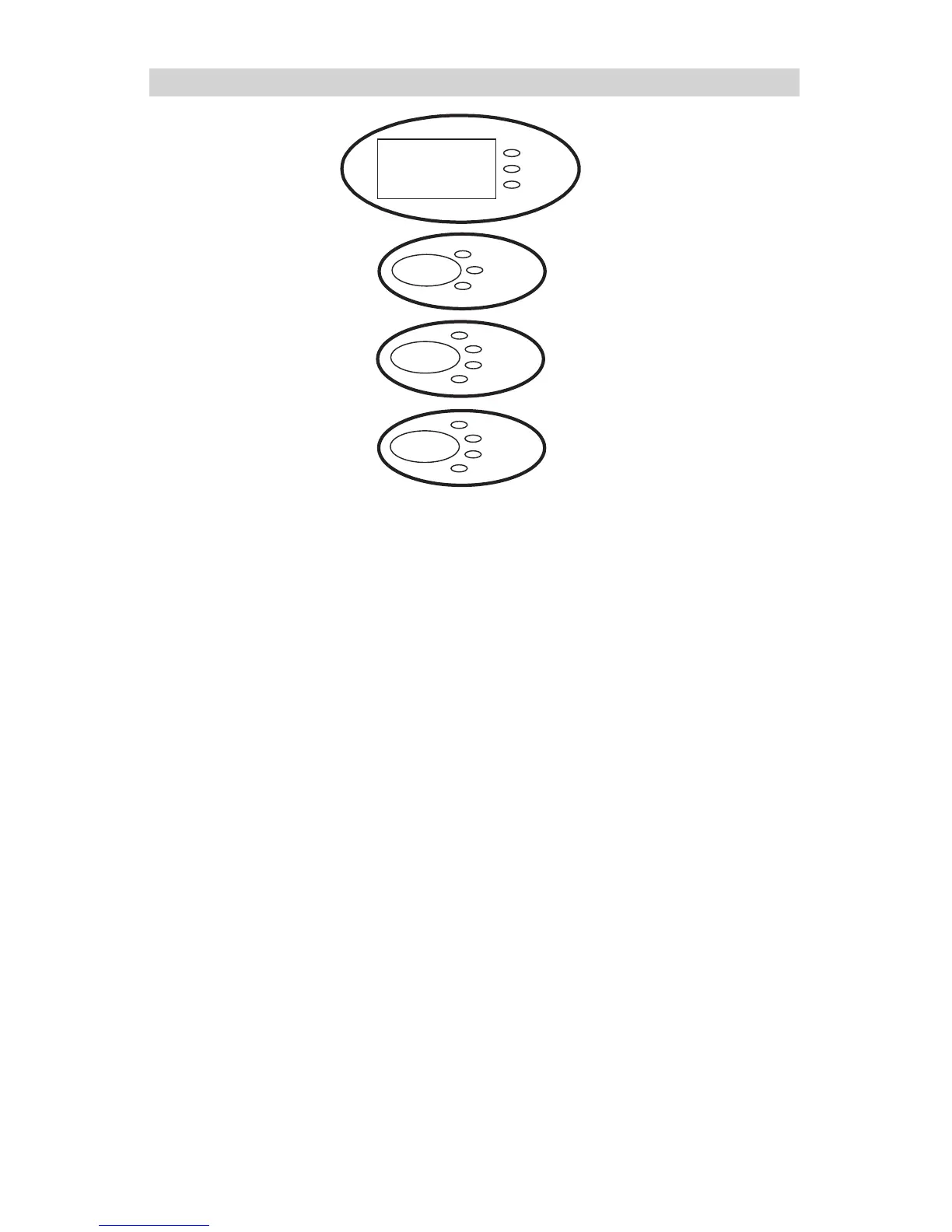
DISPLAY MODE BUTTON 13.1
Use this button to set the function of the digital display to one of the follow-
ing:
BATTERY %:• The digital display shows an estimated charge percent of
the battery connected to the charger battery clamps.
VOLTAGE: • The digital display shows the voltage at the charger battery
clamps in DC volts.
ALTERNATOR %: • The digital display shows an estimated output per-
centage of the vehicle’s charging system connected to the charger bat-
tery clamps as compared to a properly functioning system.
BATTERY TYPE BUTTON13.2
Use this button to set the type of battery to be charged to one of the fol-
lowing:
12V REGULAR: • This battery type is usually used in cars, trucks, and
motorcycles. These batteries have vent caps and are often marked “low
maintenance” or “maintenance-free.”
12V DEEP CYCLE: • Deep cycle batteries are usually marked as “deep
cycle” or “marine.” Deep cycle batteries are usually larger than the other
types.
12V AGM/GEL: • AGM and Gel cell batteries have sealed cases without
vent caps. Such batteries are often smaller than the other types.
6V REGULAR:• This battery type is usually used in antique and special-
ized vehicles. The 6V REGULAR battery type is not selectable for batter-
ies greater than 8.5V DC.
With the exception of AGM and Gel cell batteries, all other battery types




 To Next Page