EasyManua.ls Logo

DieHard 200.71234 - User Manual

DieHard 200.71234
15 pages
Print Icon
To Next Page IconTo Next Page
Loading...
OWNER'S MANUAL
O
®
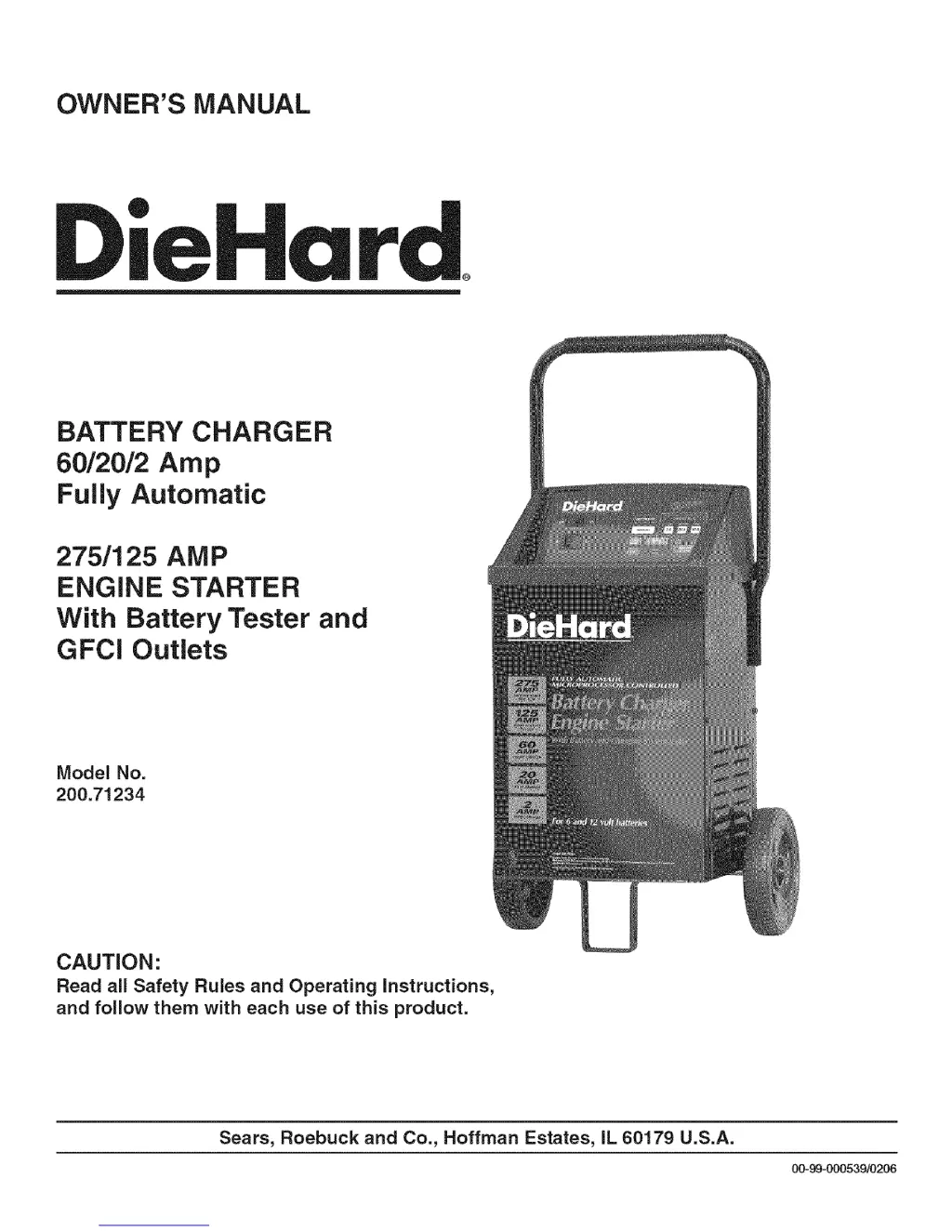
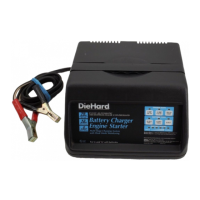
BATTERY CHARGER
6012012 Amp
Fully Automatic
275/125 AMP
ENGINE STARTER
With Battery Tester and
GFCl Outlets
Model No.
200.71234
CAUTION:
Read all Safety Rules and Operating Instructions,
and follow them with each use of this product.
Sears, Roebuck and Co., Hoffman Estates, IL 60179 U.S.A.
00-99=000539/0206

Questions and Answers

  • G
    Garrett CortezJul 29, 2025
    How to fix no reading on the DieHard Battery Charger display?
    • G
      George BrooksJul 29, 2025
      If there's no reading on the DieHard Battery Charger display, the clamps may not be making a good connection. Check for poor connections at the battery and frame, and make sure the connecting points are clean.
  • M
    mark61Aug 2, 2025
    What to do if DieHard 200.71234 has no reading, fan not working, or breaker cycles?
    • M
      Megan BellAug 2, 2025
      If there's no reading on the meter, the charger fan isn't working, or the circuit breaker cycles on and off with a clicking sound in MANUAL Mode on your DieHard Battery Charger, the AC cord or extension cord might be loose, there may be no power at the receptacle, the battery clamps could be shorted, the battery might be shorted, the charger leads might be reversed, or the charger is set at the START position. Check the power cord and extension cord for a loose fitting plug. Check for an open fuse or circuit breaker supplying the AC outlet. Check for shorted cables and replace if needed. Correct the connections and touch-pad settings.
  • J
    jgordonAug 6, 2025
    Why does the meter reading stay high on my DieHard 200.71234?
    • W
      Wayne PattersonAug 6, 2025
      If your DieHard Battery Charger meter reading stays high, it could mean the battery is severely discharged or the wrong battery voltage was selected. Continue charging the battery for two more hours. Also, ensure the Battery Voltage Select switch is set to the correct 6 or 12 volt position.
  • S
    Stephen RussellAug 10, 2025
    What to do if DieHard 200.71234 Battery Charger meter reads less than selected charge rate?
    • K
      katherine84Aug 10, 2025
      If the meter reads less than the selected charge rate when charging a discharged battery with your DieHard Battery Charger, it could be due to a long extension cord, a weak cell or sulfated plate in the battery, or that the battery is only partially discharged. Try using a shorter or heavier gauge extension cord. A sulfated battery may eventually take a normal charge if left connected. Continue to charge the battery.
  • H
    heidiclarkAug 14, 2025
    What to do if a 120V device won't operate when plugged into the DieHard Battery Charger GFCI outlet?
    • T
      Terry FoxAug 14, 2025
      If a 120V device plugged into the DieHard Battery Charger's GFCI outlet doesn't work, the GFCI might have tripped. Try resetting it by pressing the 'RESET' button. Also, ensure the charger's power cord and any extension cords are securely connected to the AC wall outlet. Check the fuse or circuit breaker supplying the AC wall outlet, as well.
  • B
    bgreenAug 19, 2025
    Why is my DieHard 200.71234 Battery Charger making a loud buzzing or humming noise?
    • D
      Dale BishopAug 19, 2025
      A loud buzz or hum from the DieHard Battery Charger is usually due to the transformer laminations vibrating. You can continue charging, as this buzzing is not abnormal.
  • M
    michaelmahoneyAug 23, 2025
    Why is the start cycle short when cranking the engine with my DieHard Battery Charger?
    • L
      logangriffinAug 23, 2025
      A short start cycle when cranking the engine with the DieHard Battery Charger can happen if you're drawing more than 275 amps (12V) or if you're not waiting for 3 minutes (180 seconds) between cranks. Crank time varies with the amount of current drawn. If cranking draws more than 275 amps, crank time may be less than 5 seconds. Wait until the METER displays RDY.

Summary

Warranty Information

Three-Year Full Warranty

Details the warranty terms and conditions for the battery charger, including free replacement.

Safety Instructions

General Safety Precautions

Covers essential safety rules for using the battery charger and handling batteries.

Personal Safety Precautions

Outlines personal safety measures to prevent injury during operation.

Parts and Diagrams

Replacement Parts List

Lists all replaceable parts with their corresponding part numbers.

Wiring Diagram

Illustrates the electrical connections and layout of the charger.

Before Using Your Battery Charger

Assembling Your Charger

Step-by-step instructions for assembling the charger components.

Axle Assembly

Details the process of attaching the wheels and axle.

Charger Setup

Handle Assembly

Instructions for attaching the handle to the charger unit.

Plugging it in

Instructions on how to safely connect the charger to a power outlet.

Using the GFCI Outlet

GFCI Outlet Testing

Explains the function and testing procedure for the GFCI outlets.

Extension Cord Guidelines

Provides guidelines for using extension cords safely and effectively.

Battery Preparation Steps

Details the necessary steps to prepare a battery before charging.

Using Your Battery Charger

Setting the Controls

Explains how to set the various controls on the charger.

Touch-Pad Controls

Describes the function and operation of the touch-sensitive control pads.

Charger Operation

Time and Settings

Details how to set charging time, reset, and view voltage/amps.

Engine Start Feature

Instructions for using the engine jump-start function.

Charging Procedures

Meter Display Information

Explains the various readings and indicators shown on the charger's meter.

Charging Battery in Vehicle

Step-by-step guide to charging a battery while it is installed in the vehicle.

Battery Charging Outside Vehicle

Charging Battery Outside Vehicle

Detailed instructions for charging a battery that has been removed from the vehicle.

Calculating Charge Times

The Chart Method

Uses a table to estimate charging times based on battery size and charger rate.

Hydrometer or Electronic Method

Describes methods to determine battery charge level for accurate time calculation.

Advanced Features and Maintenance

Engine Start Feature

Step-by-step instructions for jump-starting a vehicle using the charger.

Maintenance and Care

Provides guidance on how to maintain and care for the battery charger.

Troubleshooting

Troubleshooting Common Issues

Lists common problems, their causes, and solutions for the charger.

DieHard 200.71234 Specifications

General IconGeneral
BrandDieHard
Model200.71234
CategoryBattery Charger
LanguageEnglish

Related product manuals