• 13 •
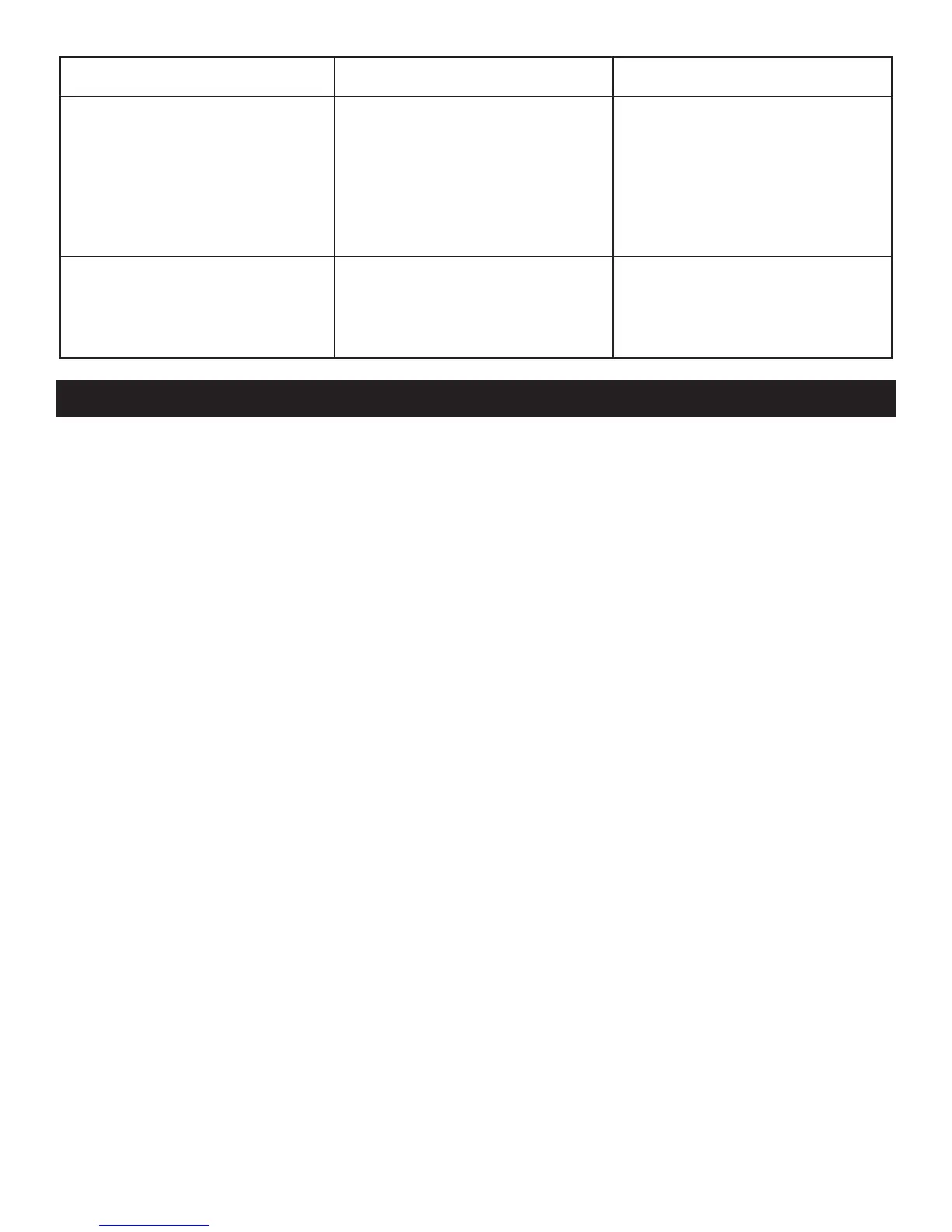
PROBLEM POSSIBLE CAUSE REASON/SOLUTION
Green LED is ashing
and the display
shows CHARGE
ABORTED-
BAD BATTERY.
The battery is
sulfated.
The battery is too
large for the charger.
Reset the charger by
briey unplugging it.
You need a charger
with a higher amp rate.
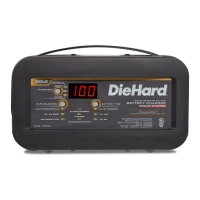
The display
shows CONNECT
CLAMPS.
The clamps are
not making a good
connection.
Check for poor
connection at battery
and frame.
BEFORE RETURNING FOR REPAIRS
•When a charging problem arises, make certain that the battery is capable of
accepting a normal charge. Double check all connections, the AC outlet for
a full 120 volts, the charger clamps for correct polarity and the quality of the
connections from the cables to the clamps and from the clamps to the battery
system. The clamps must be clean.
•When an UNKNOWN OPERATING PROBLEM arises, please read the
complete manual and call the customer service number for information.
This will usually eliminate the need for return.
If the above solutions do not eliminate the problem,
or for information about troubleshooting
or replacement parts,
call toll-free from anywhere in the U.S.A.
1-800-732-7764
7:00 am to 5:00 pm CT, Monday through Friday


 To Next Page