EasyManua.ls Logo

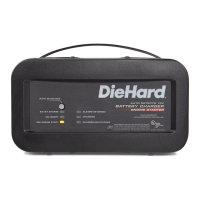
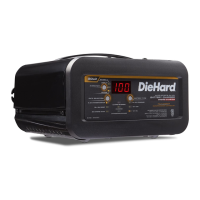
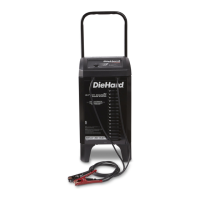
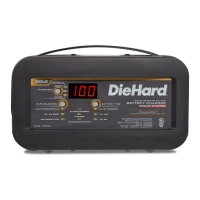
DieHard 2871222 - User Manual

DieHard 2871222
13 pages
Print Icon
To Next Page IconTo Next Page
Loading...
00-99-001009/01
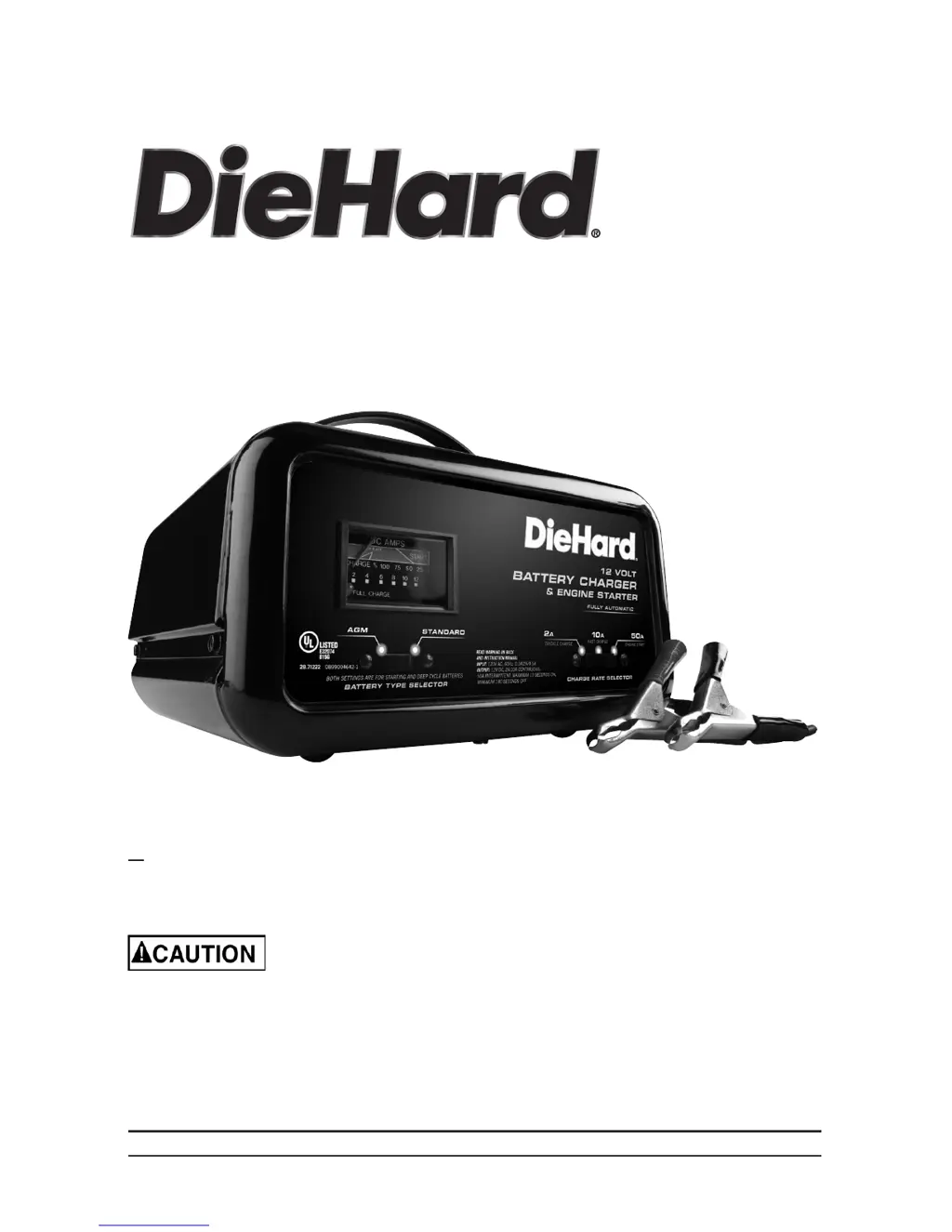
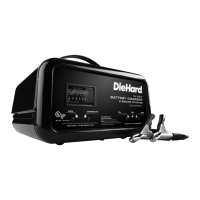
12V Battery Charger & Engine Starter
Sears Brands Management Corporation, Hoffman Estates, IL 60179 U.S.A.
OPERATOR’S MANUAL
Model No.
28
71222
Read and follow all Safety
Rules and Operating Instructions
before Every Use of this Product.
SAVE THESE INSTRUCTIONS.

Questions and Answers

  • T
    Teresa StewartAug 16, 2025
    How to troubleshoot a DieHard 2871222 that won't turn on?
    • J
      Jillian MarshallAug 16, 2025
      If your DieHard Battery Charger won't turn on, shows no ammeter reading, or isn't charging, first ensure it's plugged into a working AC outlet and that the fuse or circuit breaker for that outlet is functional. Check the power cord and any extension cords for loose connections. Also, verify that the clips are securely and cleanly connected to the battery terminals, ensuring they are not reversed. Rocking the clips back and forth can improve the connection. A defective battery might also be the cause, so consider having it checked. Note that at the 2 amp charge rate, the ammeter may not show any activity.
  • L
    Lauren GravesAug 19, 2025
    What to do if ammeter reading stays high on DieHard 2871222?
    • M
      matthewrhodesAug 19, 2025
      If the ammeter reading on your DieHard Battery Charger remains high, the battery may be severely discharged, or the charger's voltage may not match the battery's voltage. Allow the battery to charge for an additional two hours. If the issue persists, have the battery checked. Verify that the output voltage of the charger is appropriate for the battery you are charging.
  • L
    lherreraAug 22, 2025
    Why does the ammeter read less than selected charge rate on my DieHard Battery Charger?
    • E
      ecainAug 22, 2025
      If the ammeter on your DieHard Battery Charger reads lower than the selected charge rate when charging a discharged battery, the extension cord might be too long or have too small a wire gauge. Try using a shorter or heavier gauge extension cord. Alternatively, the battery may have a weak cell or sulfated plate, in this case have it checked. It's also possible that the battery is only partially discharged; in that case, continue to charge the battery.
  • A
    andreavasquezAug 25, 2025
    What to do if DieHard Remote Starter charger will not turn on?
    • R
      Robert RochaAug 26, 2025
      If the DieHard Remote Starter charger does not turn on, it might be due to the charger not being plugged in, no power at the receptacle, or a poor electrical connection. Ensure the charger is plugged into an AC outlet and check for an open fuse or circuit breaker supplying the AC outlet. Try unplugging the charger from the AC outlet, waiting 10 seconds, and then plugging it back in.
  • T
    Teresa WilliamsAug 28, 2025
    What to do if the ammeter reads less than selected charge rate when charging a discharged battery for DieHard Remote Starter?
    • Q
      qgarciaAug 28, 2025
      If the ammeter reads less than the selected charge rate when charging a discharged battery with your DieHard Remote Starter, it could be due to an extension cord that is too long or has a wire gauge that is too small, a weak cell or sulfated plate in the battery, or the battery being only partially discharged. Try using a shorter or heavier gauge extension cord. Have the battery checked. Continue to charge the battery.
  • C
    Casey HollandAug 31, 2025
    How to fix no reading on the ammeter of DieHard Remote Starter?
    • L
      Logan FernandezAug 31, 2025
      If there is no reading on the ammeter of your DieHard Remote Starter (the needle stays on the left), it might be because the clips are not making a good connection to the battery, the connections are reversed, there is a short or bad cell on the battery, or the 2 amp charge rate is being used. Check for poor connection to the battery and frame. Unplug the charger and reverse the clips. Have the battery checked. Note that the ammeter may show no activity at the 2A charge rate.
  • T
    Thomas McgrathSep 3, 2025
    What to do if my DieHard 2871222 Battery Charger has a short start cycle?
    • T
      thomaskristinSep 3, 2025
      If you experience a short or no start cycle while cranking the engine using your DieHard Battery Charger, it could be due to several reasons. If cranking draws more than 50 amps, crank time may be less than 10 seconds. Ensure you wait 3 minutes between cranking attempts. Check for poor connections at the battery and frame, and make sure the AC cord and any extension cords are firmly plugged in. Verify that the outlet has power and that the charger vents are not blocked, as overheating can occur. If the battery is severely discharged, charge it for 10 to 15 minutes at the 10 amp manual rate to aid cranking. The thermal protector may have tripped and needs a little longer to reset.
  • K
    Kenneth CollinsSep 6, 2025
    Why is my DieHard 2871222 Battery Charger making a clicking sound?
    • M
      melissa05Sep 6, 2025
      If your DieHard Battery Charger is making a clicking sound, the circuit breaker might be cycling, possibly due to incorrect settings or a defective battery. Check the charger settings and have the battery tested. High current draw can also cause the circuit breaker to cycle, so inspect the battery cables and clips for shorts, replacing them if necessary. If the battery is severely discharged but otherwise good, allow charging to continue until it recovers enough to accept a charge; however, if this takes more than 20 minutes, discontinue charging and have the battery checked. Also, ensure the lead connections are correct by switching the charger off and correcting the lead connections.
  • P
    Patricia TuckerSep 9, 2025
    What to do if DieHard Remote Starter has a short or no start cycle when cranking engine?
    • M
      Michele BaileySep 9, 2025
      If your DieHard Remote Starter experiences a short or no start cycle when cranking the engine, it could be due to drawing more than 50 amps, not waiting 3 minutes between cranks, a severely discharged battery, or an overheated charger. To resolve this, remember that crank time varies with the amount of current drawn. Allow 3 minutes of rest time before the next crank. Charge the battery for 10 to 15 minutes at the 10A rate to help assist in cranking. Also, the thermal protector may have tripped and needs a little longer to reset.
  • F
    Frank HunterSep 12, 2025
    Why ammeter reading stays high on DieHard Remote Starter?
    • N
      Nicholas BurgessSep 12, 2025
      If the ammeter reading stays high on your DieHard Remote Starter, it could be because the battery is severely discharged or the wrong battery voltage is being used. To fix this, continue charging the battery for two more hours. If the problem continues, have the battery checked. Also, verify that the output voltage of the charger matches the battery voltage.

Summary

Important Safety Instructions

Personal Precautions

Preparing to Charge

Charger Location

DC Connection Precautions

Connecting Battery in Vehicle

Connecting Battery Outside Vehicle

AC Connections and Safety

Assembly Instructions

Features and Control Panel

Ammeter and Charge Status

Details the ammeter's function, percent of charge indication, and the Full Charge LED.

Battery Type Selector Switch

Explains how to use the switch to select between Standard and AGM battery types.

Operating Instructions

Charging Procedure

Step-by-step guide for charging a battery, including connections and AC power.

Engine Start Feature Usage

Instructions for using the 50 Amp Engine Start feature to jumpstart a vehicle.

Calculating Charge Time

Maintenance Instructions

Moving and Storage Instructions

Troubleshooting

Before Returning for Repairs

DieHard 2871222 Specifications

General IconGeneral
BrandDieHard
Model2871222
Maintain Amperage2A
Digital DisplayYes
Reverse Hook-Up ProtectionYes
TypeBattery Charger
Battery Voltage12V
Charging Amperage2A
Battery TypeStandard, AGM
WarrantyLimited

Related product manuals