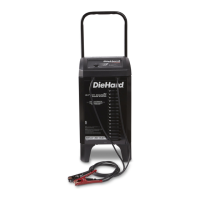
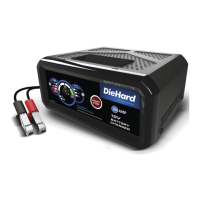
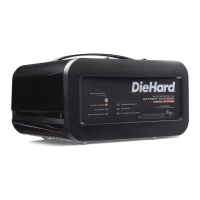
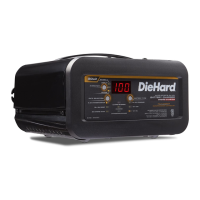
• 10 •
12. MAINTENANCE AND CARE
A minimal amount of care can
keep your battery charger working
properly for years.
• Clean the clamps each time you
are nished charging. Wipe off
any battery uid that may have
come in contact with the clamps to
prevent corrosion.
• Occasionally cleaning the case
of the charger with a soft cloth
will keep the nish shiny and help
prevent corrosion.
• Coil the input and output cords
neatly when storing the charger.
This will help prevent accidental
damage to the cords and charger.
• Store the charger unplugged from
the AC power outlet in an upright
position.
• Store inside, in a cool, dry place.
Do not store the clamps on the
handle, clipped together, on or
around metal, or clipped to the
cables.
13. TROUBLESHOOTING
PROBLEM POSSIBLE CAUSE SOLUTION
Charger will
not turn on
when properly
connected.
AC outlet is dead.
Poor electrical
connection.
Check for open fuse or circuit
breaker supplying AC outlet.
Check power cord and
extension cord for loose tting
plug.
Engine start does
not work.
Drawing more than the
Engine Start rate.
Failure to wait 3 minutes
(180 seconds) between
cranks.
The charger may be
overheated.
Battery may be severely
discharged.
Crank time varies with the
amount of current drawn. If
cranking draws more than the
Engine Start rate, crank time
may be less than 5 seconds.
When the Engine Start LED
blinks, wait 3 minutes of rest
time before the next crank.
The thermal protector may have
tripped and needs a little longer
to reset. Make sure the charger
vents are not blocked. Wait and
try again.
On a severely discharged
battery, use the Boost rate for
10 to 15 minutes, to help assist
in cranking.


 To Next Page