Chapter 16: Voce Plug-ins 53
chapter 16
Voce Plug-ins
(TDM, RTAS, and AudioSuite
This chapter describes the Voce™ Chorus/Vi-
brato and Voce Spin plug-ins.
Voce Chorus/Vibrato
(TDM, RTAS, and AudioSuite)
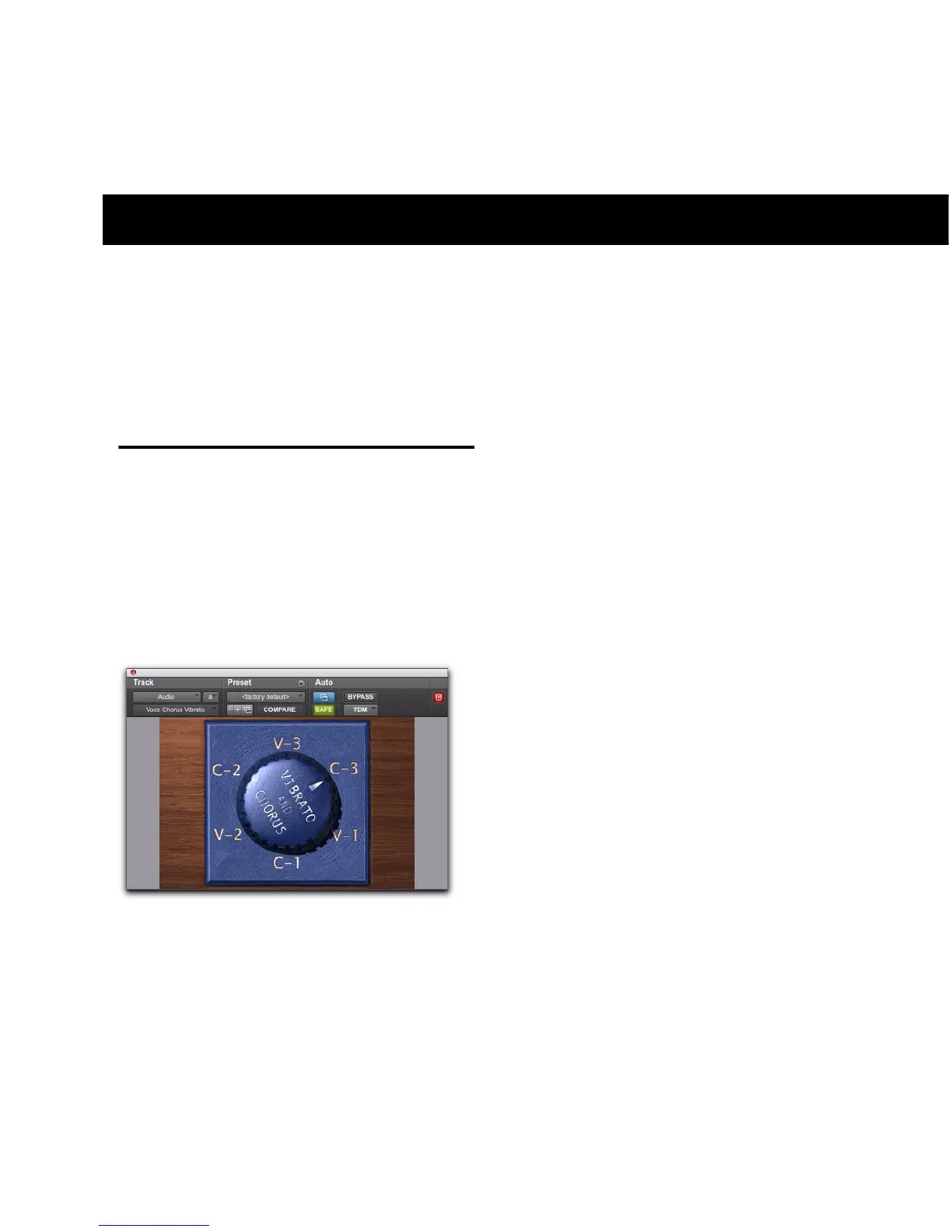
Voce Chorus/Vibrato recreates the mechanical
scanner vibrato found in the B-3 Organ. Three
settings of chorus and three settings of vibrato
presented on one cool knob! Fun and easy to
use, it’s a classic effect used for over sixty years.
How Voce Chorus/Vibrato Works
In a large pipe organ, “ranks” of pipes (multiple
pipes designed to emit the same frequency)
aren’t perfectly in tune. The effect goes by the
name “multirank” or, more commonly, “cho-
rus.”
Inside every B-3 organ, on the end of the drive-
shaft that spins the tonewheels, you’ll find a
mechanical contraption that delays the sound
of the organ. Originally added to make the B-3
sound more like a pipe organ, it imparts fre-
quency variation to the sound.
Although well received by churches, the signa-
ture B-3 Chorus/Vibrato graced jazz and rock re-
cordings ever since. Now you can use this beau-
tiful effect on any instrument.
How Voce Chorus/Vibrato is Used
Simply click the Big Knob to rotate between set-
tings of Vibrato and Chorus. V1 provides the
least amount of vibrato, V2 slightly more, and
V3 the most. Likewise the amount of Chorus in-
creases from C1 to C3.
Option-Click the knob to rotate it in the oppo-
site direction, or click the lettering to select a
specific setting.
Tips and Tricks
The classic setting for organ is “C3” but you’ll
find other settings useful on a variety of instru-
ments. Some of our favorites include:
Voce Chorus/Vibrato



 To Next Page
 Loading...