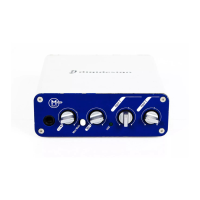
Mbox 2 Mini Getting Started Guide34
Connecting Audio Inputs
Mbox 2 Mini inputs (sources) support micro-
phones, guitars, keyboards, and other types of
instruments. Mbox 2 Mini has two audio input
sections, labeled Input 1 and Input 2. For stereo
inputs, use Input 1 for the left input, and Input
2 for the right input.
For information about connecting specific au-
dio sources, see “Connecting a Microphone to
the Mbox 2 Mini” on page 34, and “Connecting
Instruments to the Mbox 2 Mini” on page 35.
Overview of Analog Inputs
Mbox 2 Mini provides a total of two channels of
analog input on the back panel. These are la-
belled Inputs 1 and 2.
Input 1
Input 1 provides Mic and Line/DI input connec-
tors. Inputs are selectable with the back panel
Mic/DI switch.
These inputs appear as Analog In (1) in
Pro Tools.
XLR For XLR microphone cables.
Line/DI For 1/4-inch TRS (Tip-Ring-Sleeve) or TS
(Tip-Sleeve) cables from guitars, microphones,
keyboards, mixers, or similar sources.
Input 2
Input 2 provides a Line/DI input connector. In-
puts are selectable with the back panel Mic/DI
switch. This input appears as Analog In (2) in
Pro Tools.
Line/DI For 1/4-inch TRS (Tip-Ring-Sleeve) or TS
(Tip-Sleeve) cables from guitars, microphones,
keyboards, mixers, or similar sources.
Connecting a Microphone to
the Mbox 2 Mini
Mic Cables and Connectors
There are several ways to use Mbox 2 Mini with
a microphone, depending on the type of micro-
phone and cable you use.
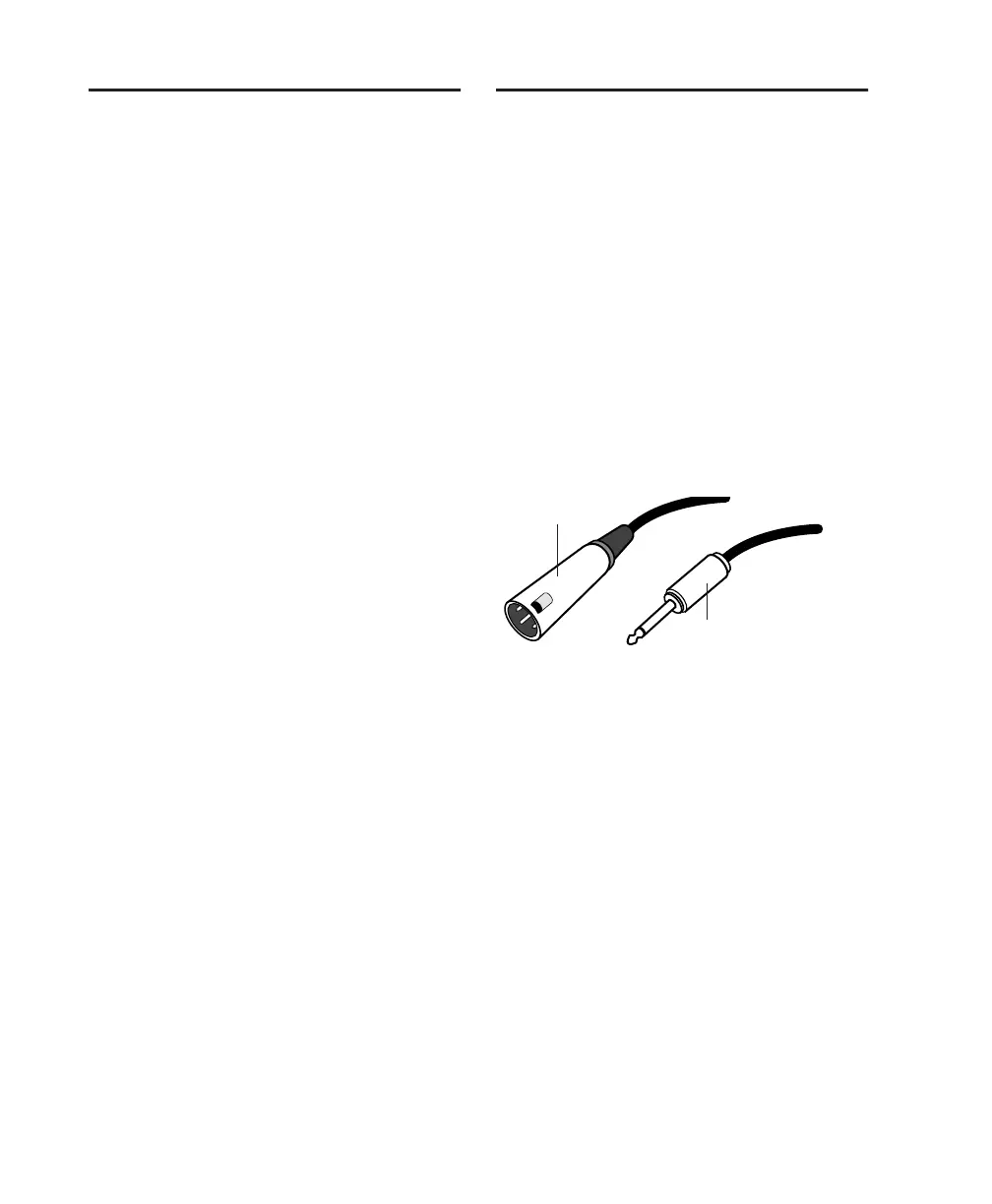
Some microphone cables use an XLR connector
to attach a microphone to an input (such as
those on the Mbox 2 Mini); other microphones
use a 1/4-inch connector. If you have a choice,
use an XLR connector to connect the micro-
phone to the Mbox 2 Mini to yield better re-
sults.
Phantom Power
Some microphones require power to operate.
This power, called phantom power, is supplied ei-
ther by a battery in the microphone, or through
an audio interface (such as Mbox 2 Mini) that
can supply power through the microphone ca-
ble.
XLR and 1/4-inch connectors
XLR connector
1/4-inch connector


 To Next Page
 Loading...