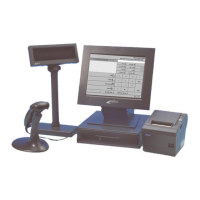
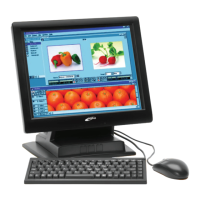
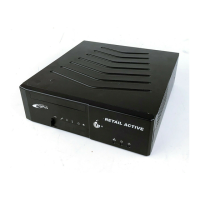
Using the DigiPoS Retail Active 8000
11
Serial COM Ports
The DigiPoS Retail Active provides four serial COM ports with adjustable voltage output.
The voltage can be 0V, 5V, 12V, or 24V output. With these serial ports, you can connect
peripheral devices to the DigiPoS Retail Active for both power and data connectivity.
Cash Drawer Port
The DigiPoS Retail Active provides a cash drawer port with adjustable voltage output. The
voltage can either be 12V or 24V output.
Typical POS Device Voltage Requirements
The DigiPoS Retail Active provides two different voltage of PoweredUSB ports located on
the rear side. With these enhanced USB ports, you can connect peripheral devices
directly to the DigiPoS Retail Active via a single USB cable for both power and data
connectivity.
• 24volt PoweredUSB port (Red)
• 12volt PoweredUSB port (Green)
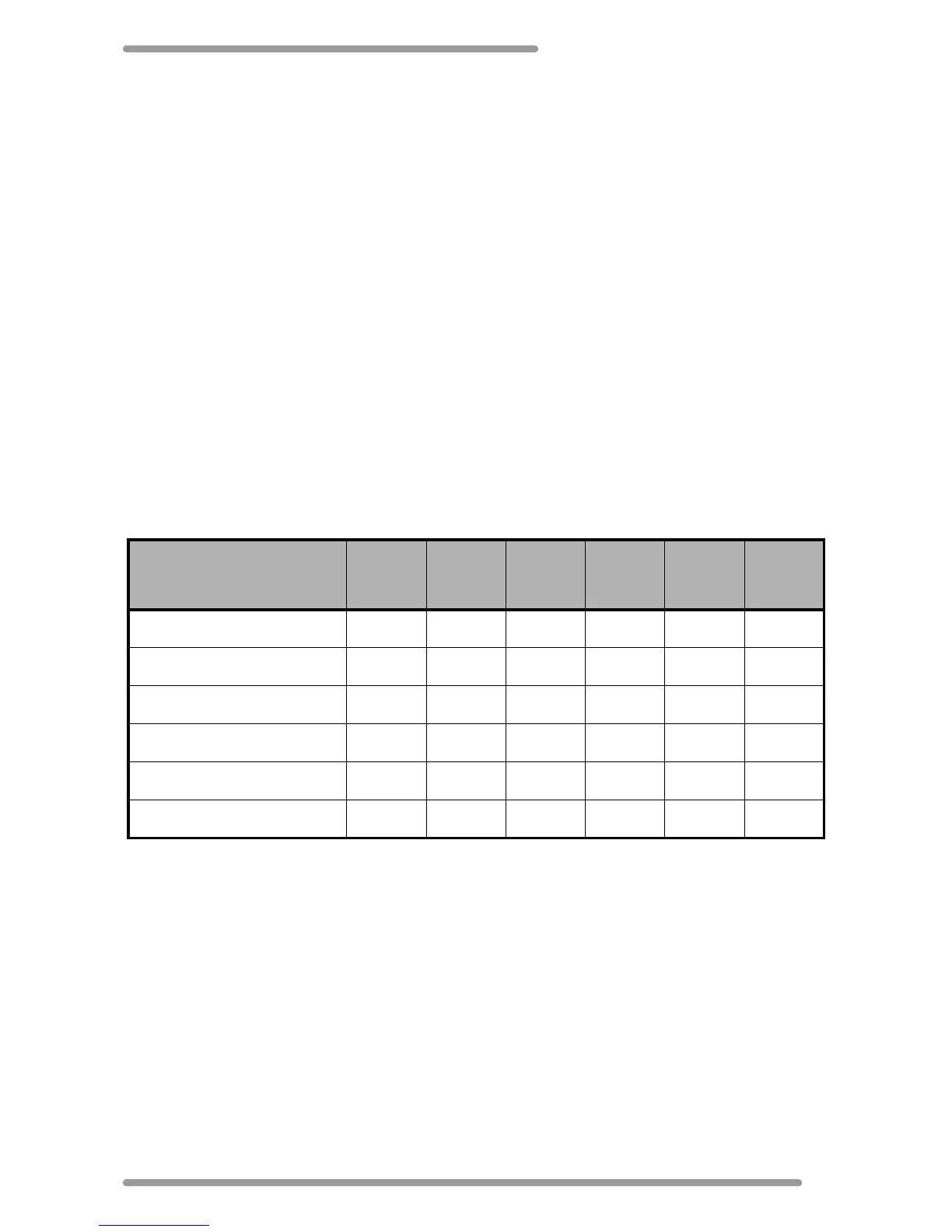
The following table gives some examples of the supported devices by voltage.
Device Examples
0V
(Standard
RS232)
5V 9V 12V 24V 45V
DigiPoS PoS Printer ----Y-
Epson PoS Printer ----Y-
DigiPoS Customer Display -YYYYY
Epson Customer Display ----Y-
MSR Swipe Reader -Y----
DigiPoS LCD Monitor ---Y--


 To Next Page