ENGLISH
7
previous one.
■: to stop the playback of files.
EXIT: to exit the menu and some functions.
: to move from one file to another.
(PLAY): to re-play files when you are paused.
II: while watching a program it freezes the picture, press again to unlock;
while playing a file it activates pause, press the (PLAY) button to
resume playing.
: fast backward while playing back a file.
: fast forward while playing back a file. You can increase the speed
by pressing the key several times. In audio files, the speed is
unique.
(0~9) Number keys: to switch channels. In the menu to enter values.
EPG: Electronic Program Guide.
: switch to previous viewed channel.
Installing the Batteries
Remove the battery cover from rear of the remote control and place
2xAAA size batteries inside the compartment.
Please make sure the battery polarities match the polarity markings
inside the compartment.
Using the Remote Control
To use the remote control, point it towards the front of the digital set top
box. The remote control will not operate if its path is blocked. Sunlight or
very bright light will decrease the sensitivity of the remote control.
SOME KEYS AND FUNCTIONS
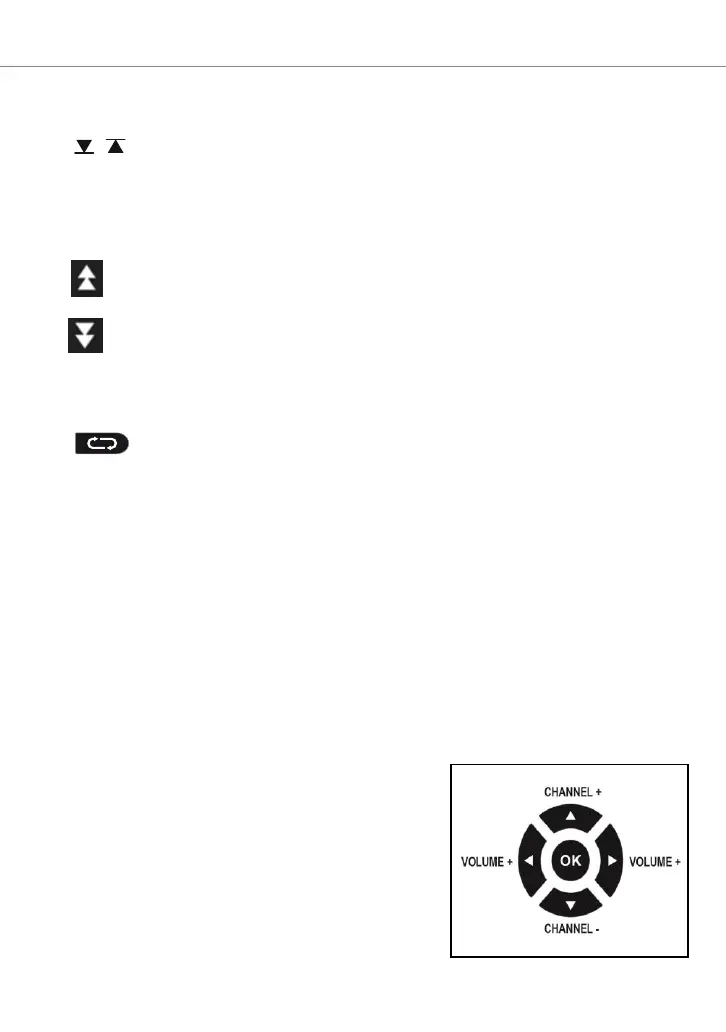
Changing channels and adjusting volume
There are several ways to change channels:
- Scroll with the ▼ or ▲ keys.
- Enter the channel number using the
Number keys.
- Press the OK button to open the channel
list, scroll with the ▼ or ▲ buttons and
press the OK button to display the
selected one.
Use and keys to adjust the volume


 To Next Page