2–6 DECserver 90M Owner’s Manual
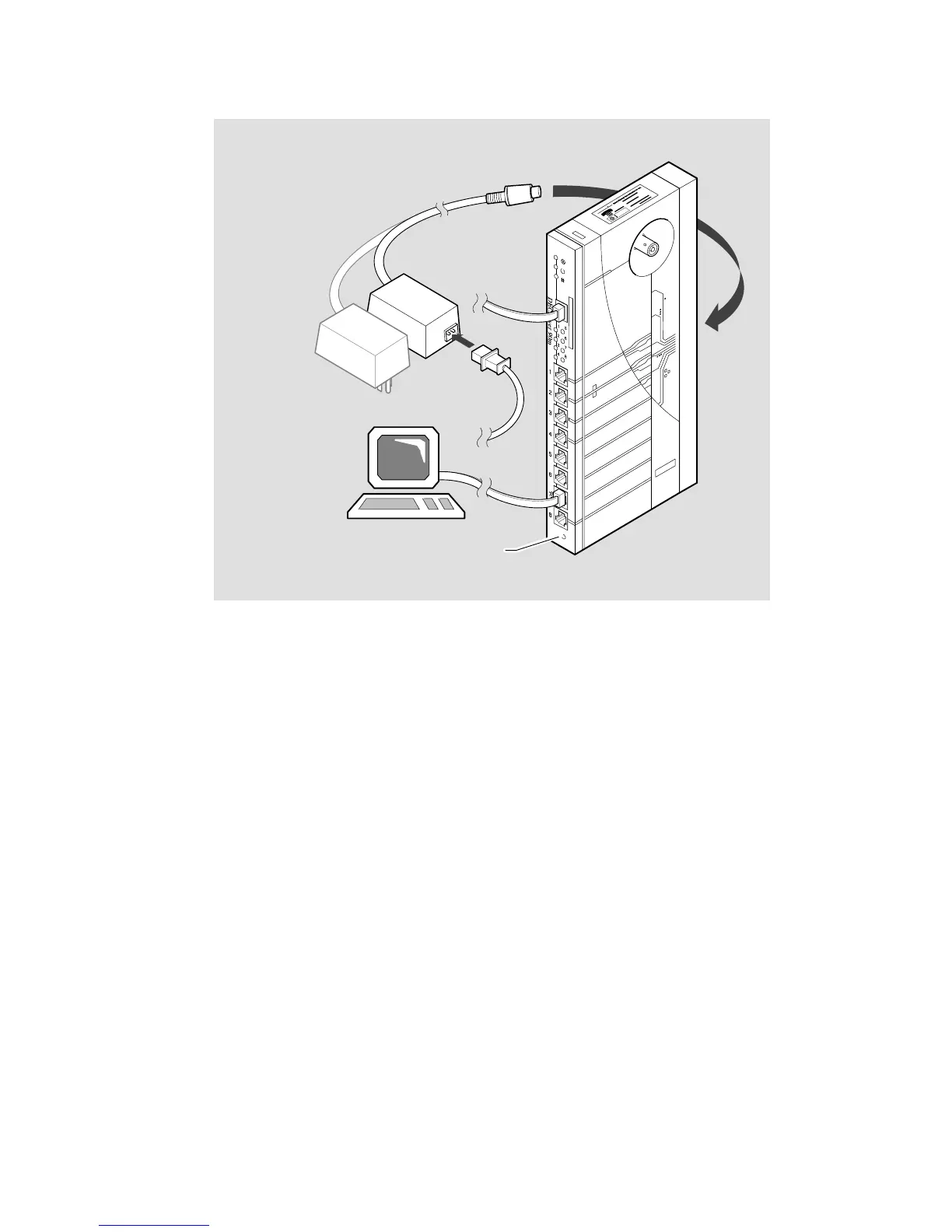
Figure 2–3: Standalone Configuration – 10BaseT Connection
LKG-7196-92I
North American
Power Supply
International
Power Supply
Reset Switch
MJ8
2.1.2 Backplane Installation
To install the DECserver 90M in the DEChub 90 Ethernet backplane, perform the
following steps:
1. Remove the back cover (refer to Figure 2–1).
2. Place the lower mounting tab, located on the back of the DECserver 90M, in
the appropriate mounting slot on the backplane (refer to Figure 2–4).
3. Rock the unit into place. You hear a click when the device is securely latched
in place.
4. Make sure the power unit is secured in the backplane.



 To Next Page