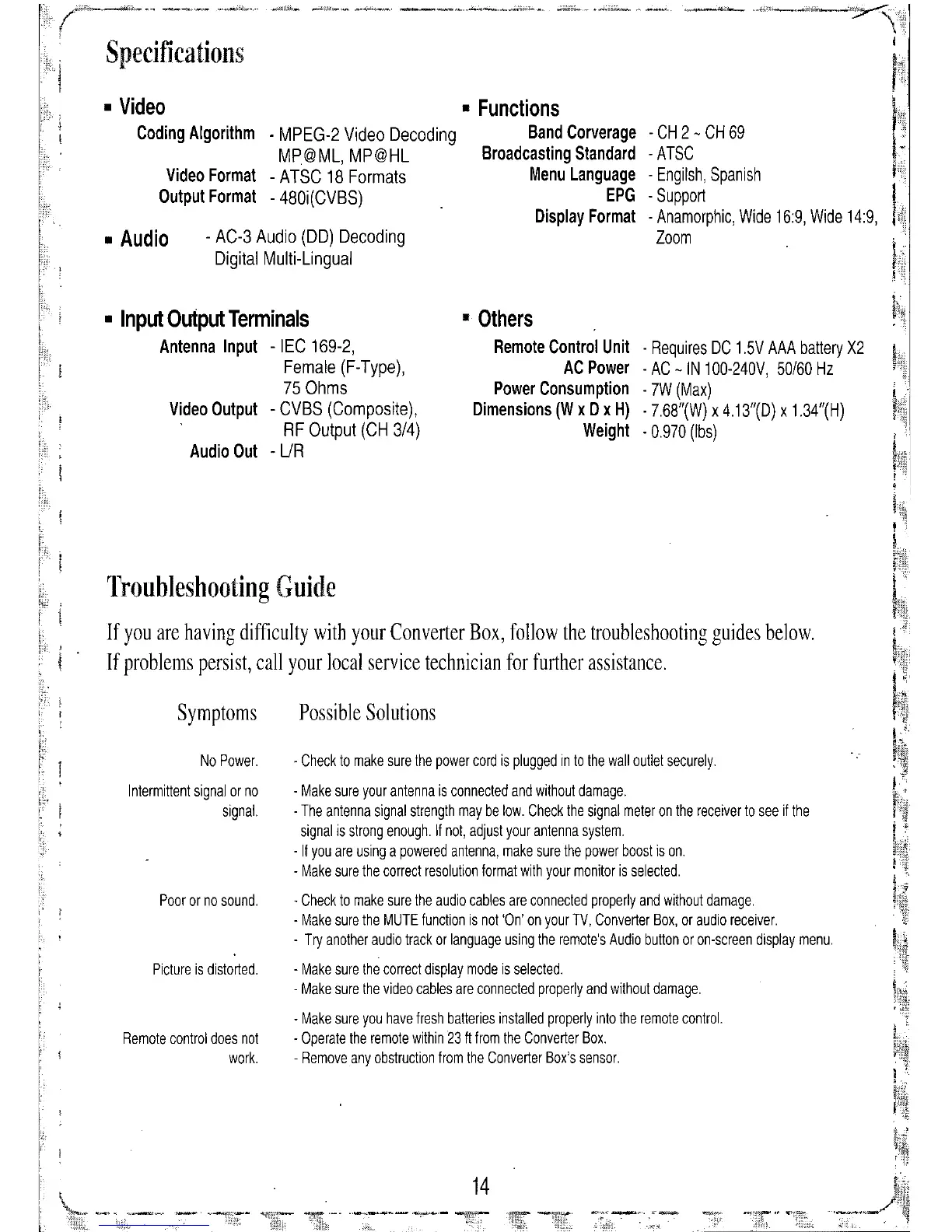
If you are having difficulty with your Converter Box, follow the troubleshooting guides below.
If problems persist, call your local service technician for further assistance.
- CH 2 - CH 69
-ATSC
- Engilsh, Spanish
- Support
- Anamorphic, Wide 16:9, Wide 14:9,
Zoom
• Others
Remote Control Unit - Requires DC 1.5V AAA battery X2
AC Power - AC -IN 100-240V, 50/60 Hz
Power Consumption - 7W (Max)
Dimensions (W x D x H) . 7.68"(W) x 4.13"(0) x 1.34"(H)
Weight .0.970 (Ibs)
Possible Solutions
14
. Check to make sure the power cord is plugged in to the wall outlet securely.
- Make sure your antenna is connected and without damage.
. The antenna signal strength may be low. Check the signal meter on the receiver to see if the
signal is strong enough. If not, adjust your antenna system .
. If you are using a powered antenna, make sure the power boost is on.
- Make sure the correct resolution format with your monitor is selected .
. Check to make sure the audio cables are connected properly and without damage.
- Make sure the MUTE function is not 'On' on your TV, Converter Box, or audio receiver.
- Try another audio track or language using the remote's Audio button or on-screen display menu.
- Make sure the correct display mode is selected.
. Make sure the video cables are connected properly and without damage.
- Make sure you have fresh batteries installed properly into the remote control.
- Operate the remote within 23 ft from the Converter Box.
. Remove any obstruction from the Converter Box's sensor.
• Functions
. MPEG-2 Video Decoding Band Corverage
MP@ML, MP@HL Broadcasting Standard
- ATSC 18 Formats Menu Language
- 480i(CVBS)
EPG
Display Format
- AC-3 Audio (DO) Decoding
Digital Multi-Lingual
Video Format
Output Format
Symptoms
Poor or no sound.
Picture is distorted.
No Power.
Intermittent signal or no
signal.
Remote control does not
work.
Troubleshooting Guide
Specifications
• Input Output Terminals
Antenna Input - IEC 169-2,
Female (F-Type),
75 Ohms
Video Output - CVBS (Composite),
RF Output (CH 3/4)
Audio Out -
UR
• Audio
• Video
Coding Algorithm


 To Next Page