User’s Manual | 10
1.3.2 System Shutdown and change password
To power off the DVR, follow one of the options below:
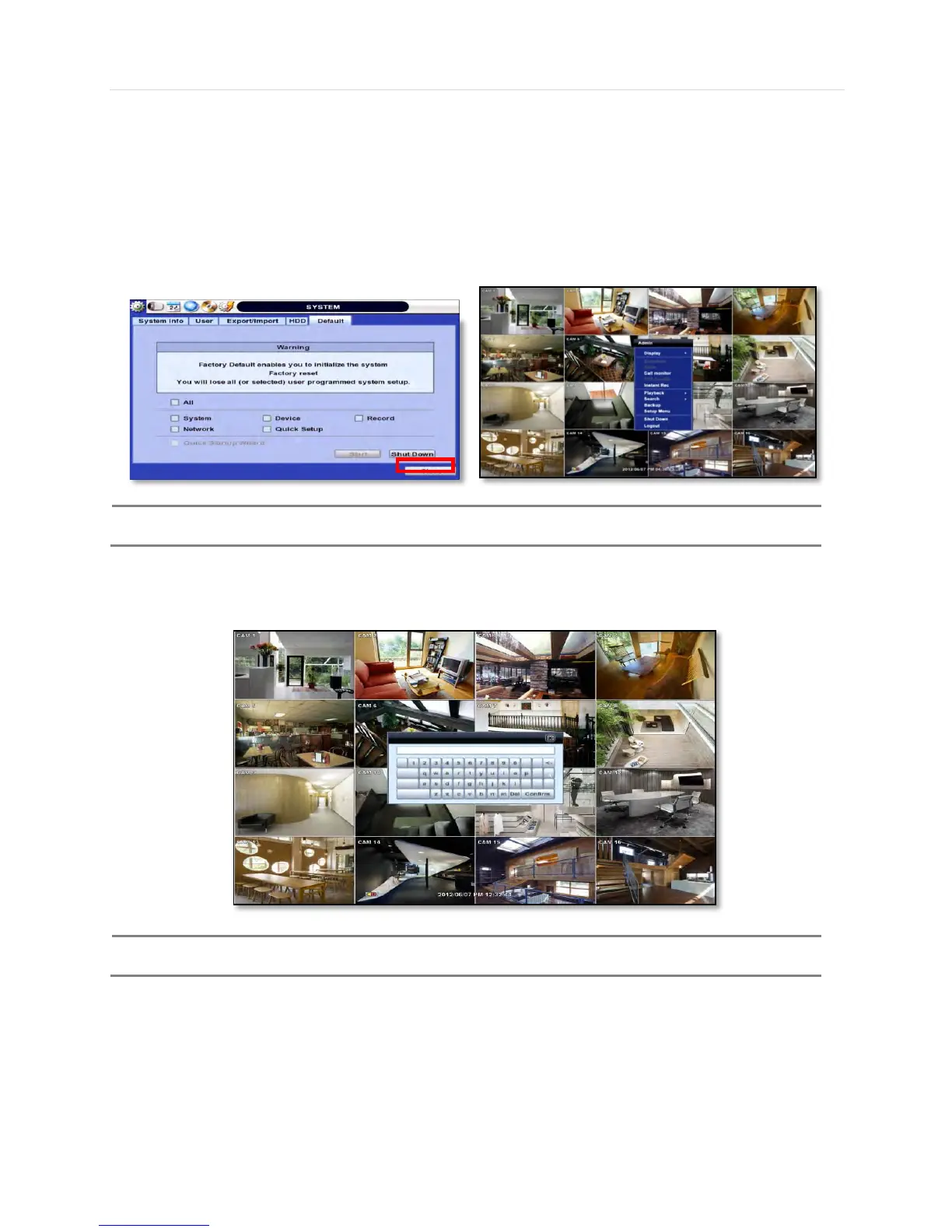
1. Right-click on the screen and select ‘Shutdown’ from the drop-down menu. Enter the username and password to power
off the DVR.
2. Right-click on the screen and select ‘Setup Menu’. Go to the System Settings sub-menu and select the ‘Default’ tab.
Press the ‘Shut Down’ button at the bottom right of the window. Enter your username and password and select OK to
power off the DVR.
It is not recommended to disconnect the power cable abruptly from the back of the DVR because it may
affect the DVR and Hard Drive.
The default password for ‘admin’ account is none. Therefore, just click ‘Enter’ button on the dial pad. If you changed the
password for ‘admin’ account, please type in the changed password to login.
User can type in the password using the virtual keyboard or the numeric buttons on the IR remote



 To Next Page