User’s Manual | 44
4.3.4 Holiday
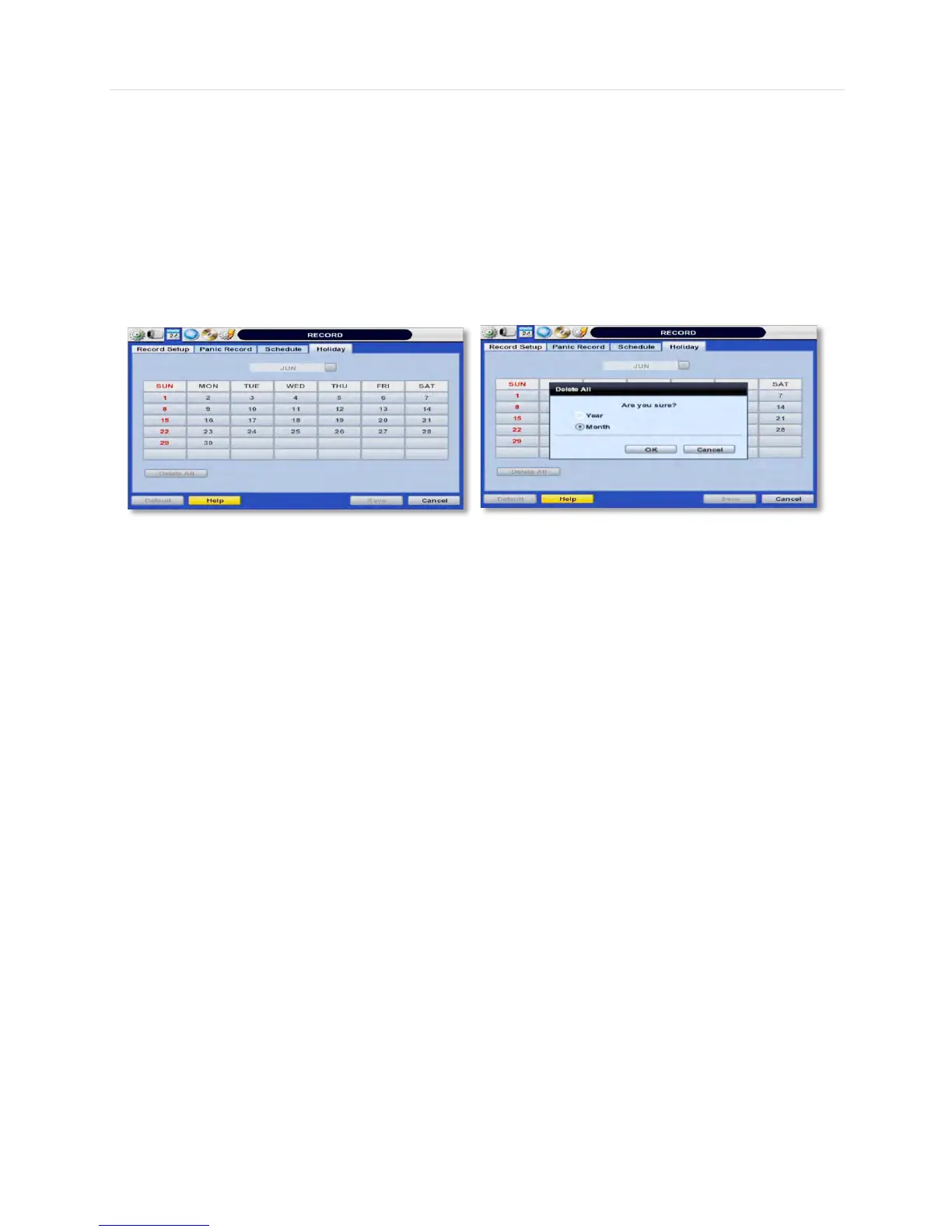
Setup a specific day as a holiday to assign it different recording schedules.
1. Go to the ‘Holiday’ tab.
2. Select a day from the calendar by clicking on it.
3. Select the repeating options. Select to repeat this holiday settings for the same day every year, or for the same day of
the week of that month.
All days selected as holidays in the holiday setup page will have the recording settings according to the ones assigned in the
schedule setup page.



 To Next Page