DD-5100
defined below:
[1.tAG] > > [5.dEL] > > [5.ALL] > >[dEL?] > > [donE] – all identificators are
deleted
Delete system identificator, related to sequence number
Similar to user tags, system tags has it's own sequence numbers from range [1-6]. For example to delete last
sixth system tag, do the following:
[1.tAG] > > [4.dEL] > > [3.S.onE] > > [S.- ] > (enter no.=6) > > [donE] –
identificator deleted
Delete common identificator, related to sequence number
Similar to user tags, Common tags has it's own sequence numbers from range [1-16]. For example to delete
last sixth system tag, do the following:
[1.tAG] > > [5.dEL] > > [3.C.onE] > > [C.- ] > (enter no.=16) > > [donE] –
identificator deleted
4.3.2. Actions with codes
Door phone DD-5100 does not contain door unlock codes generated and entered to memory in advance.
Each user has a possibility to create and change his door unlock code, using user’s programming li nk (See User’s
Manual. Page 25). No one, including system installing personnel, does not know a code in advance, which helps to
increase a level of system safety. However, upon a necessity, system adjuster or administrator has a possibility to
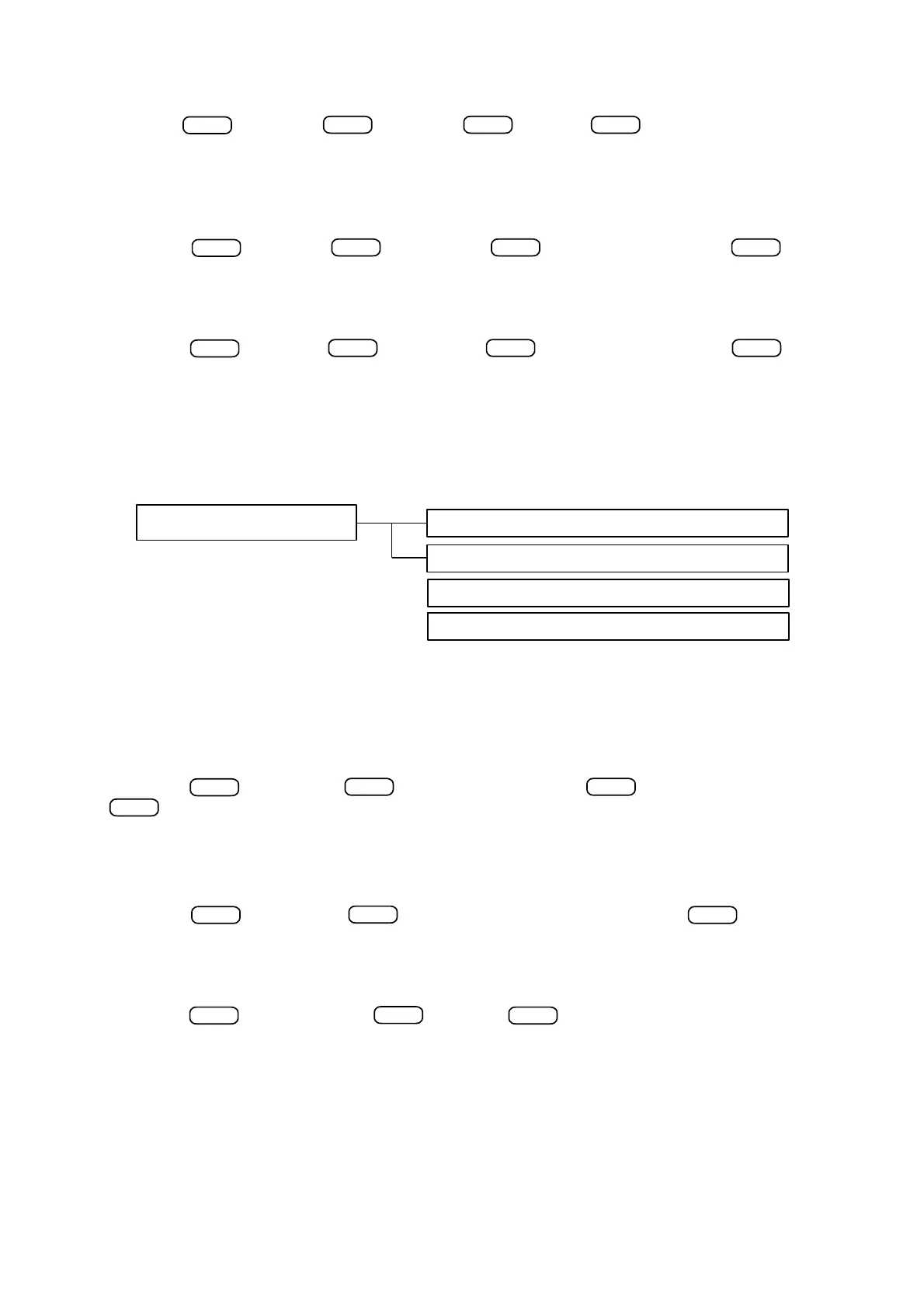
deliver, change or delete System user’s or Service codes. See fig. 16 for “Actions with codes” menu item structure:
Set/change users door unlock code
System administrator can enter a new or change an old user’s door unlock code. Administrator’s rights allow
to change the mentioned code even without a previous one. Delivery of a new code and change or an old one are
performed according to similar procedure: enter an appropriate subscriber’s ID and enter a new code. See an
example of changing door unlock code for a flat No. 56:
[2.CodE] > > [1.U.Pin] > > [Id- ] > (enter ID=56) > > [_ _ _ _] > (set new code) >
> [donE] – door unlock code for a flat No. 56 is entered/changed
Change Service PIN (SPIN) code
SPIN code allows to enter a system programming mode and is delivered one time when activating this mode.
SPIN code could be changed using programming menu:
[2.CodE] > > [2.S.Pin] > > [_ _ _ _] > (enter new SPIN code) > > [donE] – SPIN
code is changed
Delete All PIN codes except S.Pin
This function allows you to delete all entered user and the administrator PIN code.
[2.CodE] > > [3.rESEt-ALL] > > [rSt?] > > [donE]
4.3.3. System settings
This menu item allows to arrange the main system settings: to change unlock delay time, lock type, access
control type and number of calling signals ( See fig. 18).
24
ENTER
ENTER ENTER
ENTER
ENTER ENTER
ENTER
ENTER
ENTER
ENTER
ENTER
ENTER ENTER ENTER
Fig. 16: Structural scheme of code programming menu


 To Next Page