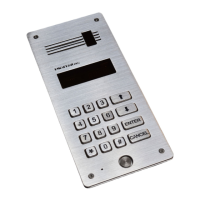
DD-5100
5.1. Introduction to Net configurations...................................................................................................30
5.2. Ways to connect DD5100 to Network (Net types)...........................................................................30
5.2.1. NET1........................................................................................................................................30
5.2.2. NET2 .......................................................................................................................................30
5.2.3. NET3........................................................................................................................................31
5.3. Network configuration.....................................................................................................................31
5.3.1. Net configuration examples......................................................................................................31
5.4. Error codes.......................................................................................................................................31
Chapter 6. Error, its identification and troubleshooting...............................................................................32
User Manual.................................................................................................................................................33
1. How to use a door phone:....................................................................................................................33
2. Entering from outside..........................................................................................................................33
3. Internal door unlock............................................................................................................................33
4. Changing of user’s PIN code:.............................................................................................................33
5. Programming of new identificators.....................................................................................................34
2


 To Next Page