Digium, Inc. Page 44
Chapter 3: Configuration
Configuring T1/E1 Lines
1. Begin by opening the system.conf file from the /etc/dahdi directory.
2. Specify the two letter country code for your loadzone and defaultzone.
This will preload tone zone data and specify a default tone zone for
your interfaces.
The following is a typical setup for a telco in the US:
loadzone = us
defaultzone = us
3.
Configure the SPAN Map.
For each T1/E1 you are using, you will need to define a span. The
SPAN map includes defining the SPAN number, timing, line build out,
framing, and coding. Configuration details for each of these items is
explained in this section.
span => <Number>,<Timing>,<Line Build
Out>,<Framing>,<Coding>[,Yellow]
Number:
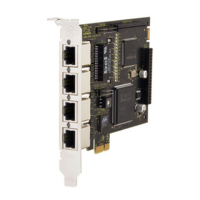
This is the port the T1/E1 line is plugged into. Port 1 being the furthest
span from the PCI bus. The port numbers are noted on the PCI bracket.



 To Next Page