Dimension One Spas – Reflections Owner’s Manual
12
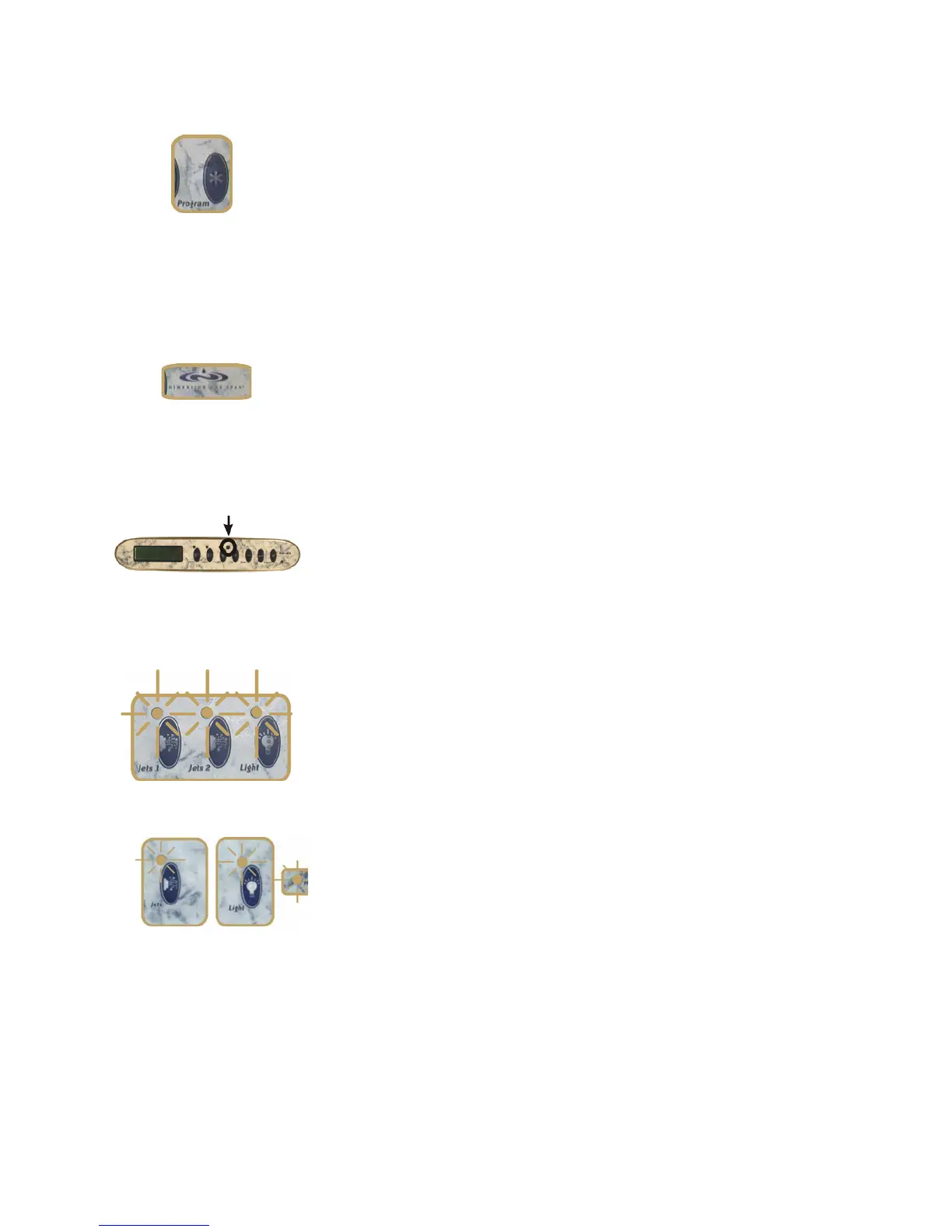
PROGRAM Button
You push the PROGRAM Button to begin the process of
programming, or reprogramming, the spa.
For more information, see the section on “Programming the Scrolling
Message Center“ or “Programming the Digital Control Panel.” (You
can recognize which panel you have by consulting the pictures at
the beginning of this Operation section, or by noting that the
Scrolling Message Center has an Enter Button, the Digital Control
Panel does not).
Dimension One Spas
ICON (Logo) Button
Time of Day: Push the Dimension One ICON Button to see the time of
day. If no other button is pushed within 5 seconds, the display will
revert to water temperature.
Standby Mode: If your spa has the Scrolling Message Center, you
can Press the ICON Button for 5 seconds to put the spa in “Standby”
mode, which allows you to clean the spa without turning off the
power.
Infrared Sensor
If your spa is equipped with the Scrolling Message Center, you can
control the spa jets, interior lights, and optional perimeter lighting
using the optional D1 Remote Control.
Be sure to point the remote control at the infrared sensor, located to
the left of the Up (+) button.
Three Flashing Lights
or
DO NOT ENTER THE WATER if you see Three flashing Lights on the
control panel. This indicates a problem with the spa.
If you have flashing lights, but the Digital Display Window shows the
current water temperature, you have a water flow problem. You will
need to check the water level and/or clean the filters.
The flashing lights should stop once the problem is fixed. If the
problem persists, reset the power to the spa by resetting the GFCI
breaker.
If the problem persists after resetting the power, contact your local
Authorized Dimension One Spas Dealer, or authorized service
center.



 To Next Page